Selfie to Comic Generator

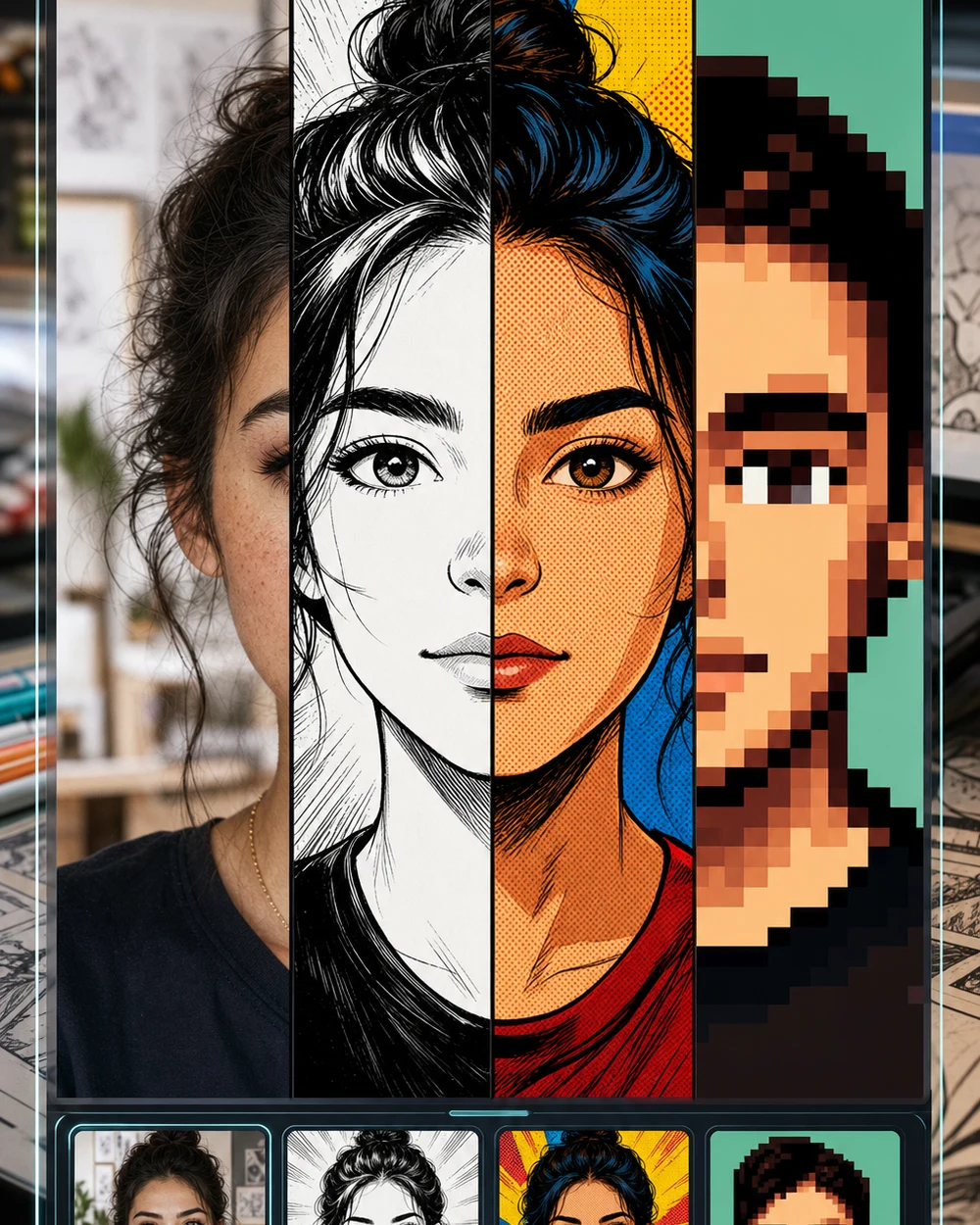
Drop a selfie here, type a short style note, and OpenImg converts it into a comic drawing. No sign-up, no software install, no drawing skills — just a photo and a prompt.

Convert selfies into any comic style

OpenImg supports all major comic traditions. Describe the look you want and the AI handles the conversion.

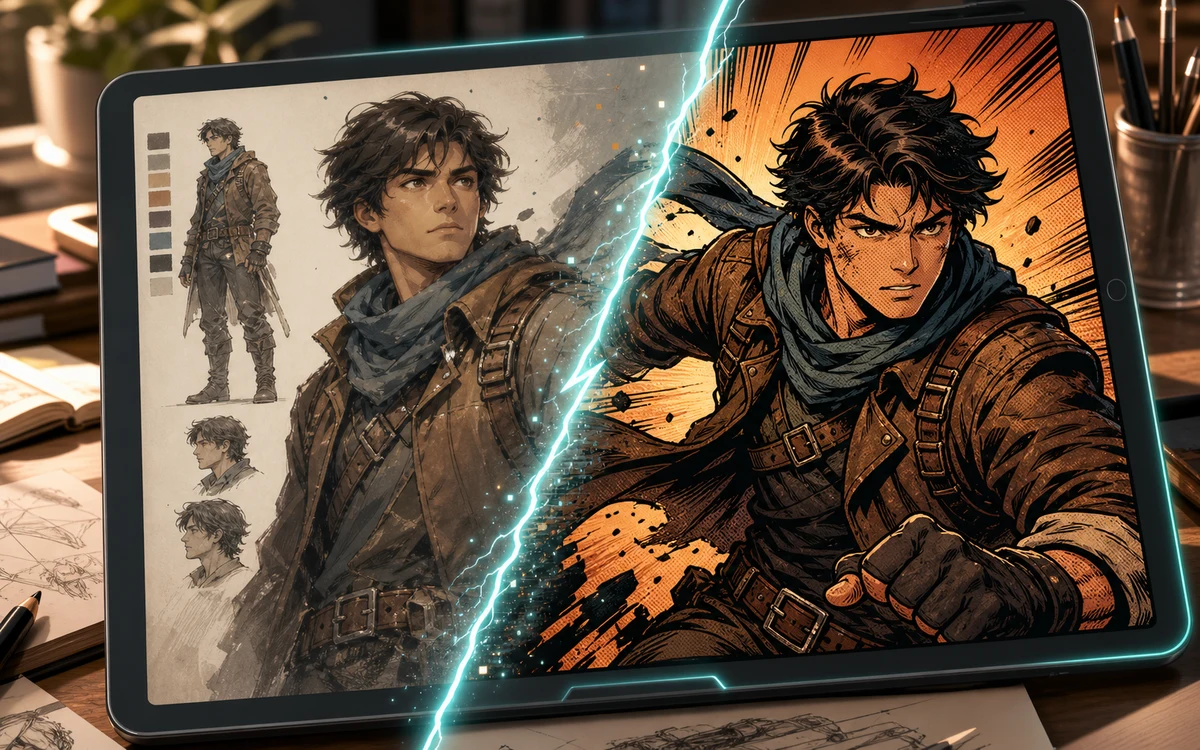
Character to comic conversion preview on a tablet with inked comic result

American Comics

Convert a selfie into an American comic hero style

Prompt for strong jawline ink, bold primary color flats, Ben-Day dot shading, dramatic upward lighting, and the house style of classic American superhero comics.

American comicSuperhero styleComic book art
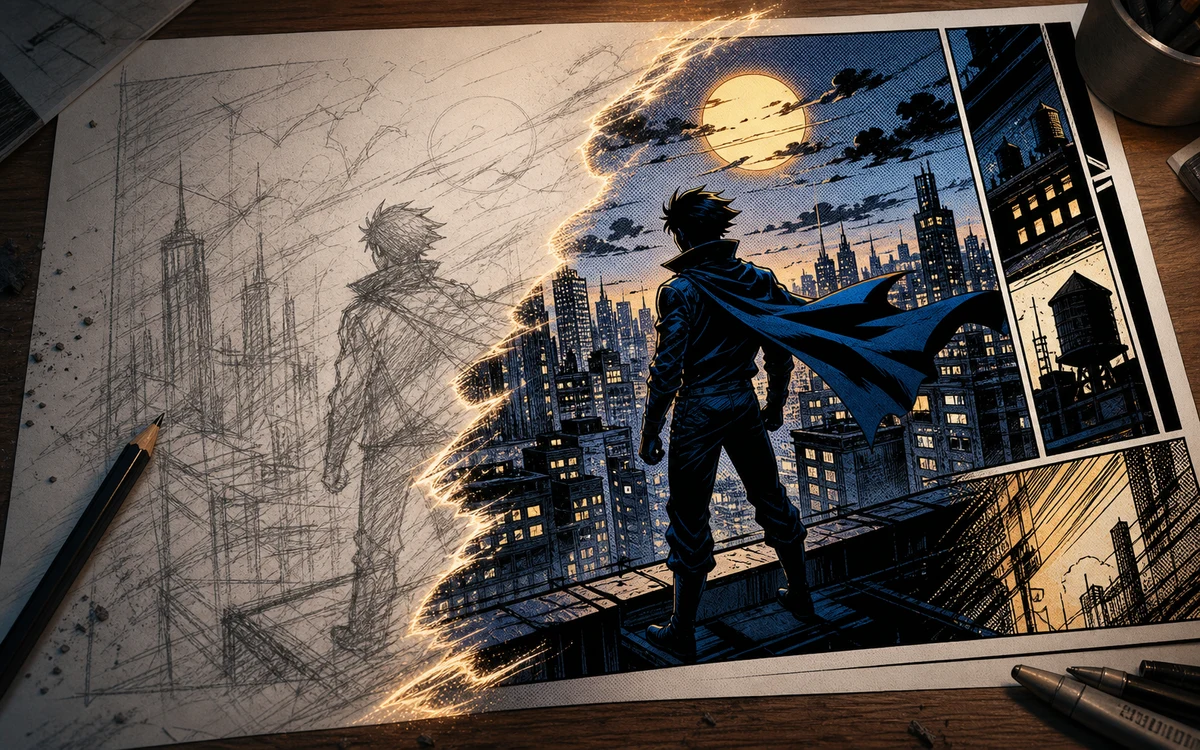
Sketch to comic conversion with pencil city scene becoming a finished panel

Japanese Manga

Convert a selfie into Japanese manga style

Ask for fine variable-width ink lines, delicate screentone shading, large expressive eyes, soft gradient hair, and clean manga page composition.

Japanese mangaAnime comicManga portrait
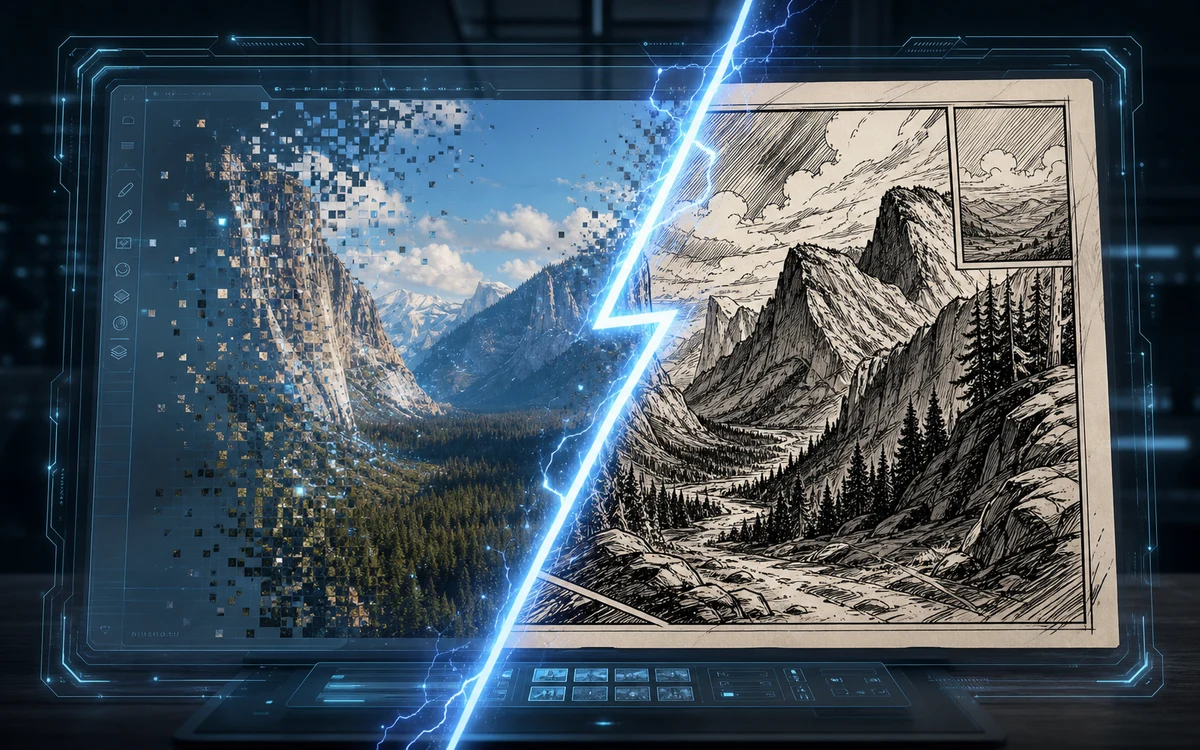
Screenshot to comic conversion with a digital photo becoming a hand drawn panel

Sunday Cartoon

Convert a selfie into a colorful cartoon comic

Go for thick rounded outlines, exaggerated expressions, flat cheerful colors, simple gag-strip framing, and the playful energy of a Sunday newspaper comic.

Cartoon comicFunny comicNewspaper style
Workflow

How to convert a selfie into a comic

Three quick steps — upload, describe, convert. Repeat with different prompts to explore styles.

1

Upload your selfie

Drag in a photo from your phone or computer. Any standard selfie, portrait, or casual photo works as the source image.

2

Pick a comic tradition

Tell the AI which comic style to use: American, Japanese manga, European bande dessinee, Sunday cartoon, graphic novel, or a blend of influences.

3

Lock your likeness

Mention what should stay recognizable: facial features, body shape, hairstyle, glasses, smile. The AI converts the medium, not the person.

4

Convert again with a new prompt

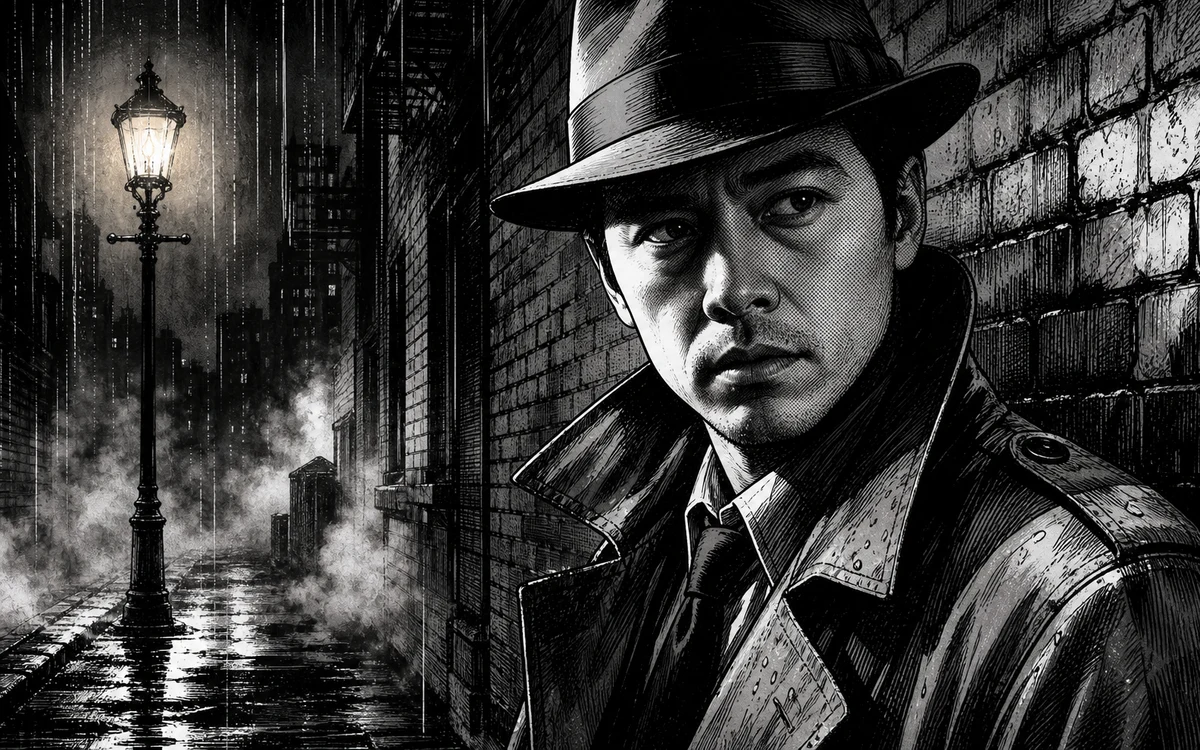
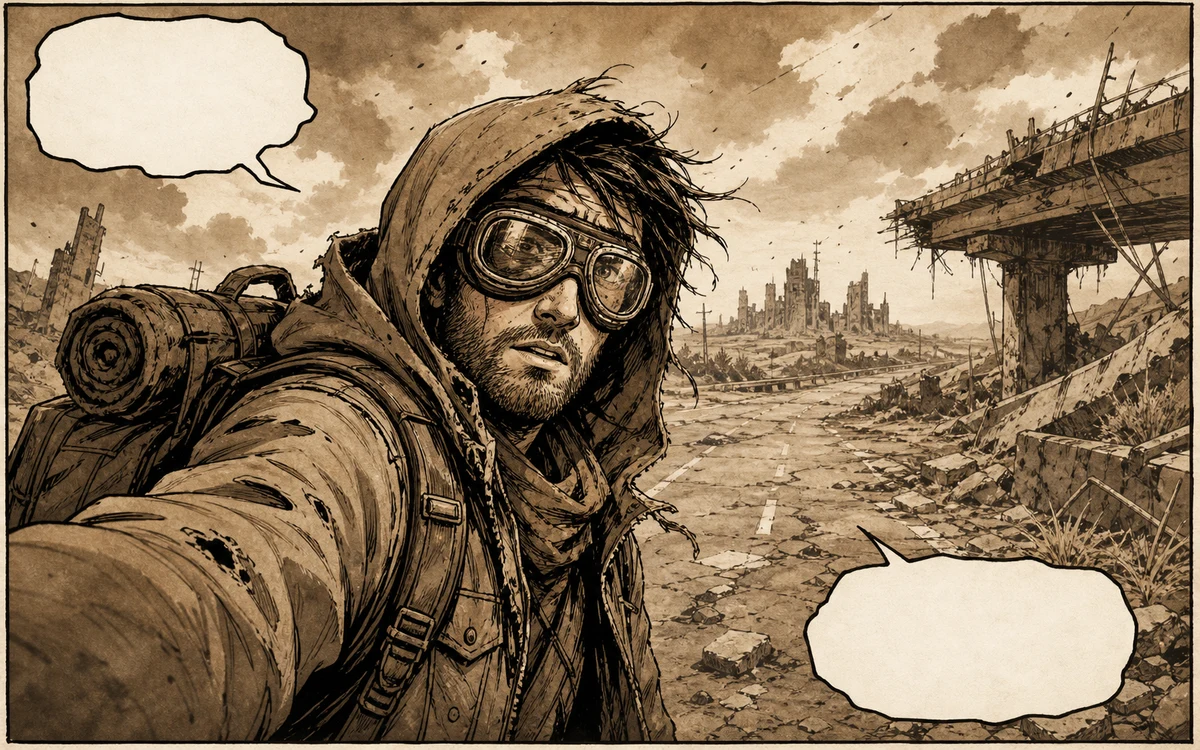
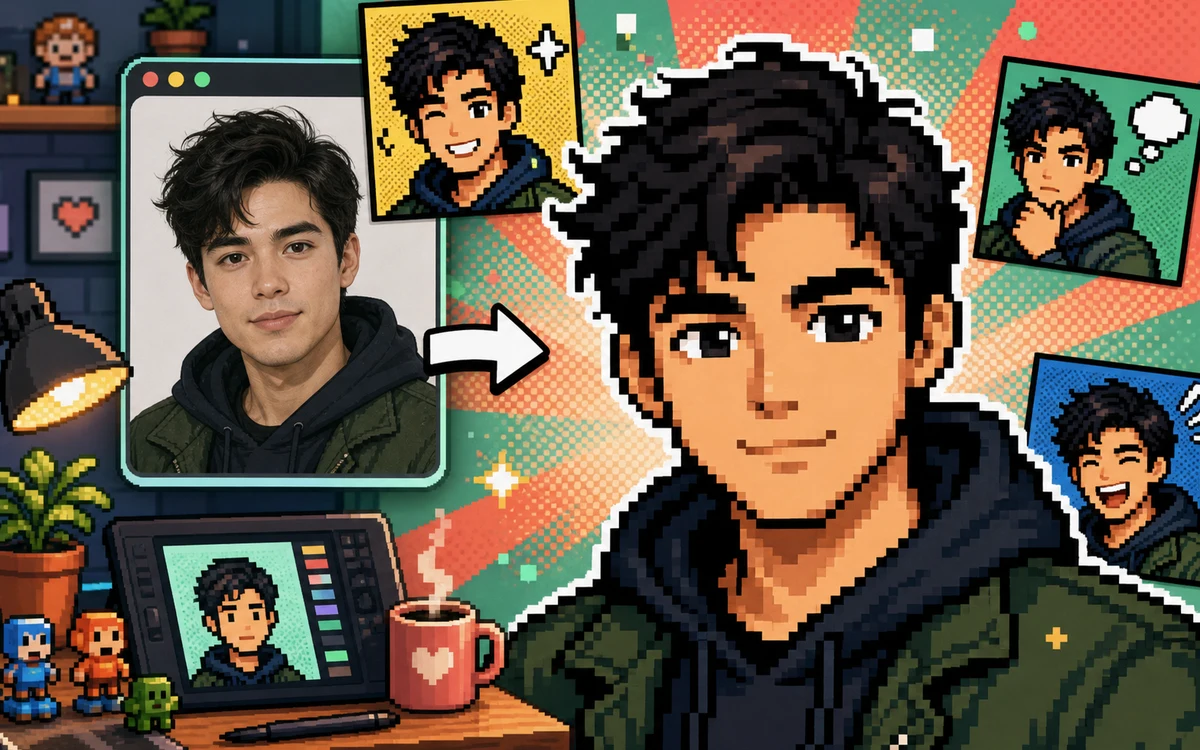
Try a different style with the same photo. Manga, then cartoon, then noir — each prompt produces a different conversion from the same source.

Comic conversion ideas to try

Three prompt directions that show the range of the OpenImg comic converter.

OpenImg Selfie to Comic — FAQ

Common questions about converting selfies into comic drawings with OpenImg. A strong selfie to comic result keeps the face recognizable while changing line art, shading, background, and mood. Use selfie to comic for profile images, creator avatars, reaction panels, and story characters that start from a real photo. The selfie to comic prompt should mention the uploaded selfie, comic style, face angle, emotion, and background. If the first selfie to comic result feels generic, ask the selfie to comic generator to preserve hairstyle, glasses, expression, and clothing colors more tightly. Use selfie to comic as the core instruction for each generation, then repeat selfie to comic in refinements when likeness matters. A selfie to comic workflow should compare the uploaded face with the finished comic portrait, checking hairstyle, glasses, expression, clothing color, and face angle before choosing a final image. Strong selfie to comic prompts keep one comic style and one clean background.


Convert your selfie into a comic now

Upload a photo, pick a comic style, and let OpenImg convert it into a hand-drawn comic panel.

Convert to Comic