Identity Preserving
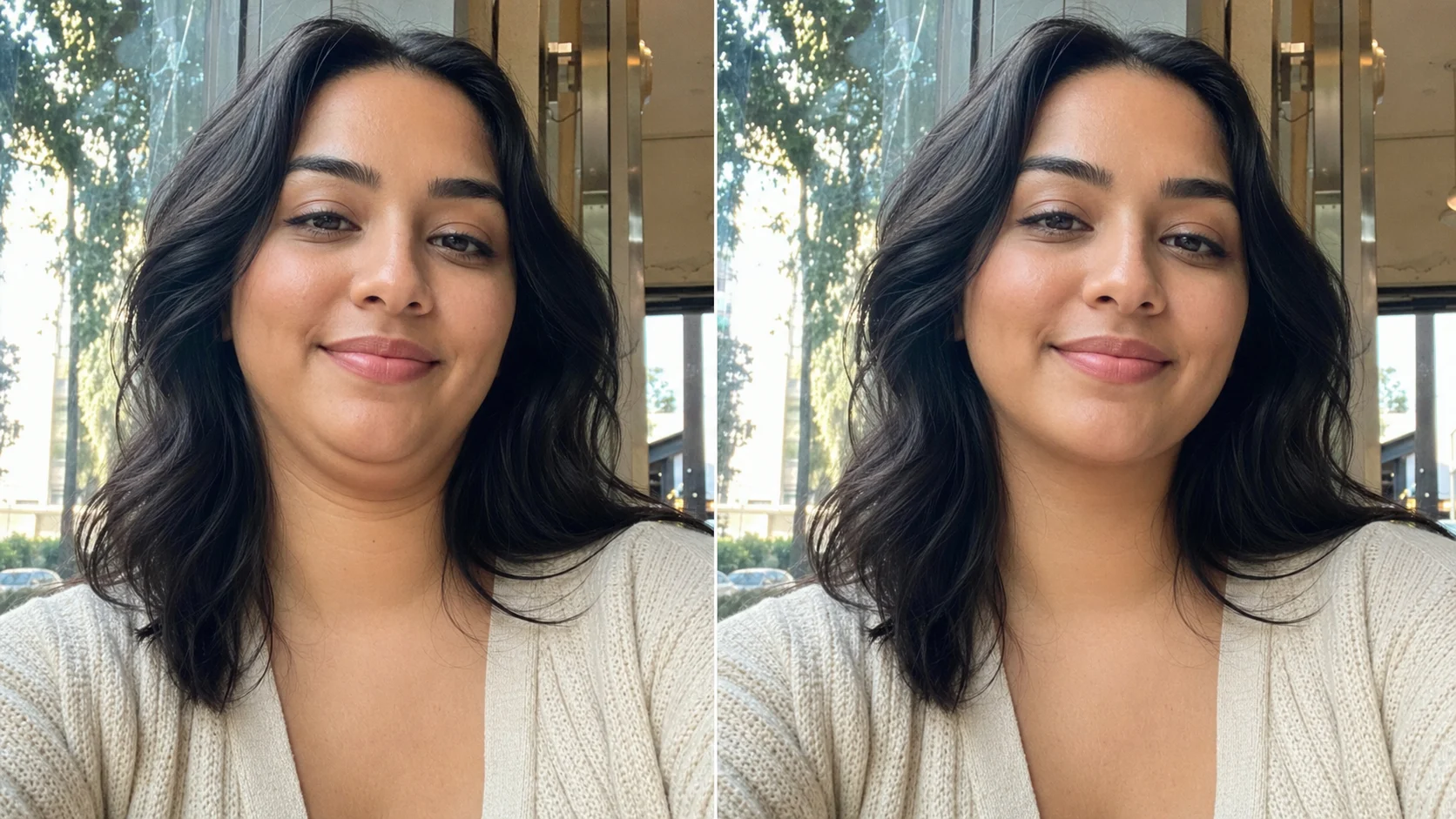
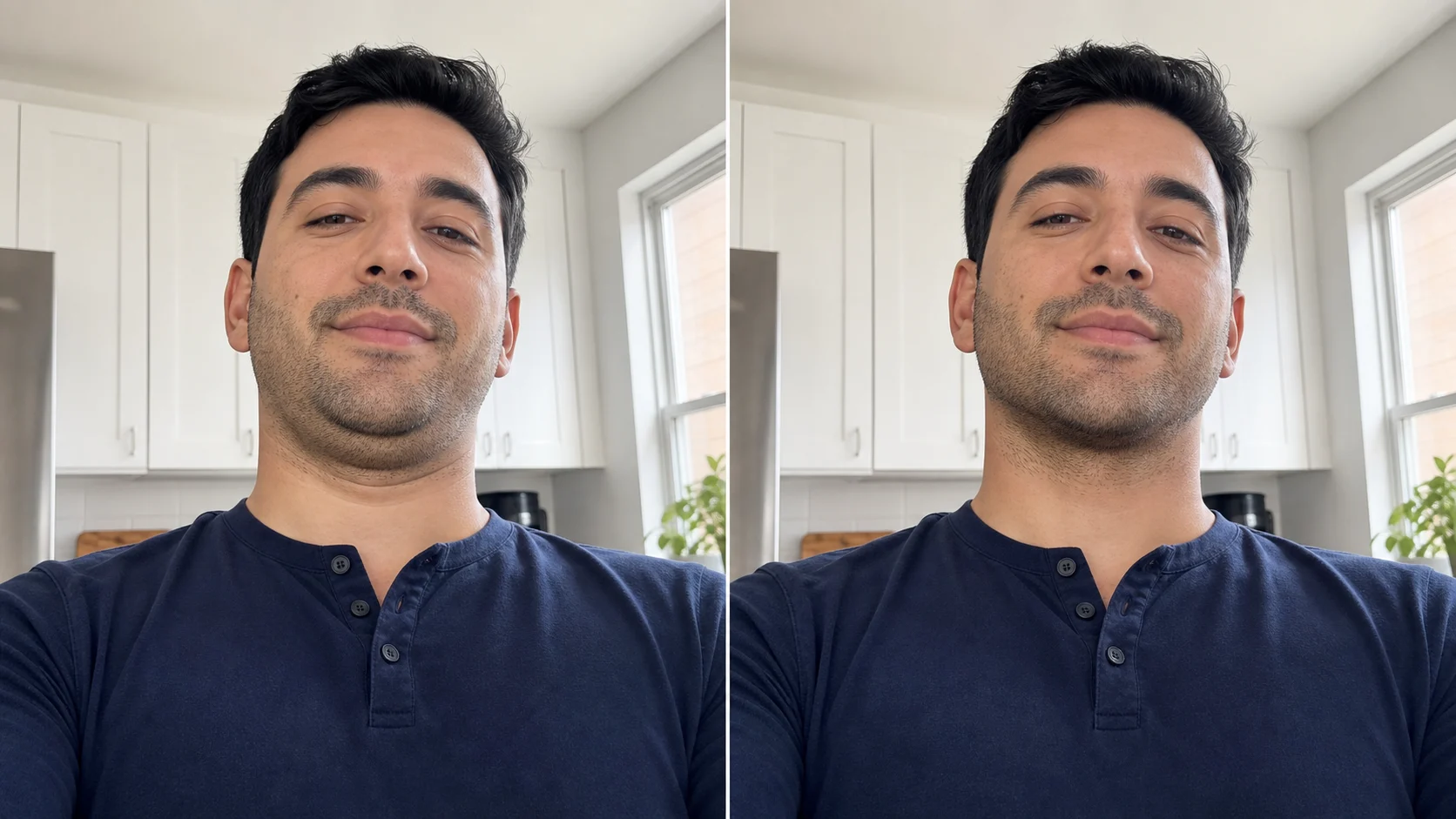
Get rid of double chin in photo without changing the person
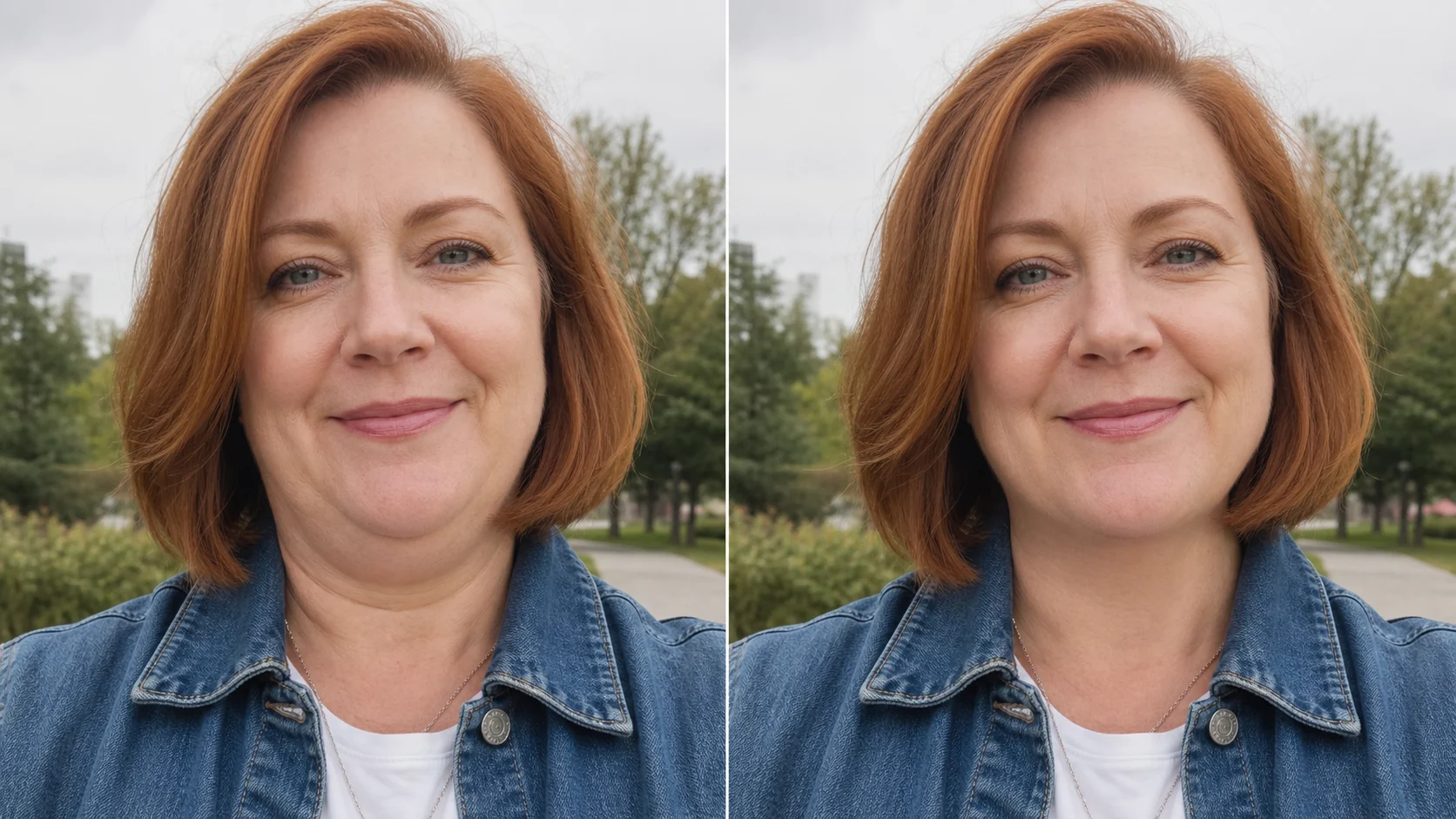
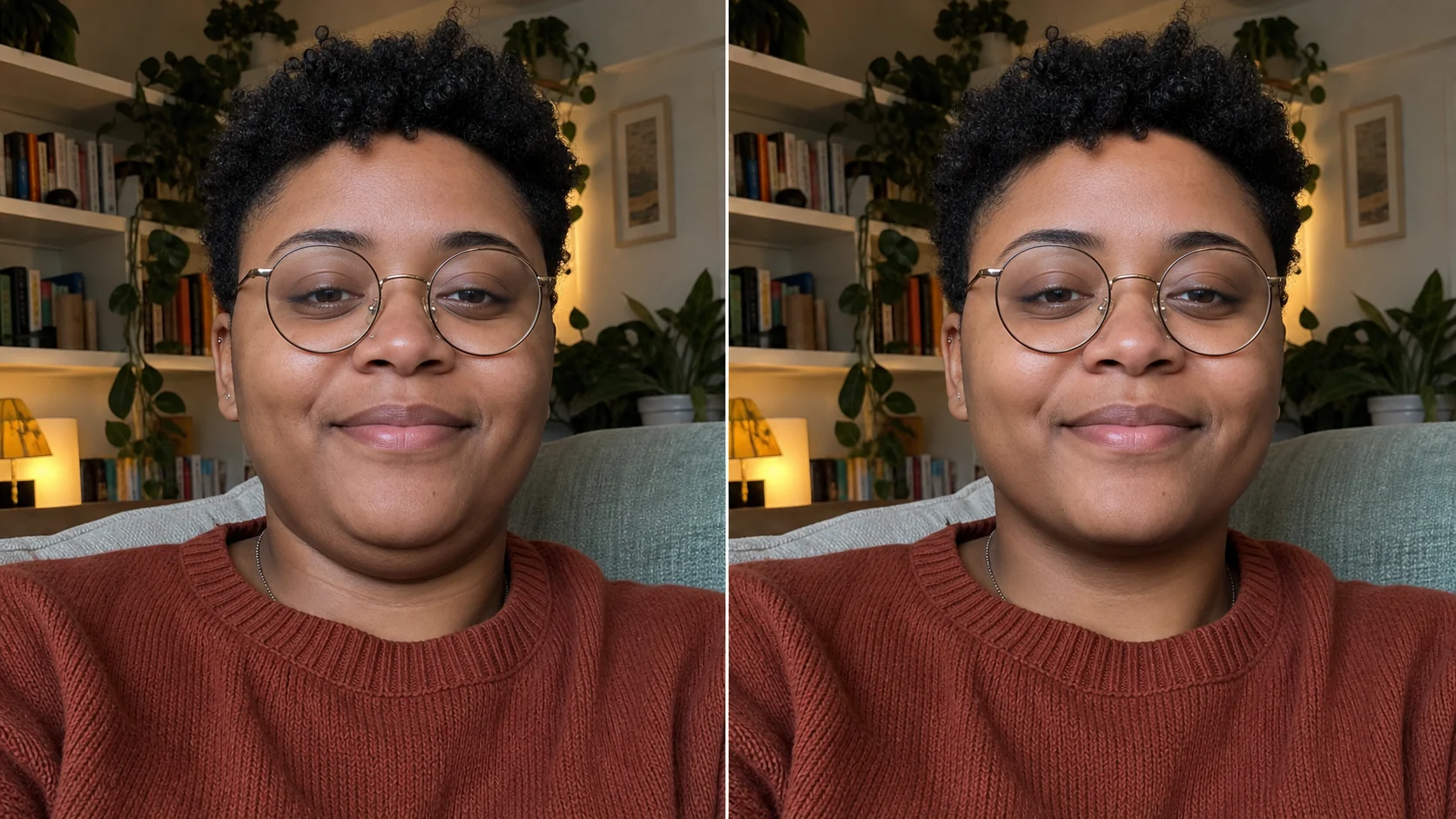
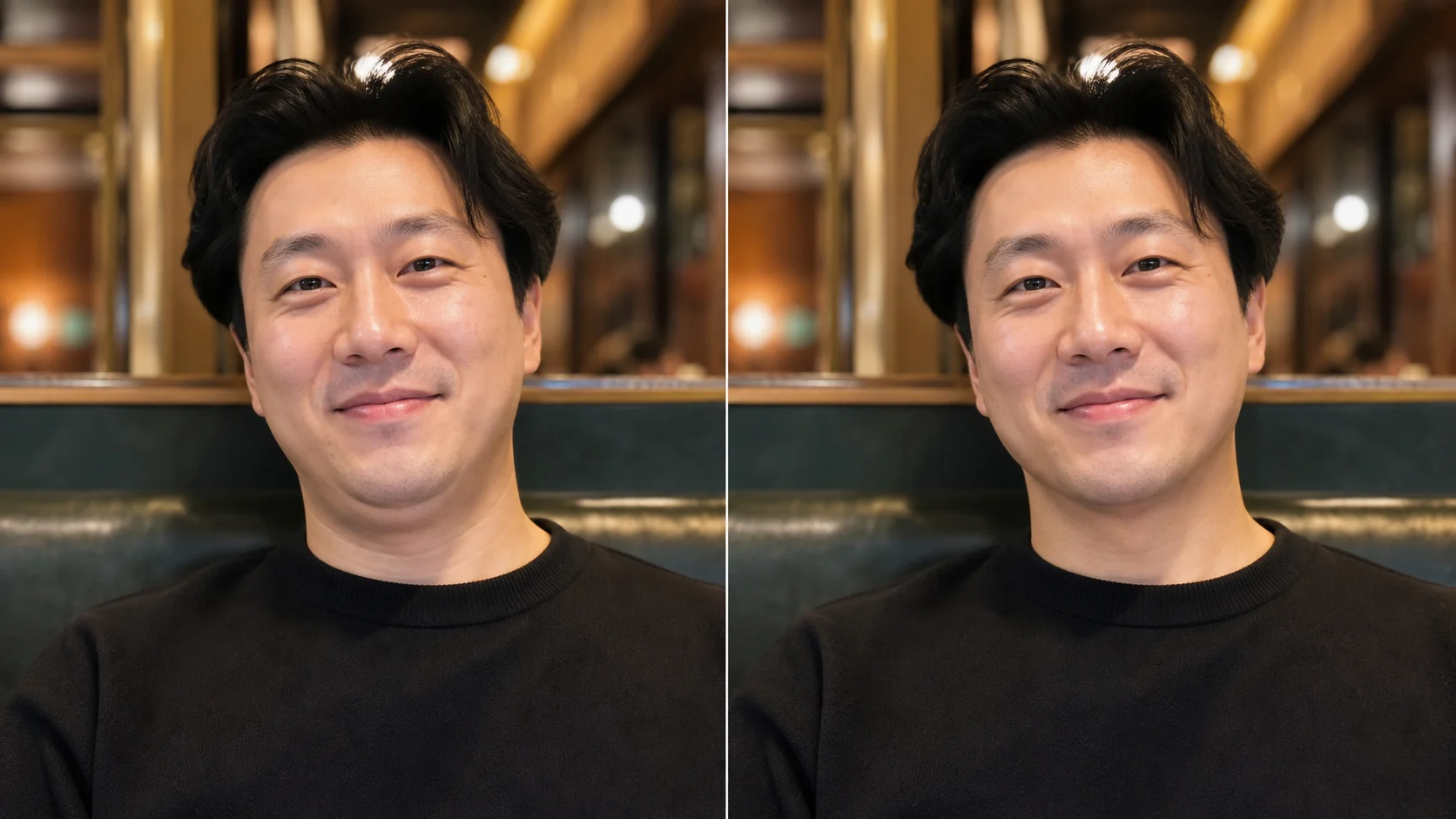
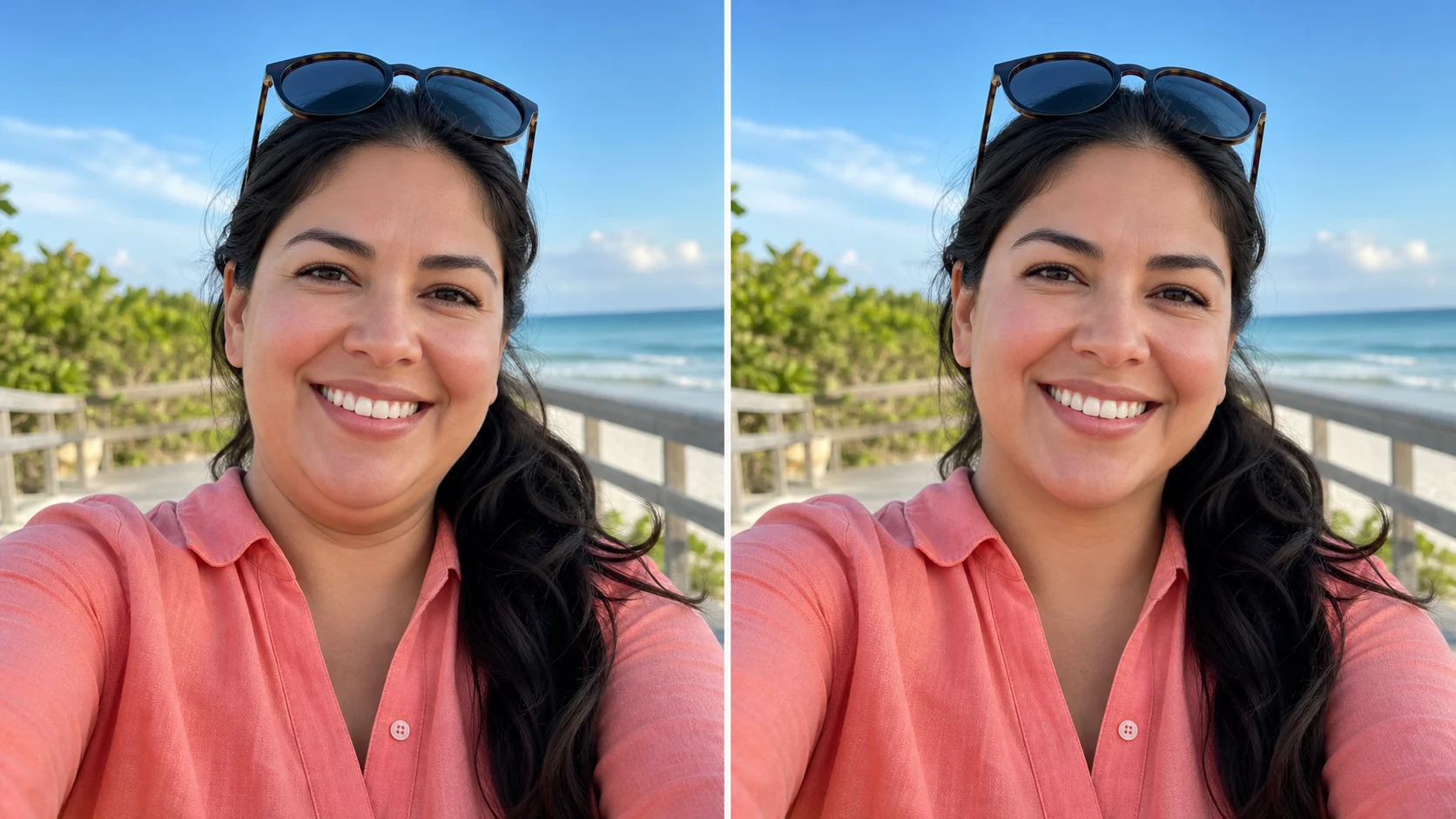
A useful photo editor to remove double chin should not invent a new face. The default prompt tells OpenImg to preserve identity, expression, age, face shape, skin tone, hair, outfit, background, and lighting. That makes it practical when you need to get rid of double chin in pictures from a dinner, vacation, office, cafe, or casual selfie. The model is asked to refine only the under-chin area and jawline shadow, so the result stays close to the original photo instead of becoming a plastic surgery fantasy.
Identity safeNatural jawlineReal texture