Prompt to Comic Generator

Open comic creation from any prompt — paste a story, scene, or summary and get a comic panel with transparent GPT Image 2 workflow.

Open comic creation from any text source

The open prompt-to-comic workflow is transparent and reusable — see exactly how your text becomes a comic panel and apply the same settings to your next idea.

Open novel to comic panel layout

Open Story Structure

See how scenes become panels with clear pacing

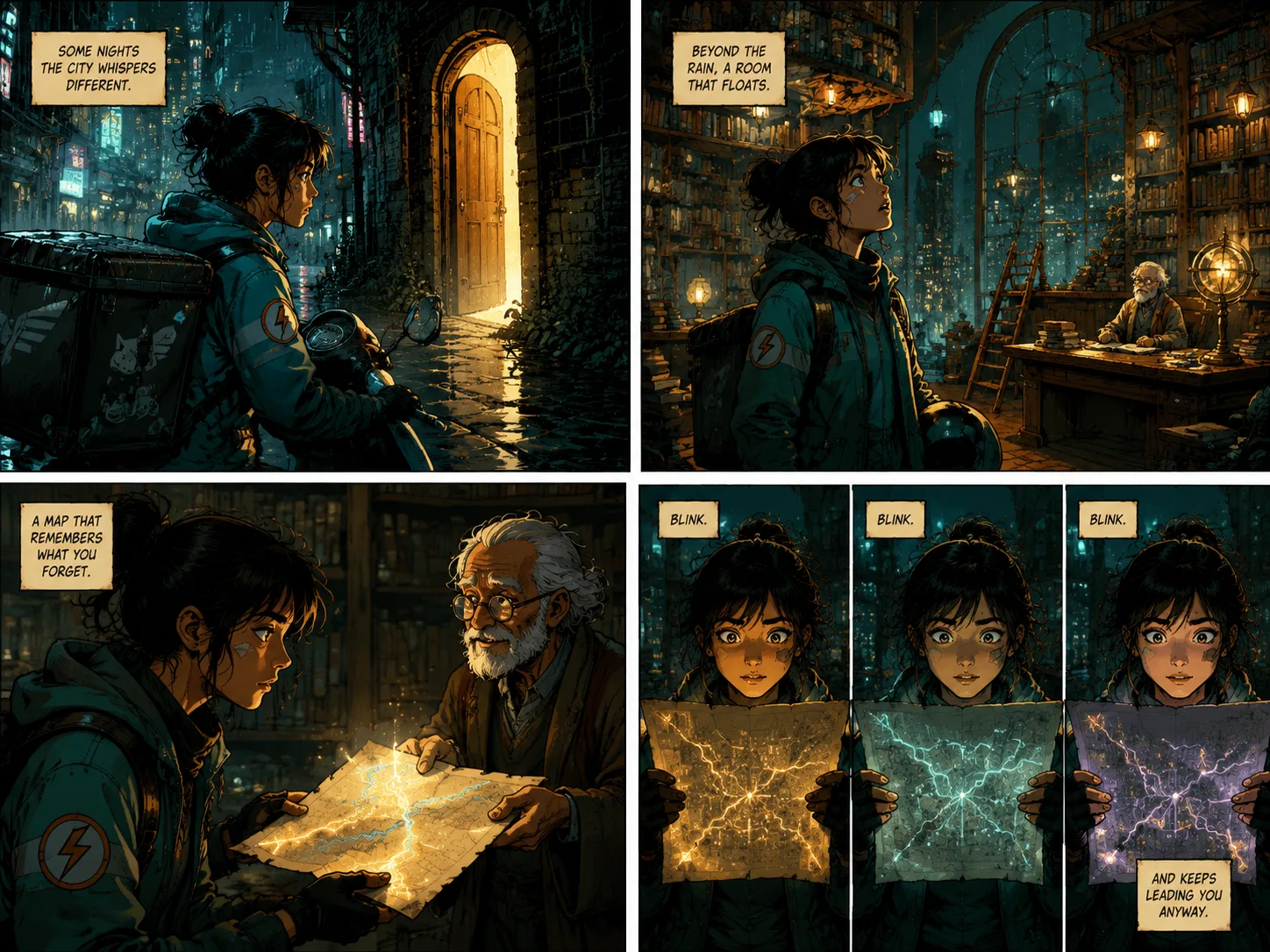
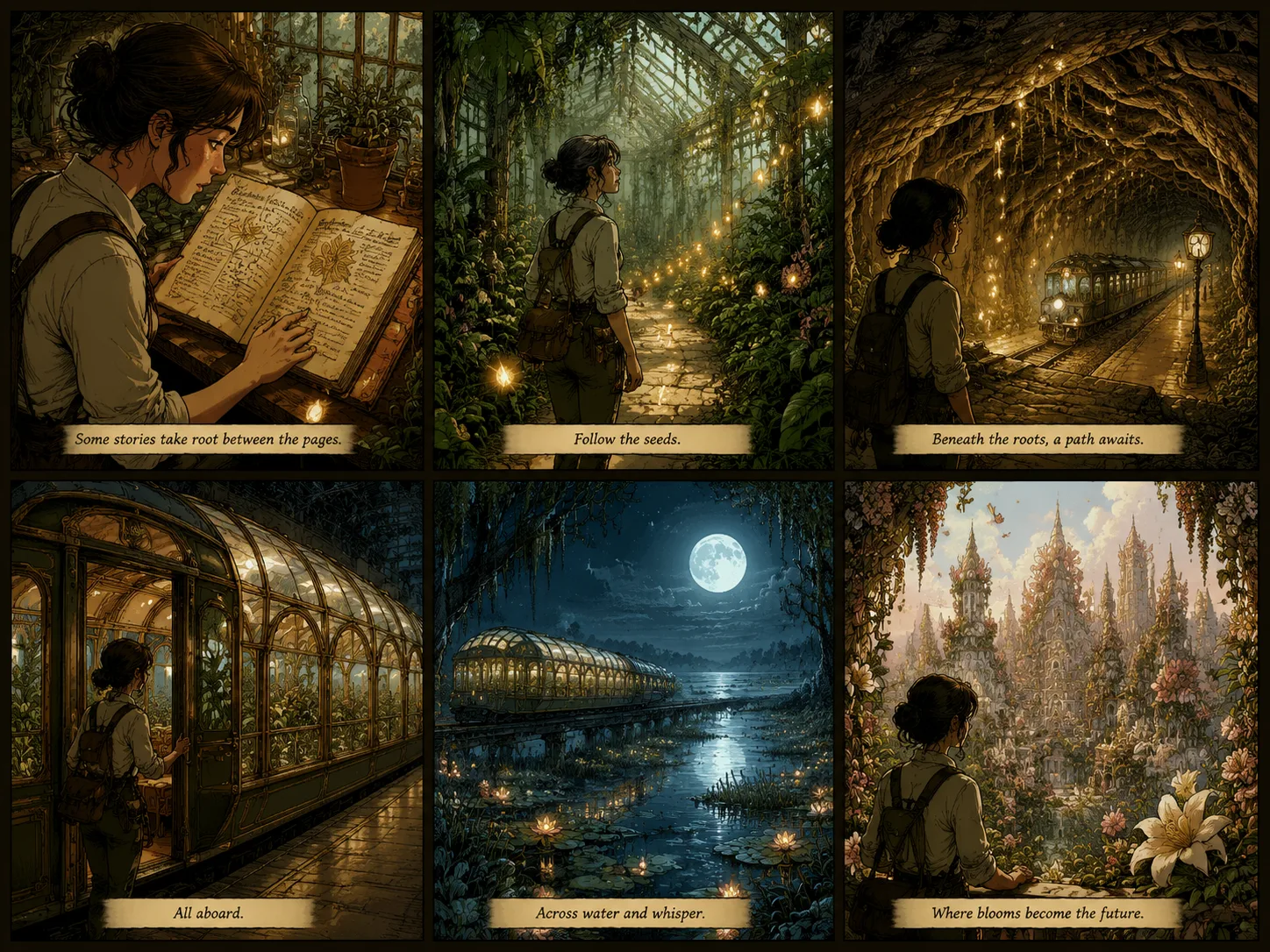
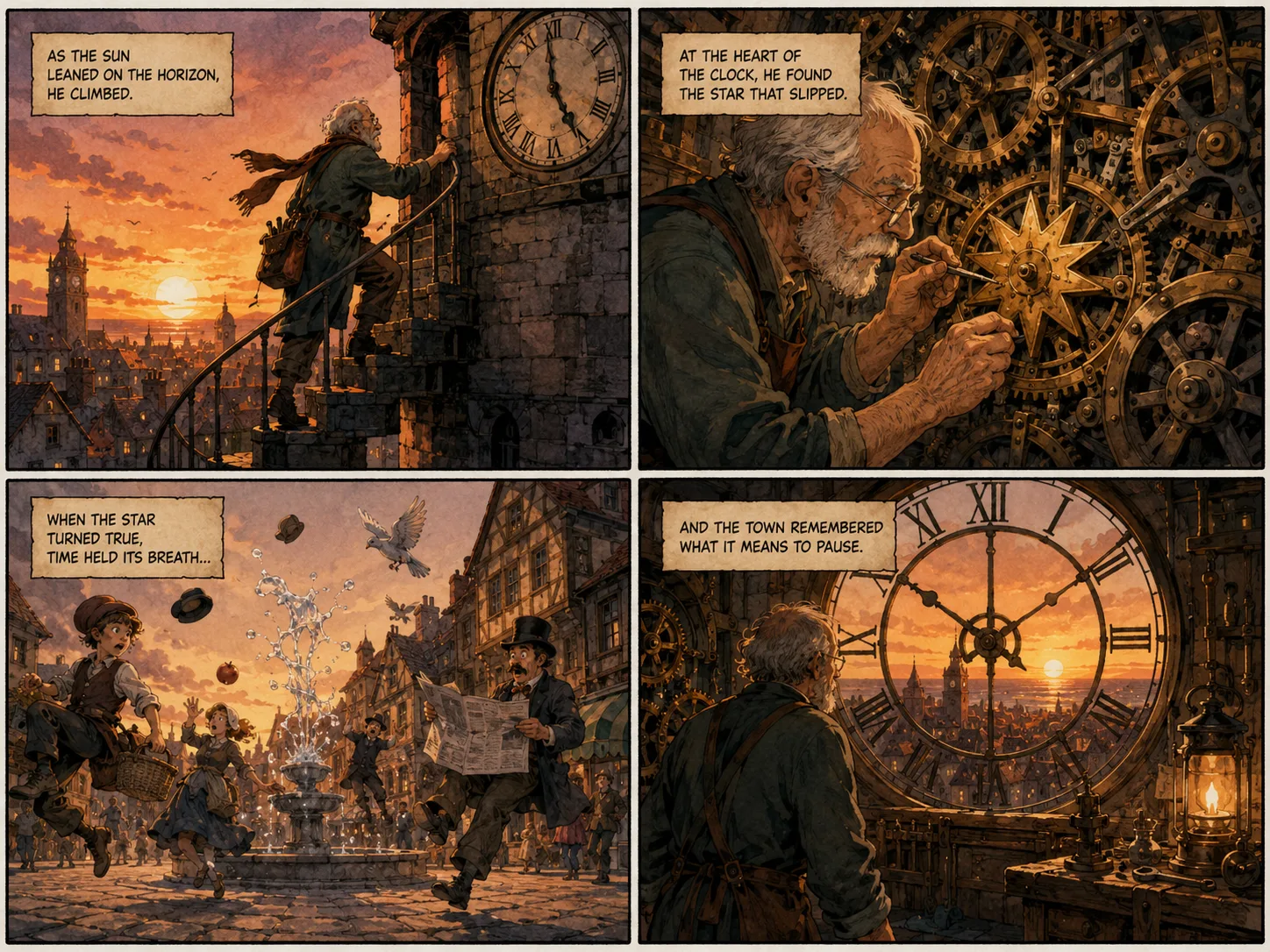
For novel to comic or book to comic, the open workflow shows how story beats map to panel layouts. Split the action into beats, each with its own angle and emotion.

Novel to comicOpen workflowVisible pacing
Open webpage to comic storyboard

Open Source Adaptation

Reusable web and video to comic conversion

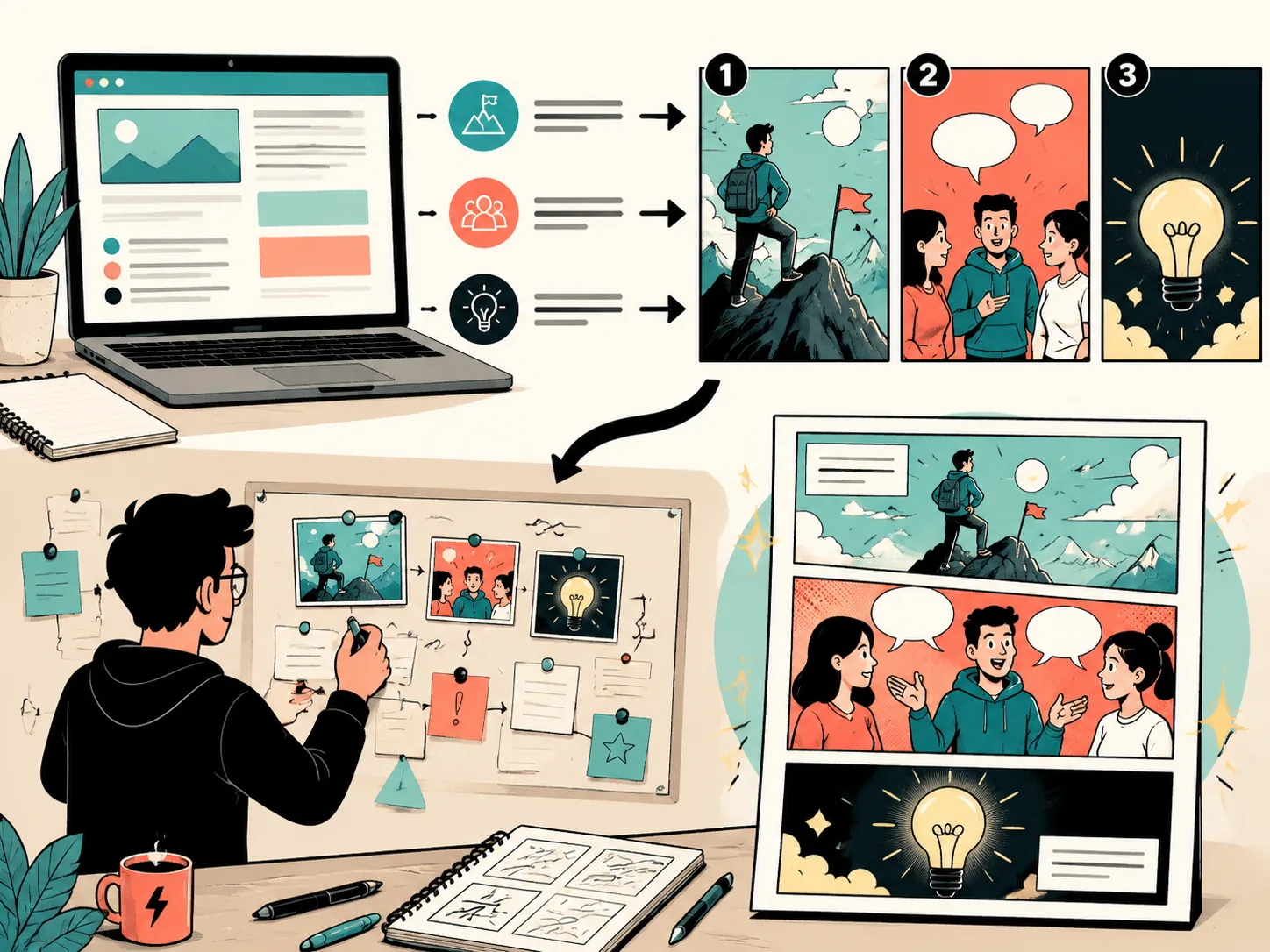
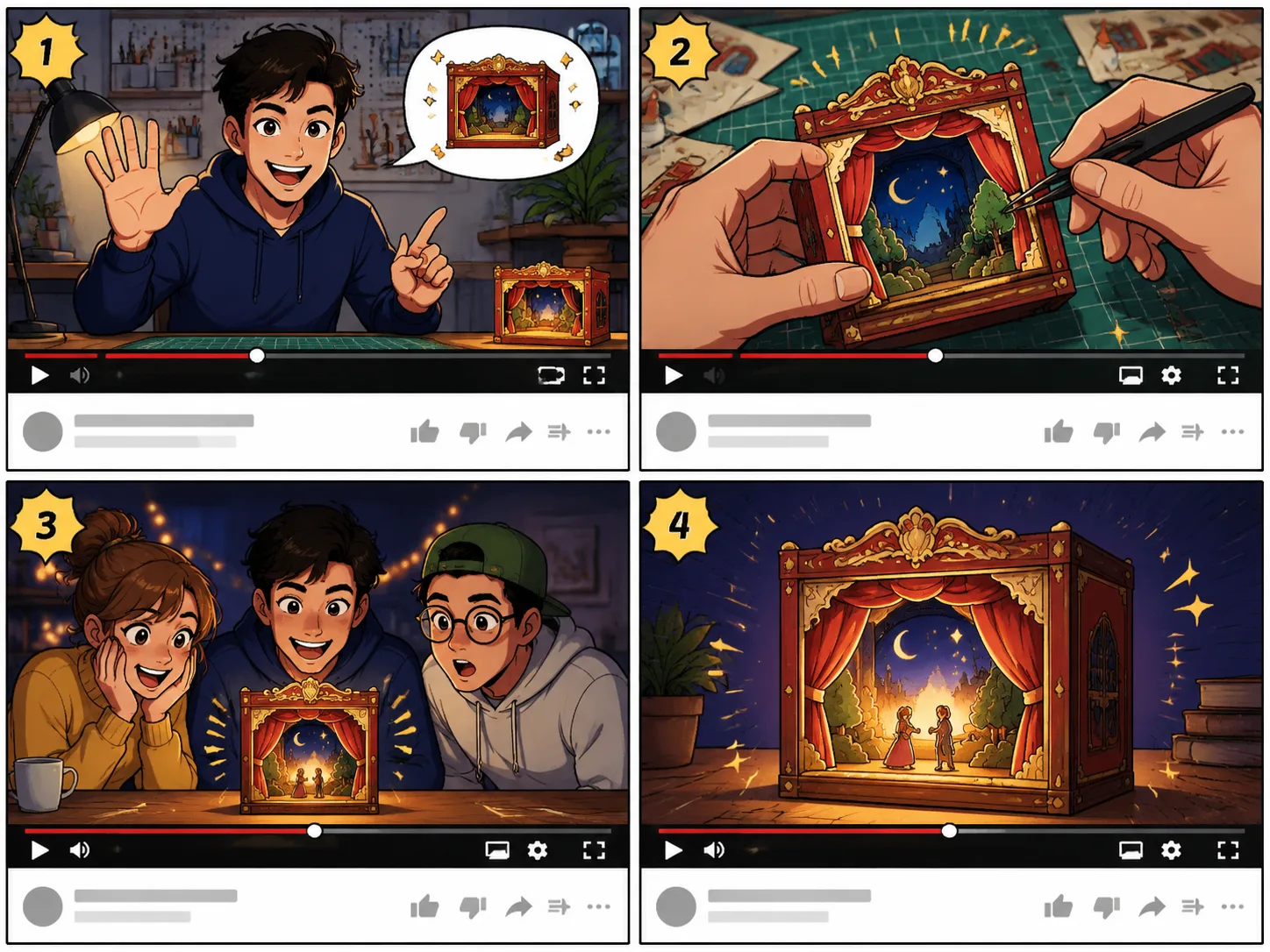
For url to comic, webpage to comic, or youtube to comic, the open method summarizes the source first, then converts the core idea into a storyboard panel.

URL to comicYouTube to comicReusable process
Open comic style comparison

Open Style Control

Choose and reapply comic styles openly

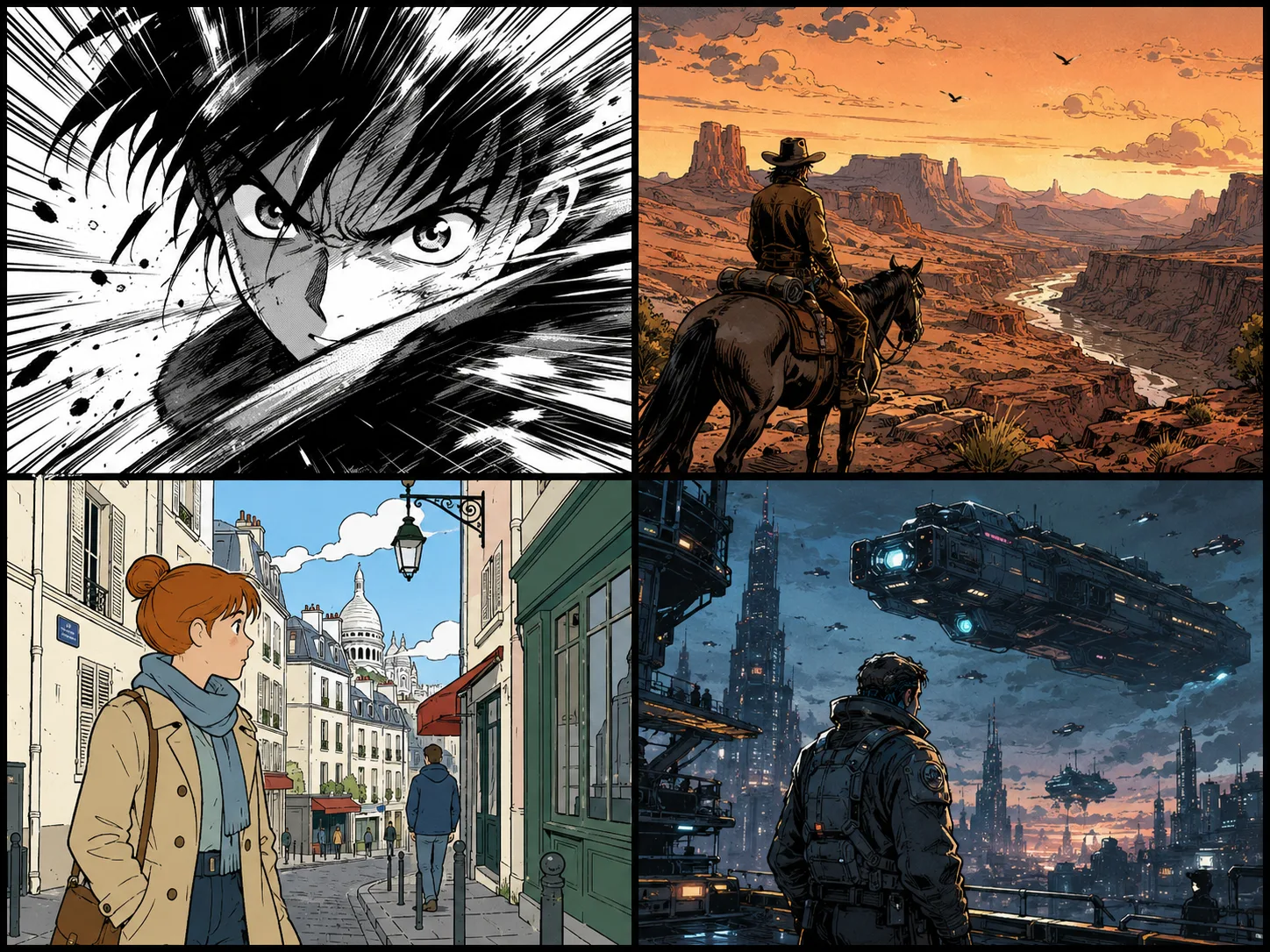
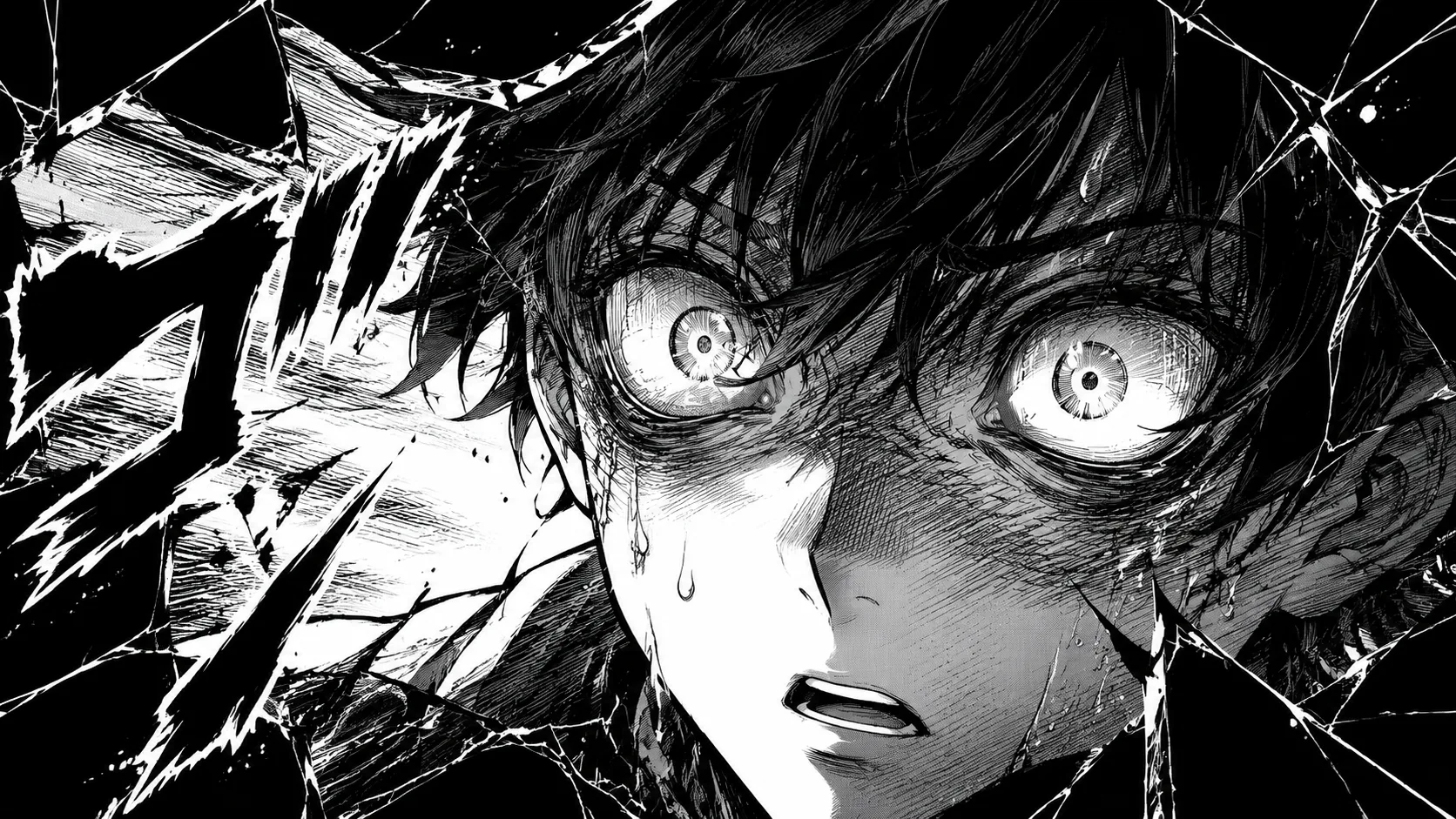
Black-and-white manga, warm western illustration, clean ligne claire, and cinematic graphic novel — each style choice is visible, shareable, and reusable.

Manga panelOpen styleReusable prompt
Workflow

How to go from prompt to comic panel openly

The open workflow gives GPT Image 2 enough structure to map your text to panels — no hidden steps, fully reusable.

1

Paste the story idea

Start with any prompt, novel excerpt, book scene, webpage summary, or YouTube recap.

2

Choose panel format

Request a splash panel, four-panel strip, storyboard grid, or full comic page.

3

Add style direction

Name the mood, line style, color palette, and panel rhythm — all visible in the prompt.

4

Generate and iterate

Review the output, adjust the prompt, regenerate. The open prompt stays yours to reuse and share.

Open prompt to comic ideas

Try these open, reusable comic directions. Every prompt is transparent and yours to adapt.

Prompt to Comic Generator FAQ

Common questions about open comic creation from prompts, stories, and text sources. A reliable prompt to comic workflow starts with one clear story beat, then uses prompt to comic directions for panel count, character emotion, camera angle, caption length, and visual style. Use prompt to comic when a webpage, scene note, or book idea needs to become a readable comic page instead of one illustration. The prompt to comic generator works best when the prompt to comic request asks for a finished comic page with simple captions and no long text blocks.

Create an open comic from your prompt

Turn any story, scene, or summary into a comic panel with a transparent, reusable GPT Image 2 workflow.

Open Prompt to Comic