
Omni Flash Generator

See what happens when you drop a prompt into the omni flash generator. Every prompt, every setting, and every output is transparent. Type something, tweak the parameters, then watch the AI build flash-style motion from your description. No hidden filters, no black-box processing.

Flash video building blocks — visible at every step see how the omni flash generator builds your video

Every prompt you enter flows through an open pipeline. See the raw prompt, the parameter sliders, the model selection, and the output — all transparent, all inspectable.

Prompt to video inone visible pipeline

The generator shows you exactly how it interprets your prompt. Each keyword maps to a visual treatment — flash intensity, transition speed, color temperature — nothing is hidden. Adjust and re-run to see how changes affect the output.

Open omni flash visible pipeline example

Tweak parameters andwatch the output change

Adjust flash duration, transition style, motion speed, and color grading — each change produces a different flash video. This is how you learn what the model responds to.

Omni flash parameter adjustment example

Reuse prompts acrossdifferent flash styles

Take the same base prompt and run it through different model settings. Compare outputs side by side. Every prompt is saved for reference — build a library of what works.

Omni flash prompt reuse comparison example

Why use OpenImg for flash generation

OpenImg runs an open flash generator where every parameter is visible. Powered by Gemini Omni Flash technology, Google omni flash-style generation means you see the raw inputs, the model settings, and the unmodified output. No obfuscated prompts, no hidden post-processing.

Prompt-transparent generation

The exact prompt you type is the exact prompt the model sees. No appended system prefixes, no hidden instructions injected behind the scenes.

Parameter sliders for every setting

Flash intensity, transition speed, color temperature, motion weight — all adjustable through visible controls. Each change updates the output in real time.

Open model selection

Choose which underlying model processes your prompt. Compare results across models to understand how each one interprets flash-style motion differently.

Download and inspect outputs

Every generated flash video is available for direct download. No watermark, no compression artifacts, no platform lock-in.

Omni flash video styles you can generate with transparency

Each style below shows the prompt logic and model settings used. Replicate, remix, or reverse-engineer them — the generator keeps nothing hidden.

Open omni flash cinematic flash style example

Cinematic Flash

Cinematic flash prompt with google omni flash workflow

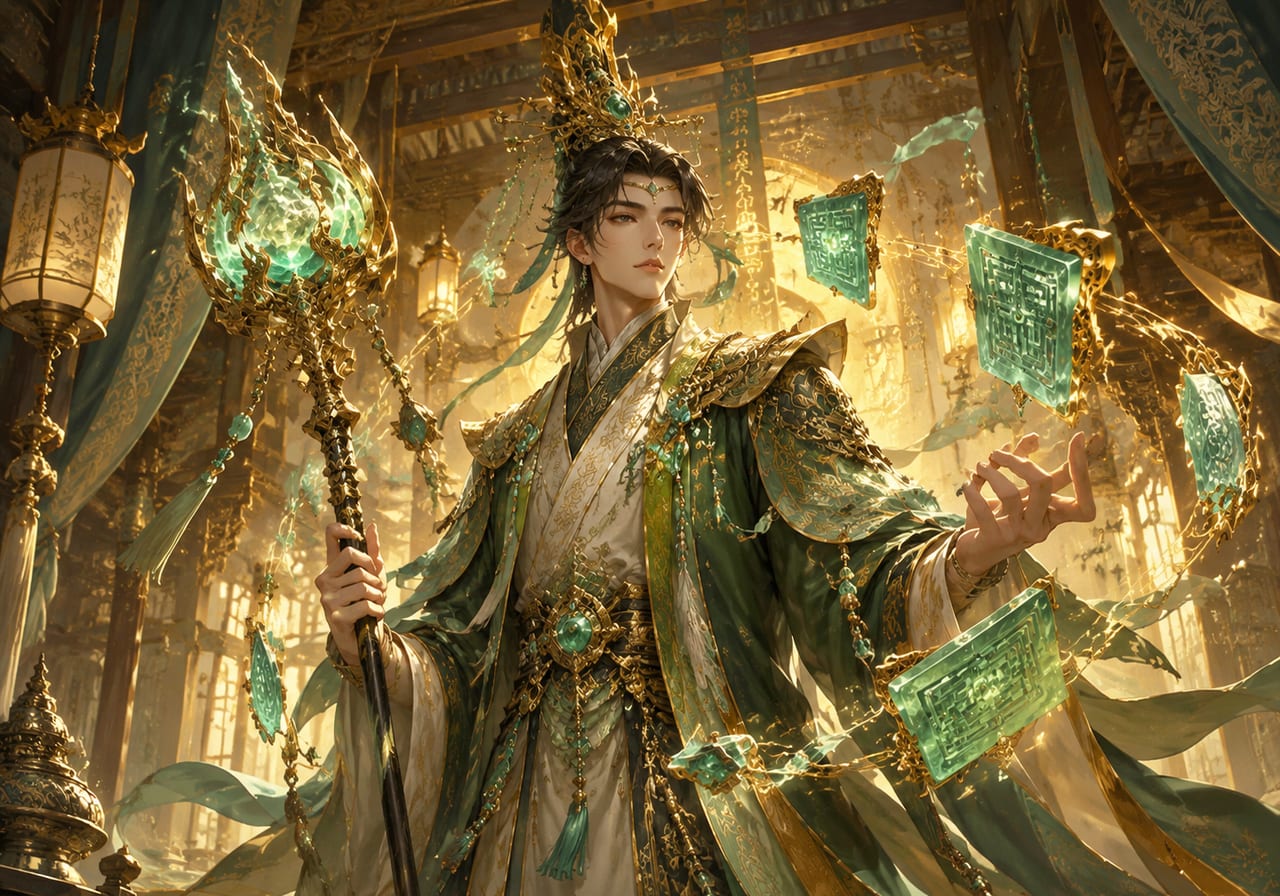
A google omni flash approach to cinematic video: the omni flash google workflow uses slow-motion light flares, deep contrast, film-style color grading, and smooth camera glides. The prompt structure is visible so you can adapt it for your own footage.

CinematicFilm-styleContrast
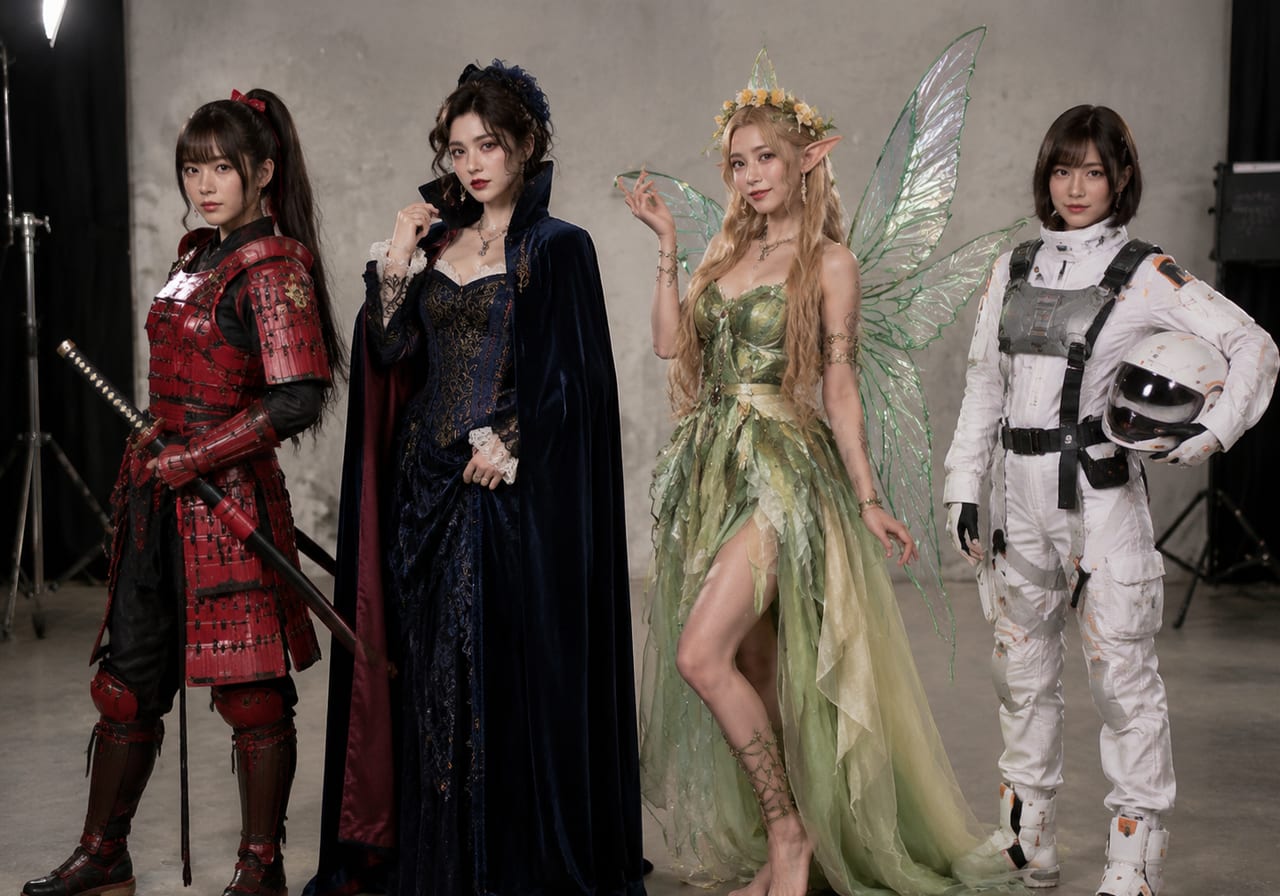
Open omni flash abstract motion example

Abstract Flash

Abstract flash motion with open controls

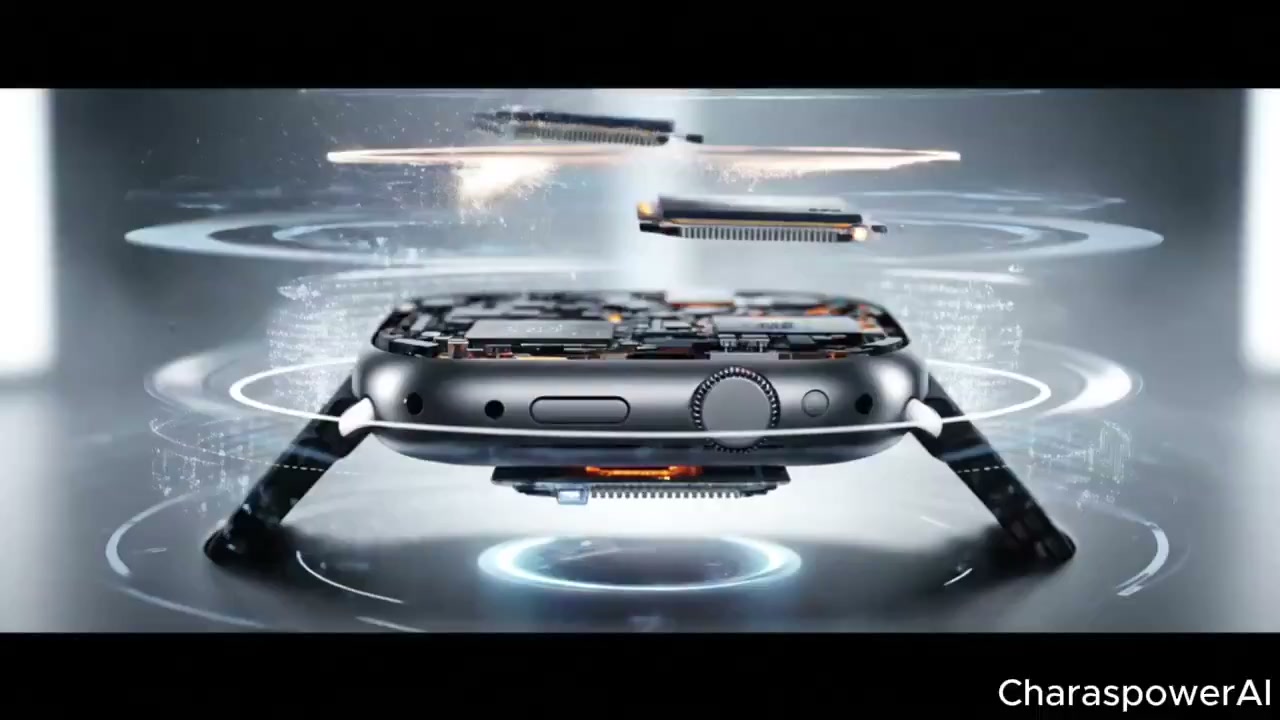
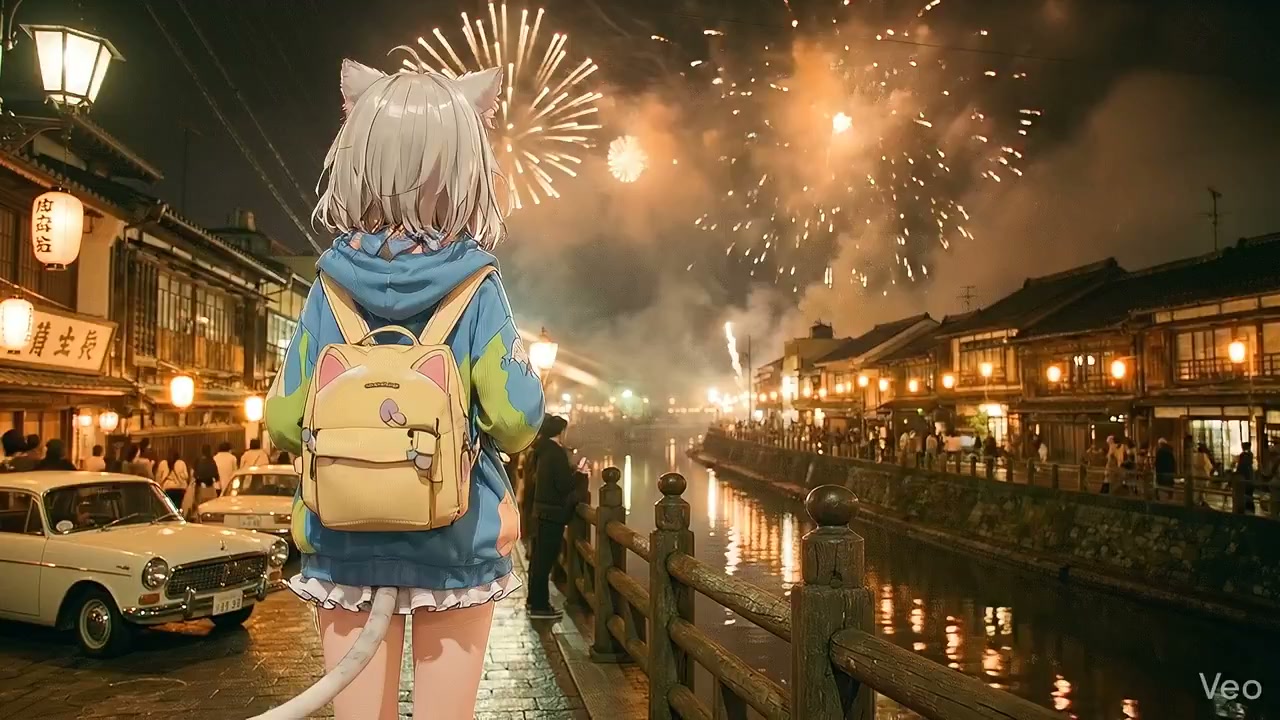
Explore non-representational flash video: light trails, geometric transitions, color field shifts, and particle-style motion. The generator treats abstract prompts as pure visual experiments.

AbstractMotionExperimental
Open omni flash narrative sequence example

Narrative Flash

Narrative flash sequence with open flash generator

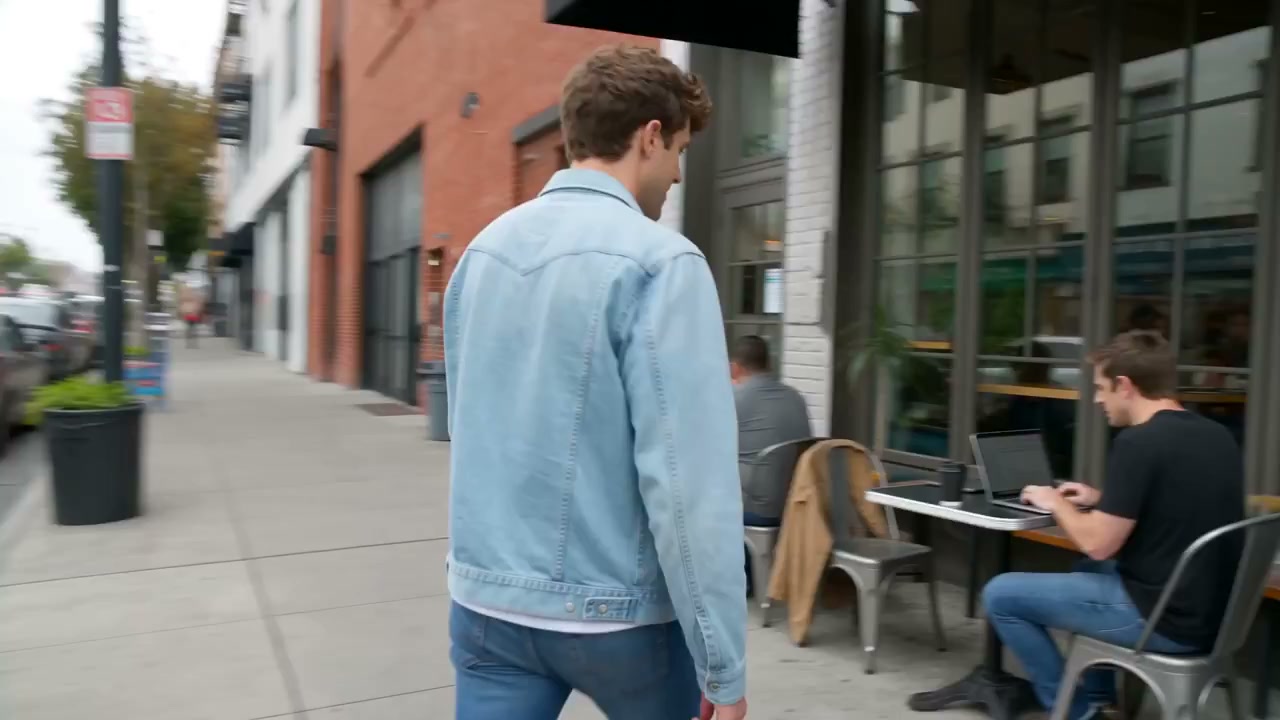
Build a short narrative arc through flash cuts: setup, tension, release. The tool paces the transitions to match the storytelling rhythm you describe.

NarrativeStorytellingPacing

How to experiment with the omni flash generator

Use these steps to explore the omni flash generator as an experimental tool, not just a production pipeline.

1

Start With a Wild Prompt

Type something unexpected — a feeling, a color, a sound. The tool treats every input as a creative constraint. See how it interprets abstract language into visual motion.

2

Tweak One Parameter at a Time

Change the transition speed. Then the color temperature. Then the flash intensity. Run the same prompt through each variation and compare the outputs to understand cause and effect.

3

Document Your Findings

Save prompts and parameter combinations that produce interesting results. Build a personal reference guide for future flash video sessions.

Where the flash generator fits into creative workflows

From rapid prototyping to final production, this flash video tool serves different roles depending on the use case. These scenarios show how transparency helps each stage.

Creative brainstorming

Use the generator as a visual thinking tool. Type rough ideas and see them rendered as flash video concepts. The open pipeline means you can trace why a result worked and apply that learning to the next prompt.

Client pitch visuals

Generate quick flash mockups to communicate motion concepts to clients. The tool produces real video clips, not storyboards — making pitch meetings more concrete.

Educational deconstruction

Teachers and workshop leaders use the omni flash generator to demonstrate how AI video models interpret language. Every prompt-to-output step is visible and discussable.

Tips for running experiments with the omni flash generator

Treat the generator as a research tool. These tips help you run structured experiments and learn from each output.

Omni flash generator by the numbers

Omni Flash Generator FAQ

Common questions about using the omni flash generator as an open, transparent flash video tool.


See how the omni flash generator works

Every prompt, every parameter, every output — fully transparent. Powered by Gemini Omni Flash, try the omni flash generator with reusable Omni Flash Create workflows and explore how AI builds flash-style video from your input.

Try the Generator