Try the Frame to Video AI Open Frame Lab

Turn any set of images into a flowing video sequence with this frame to video AI free workflow. Write an open prompt for a free ai frame to video generator with no locked templates, no hidden settings, just a clear text direction and visible output you can reuse.

Turn image frames into reusable video animations reusable frame animations

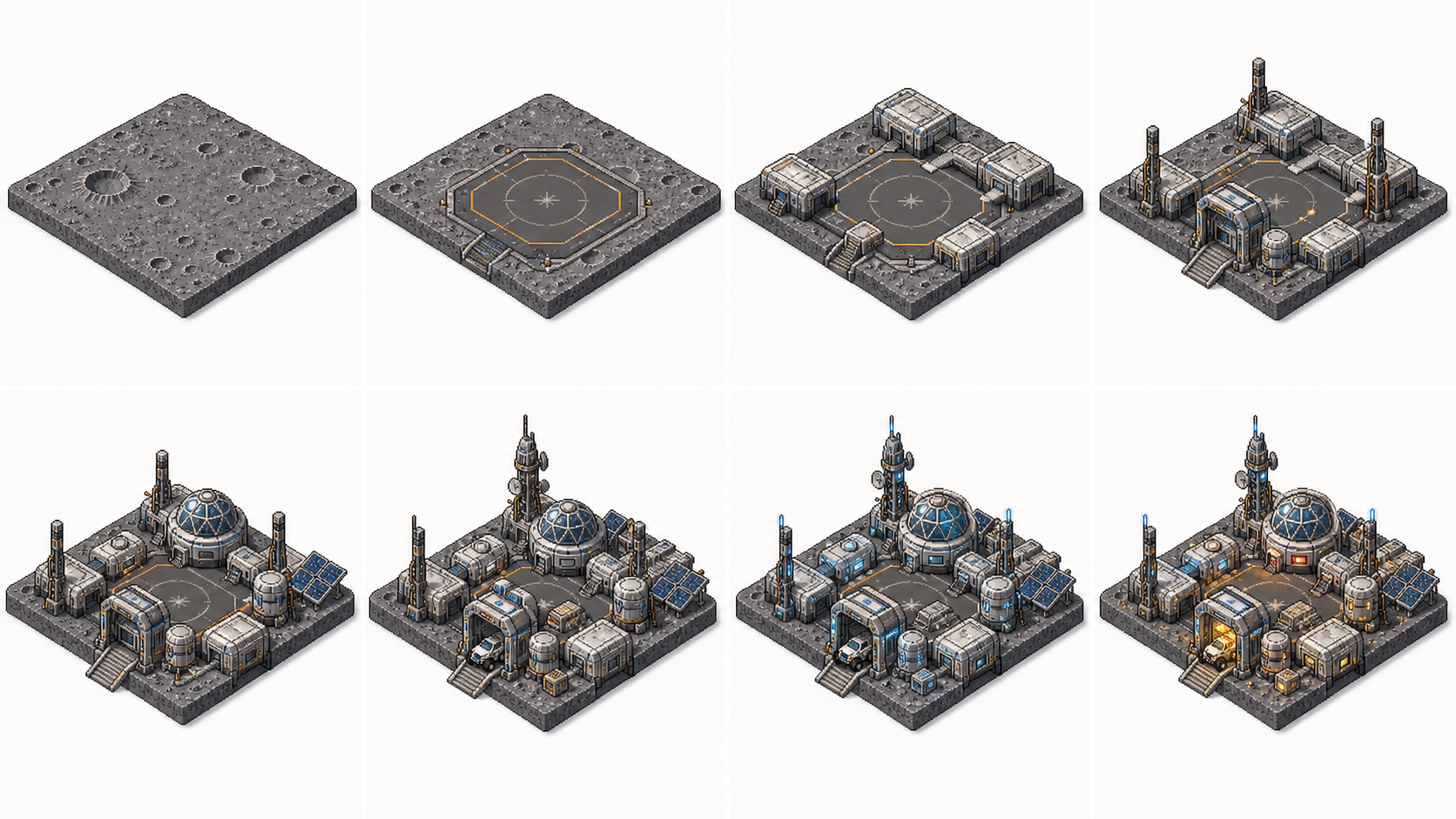
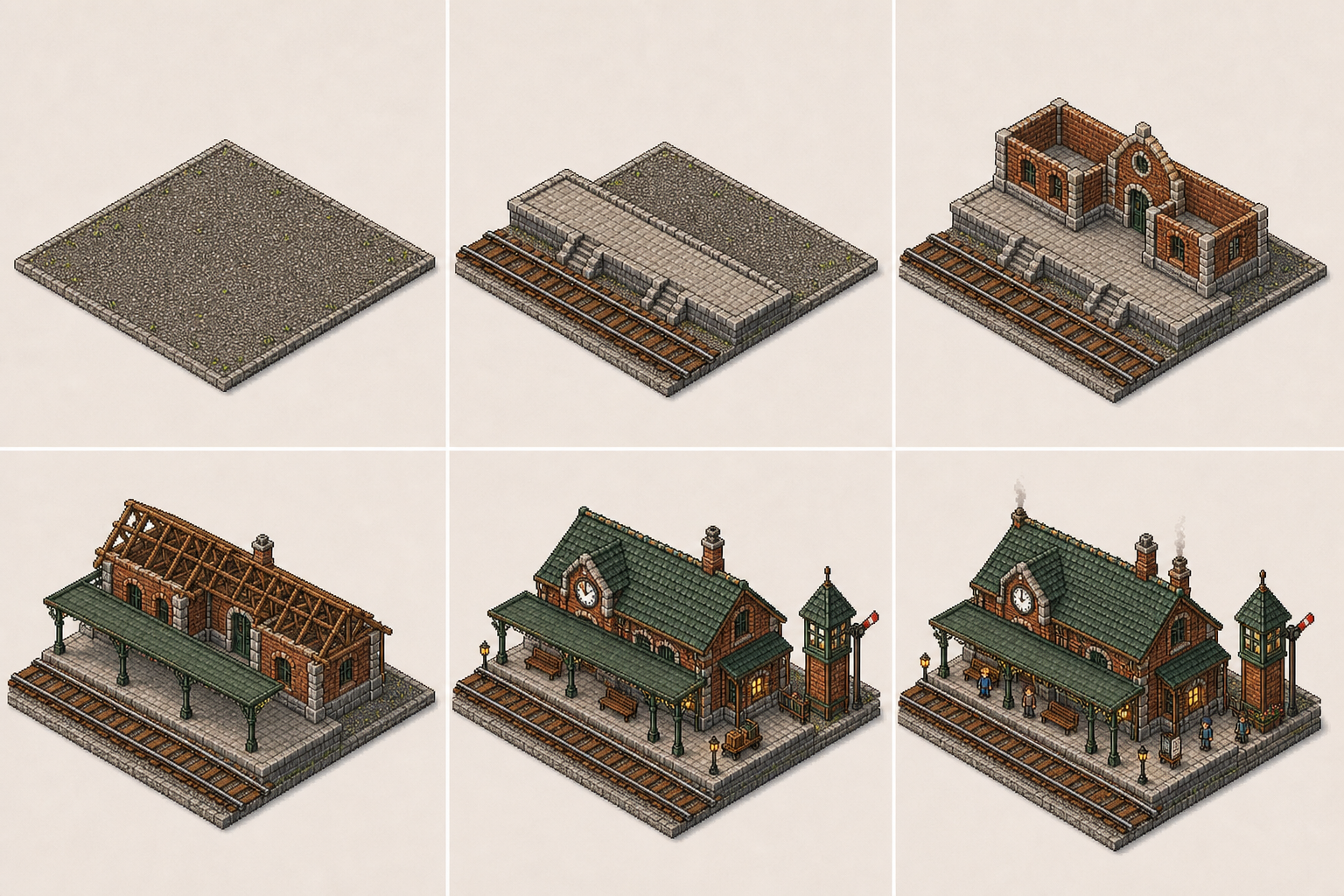
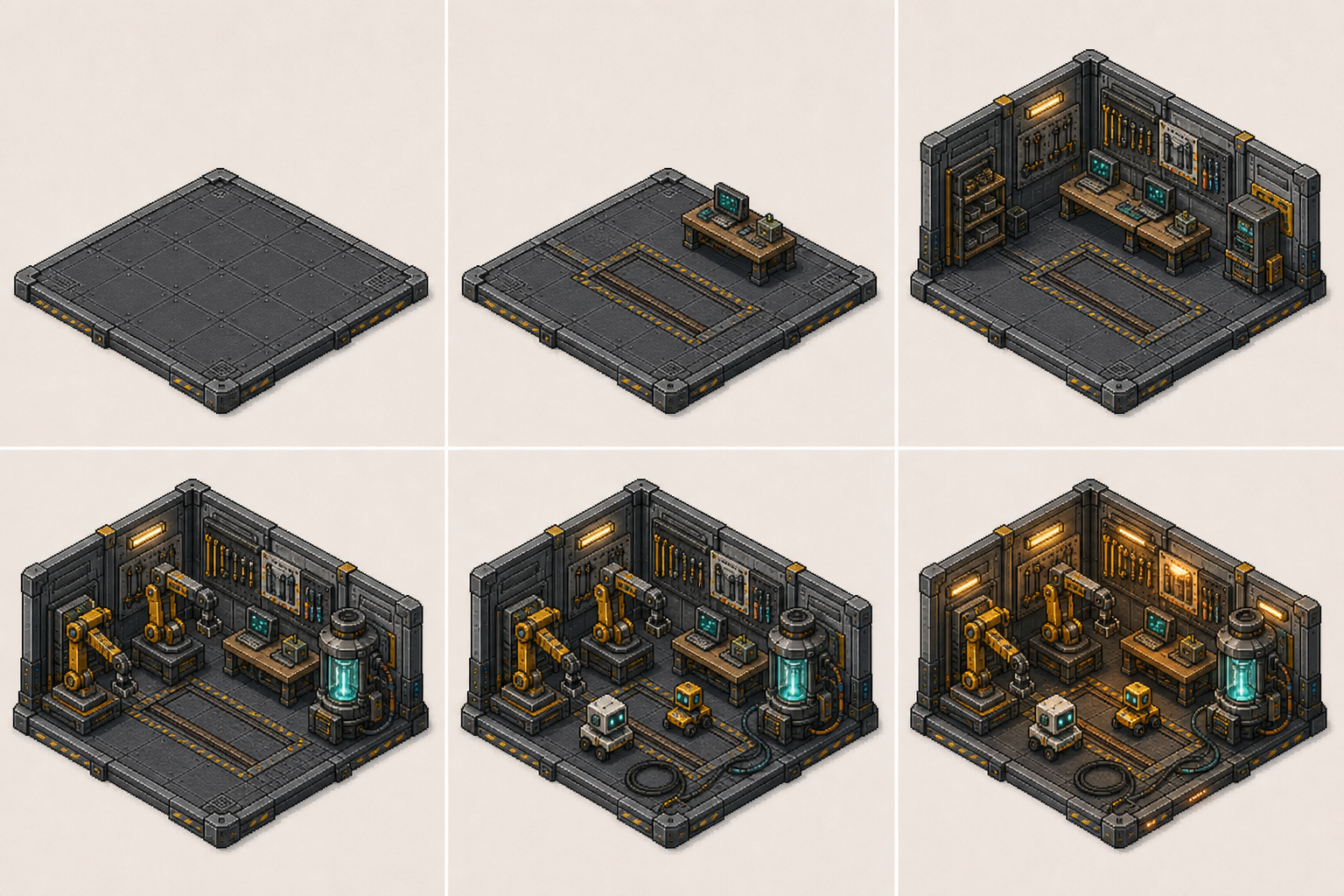
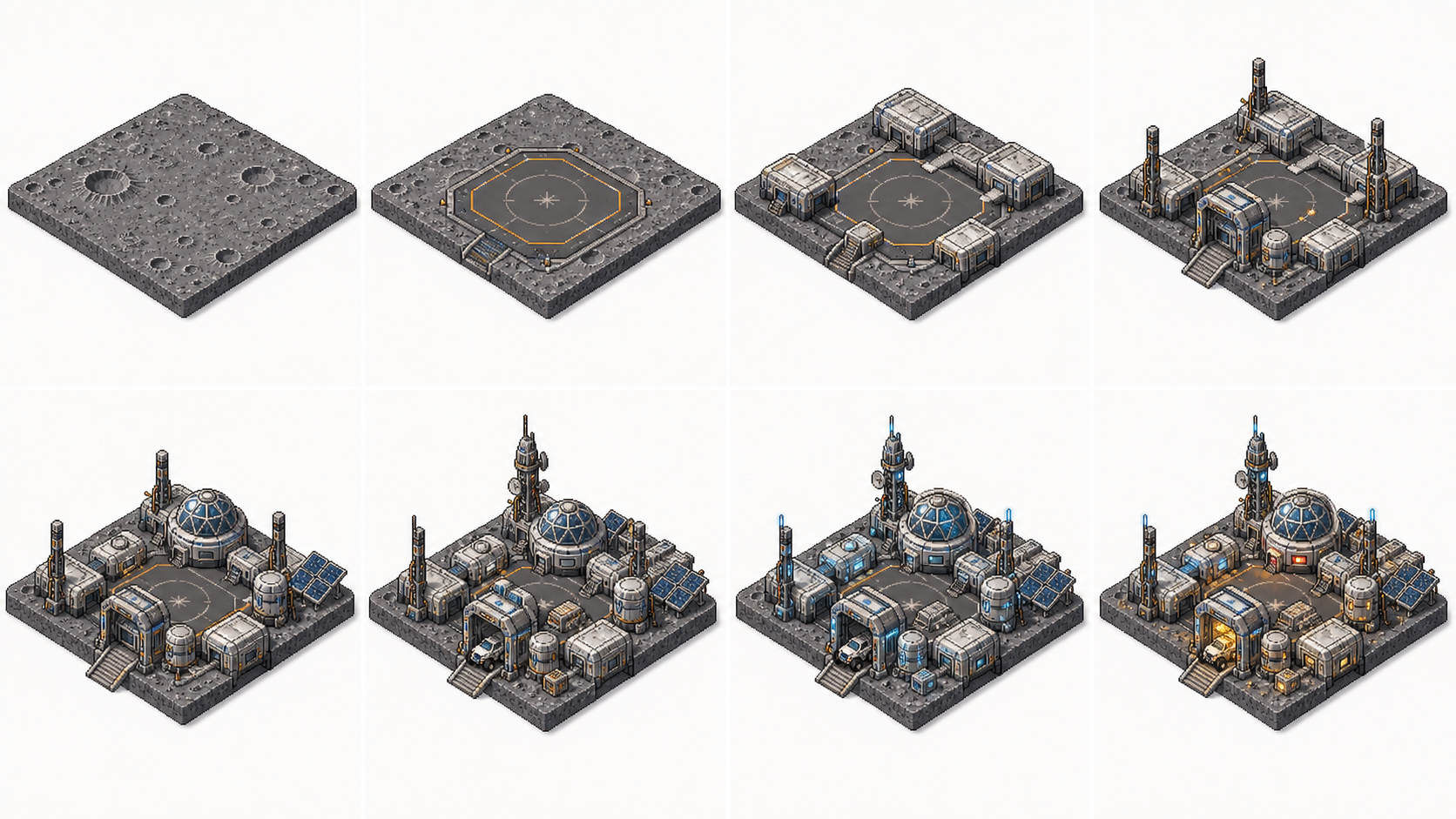
Turn image frames into short animated video sequences with a free frame to video AI workflow. Start with a source image or frame pair, describe the motion direction, scene pacing, and visual style, then generate reusable animations for content campaigns across social, web, and ad placements.

Animate frame pairs withsmooth open transitions

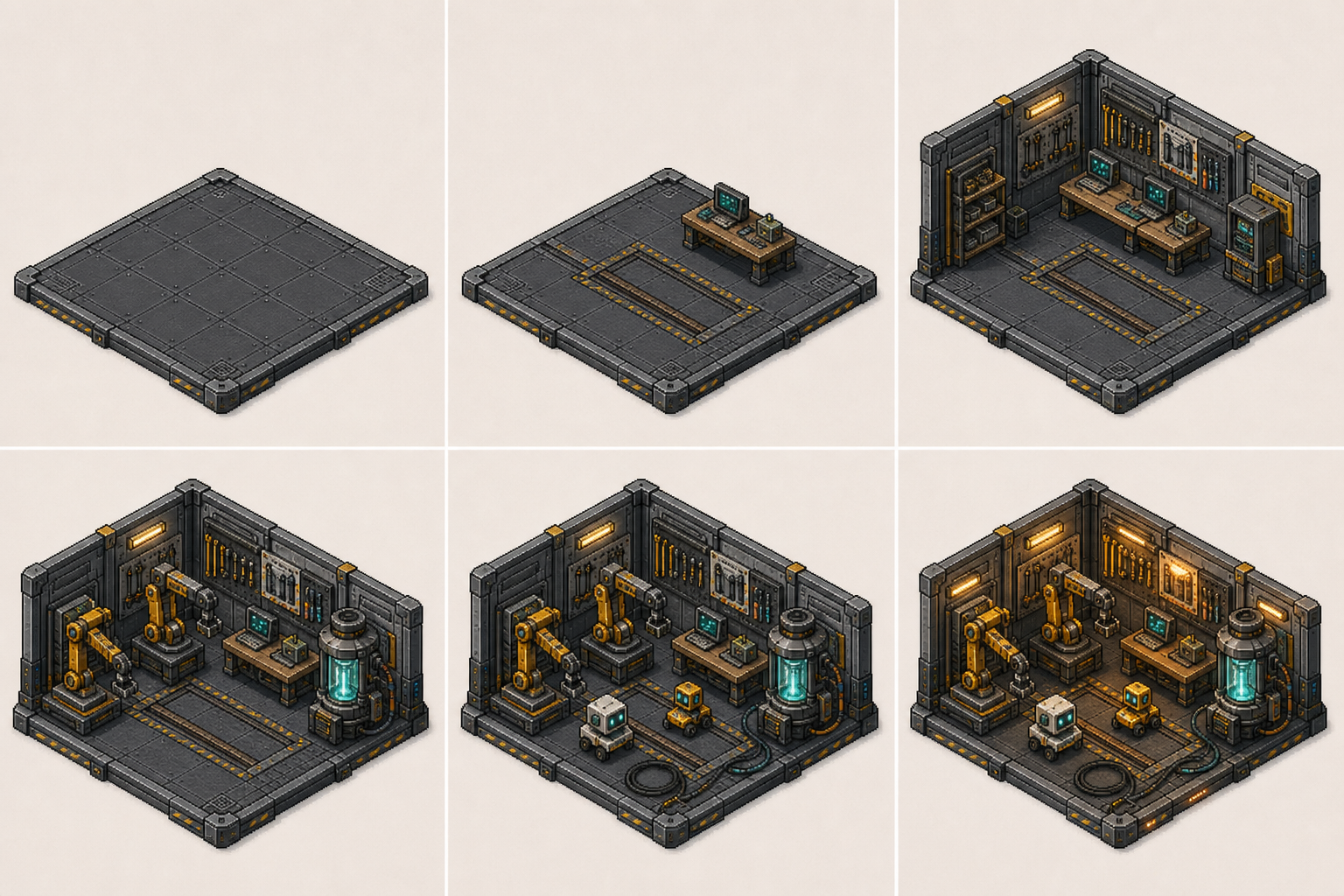
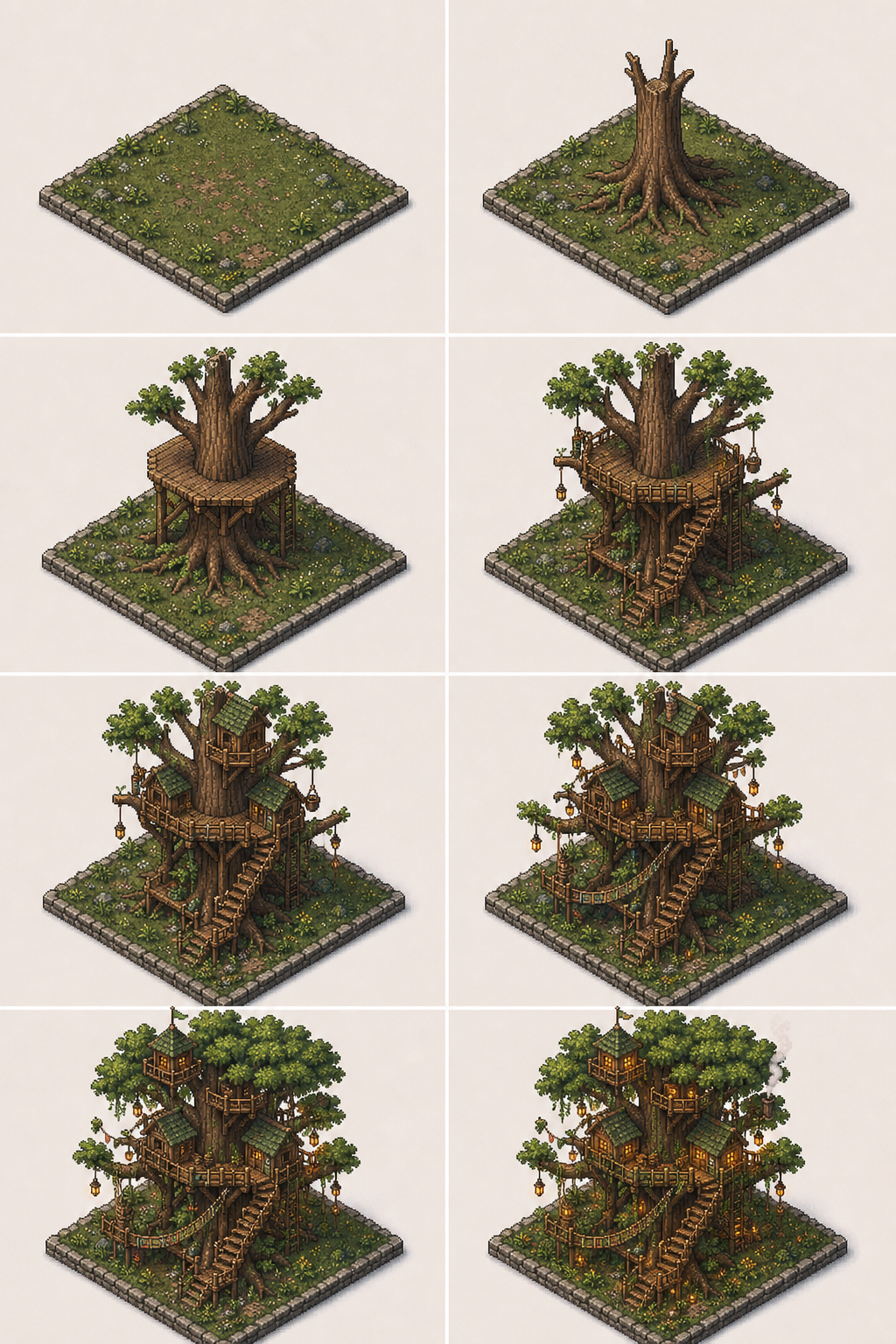
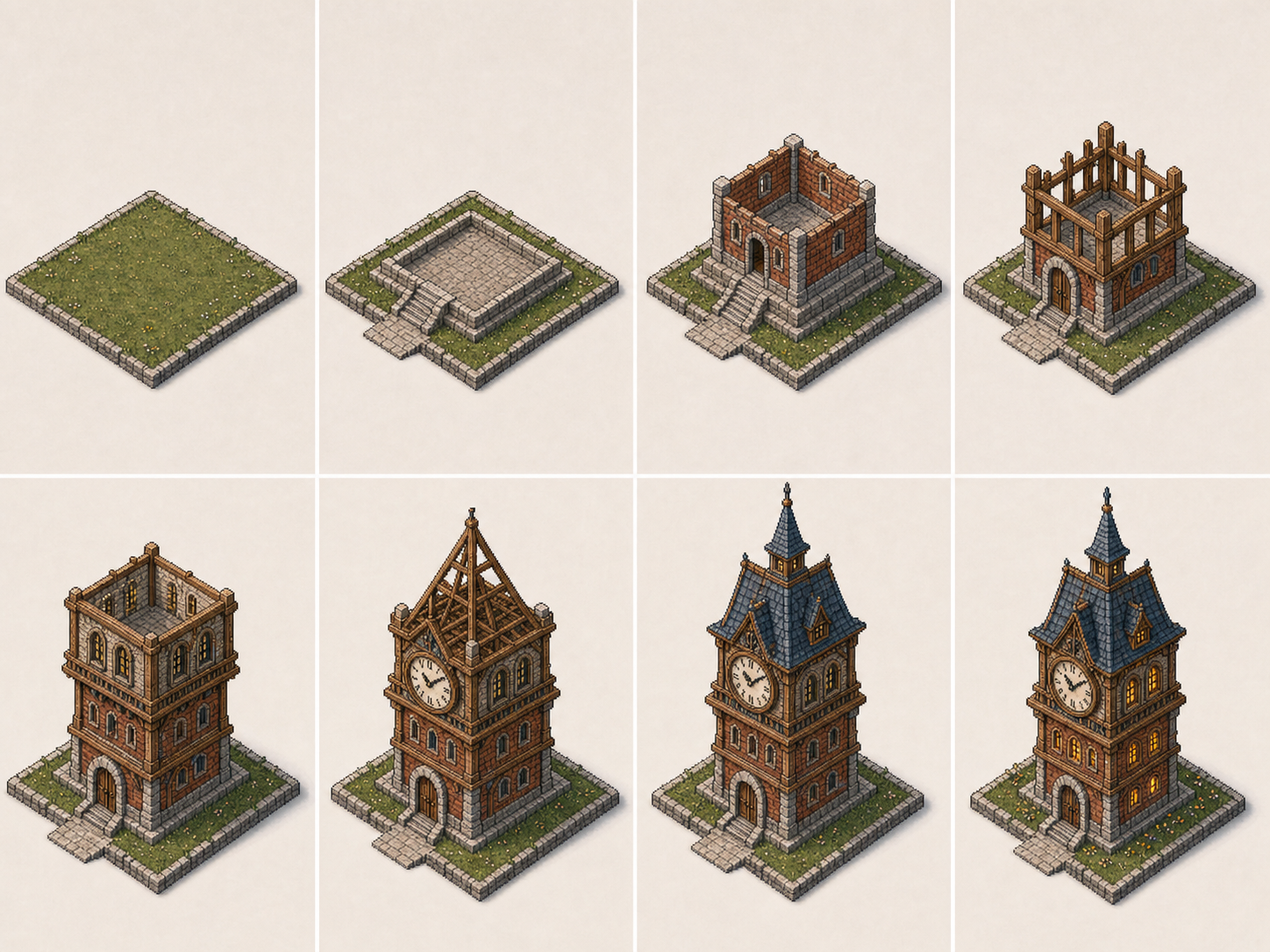
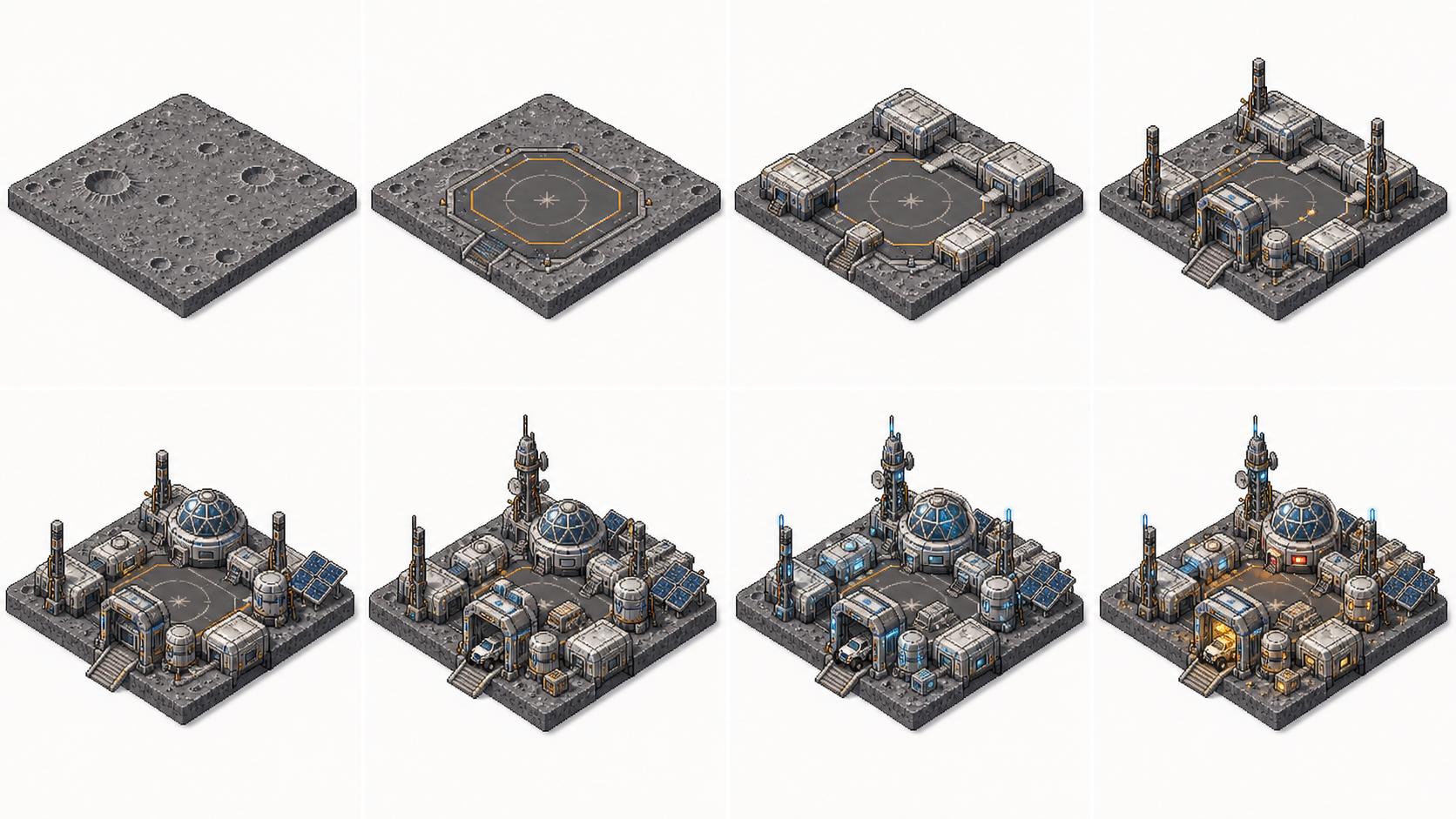
Treat each frame pair as a before-and-after animation direction. Use OpenImg's frame to video AI workflow to describe the motion, camera path, and visual pacing between your start and end frames.

OpenImg frame pair animation with smooth transitions

Generate reusable sequences formulti-platform publishing

Use the transparent frame generator as a motion lab for campaign video assets. Ask for different aspect ratios, pacing options, and motion intensities you can reuse across social, web, and ad placements.

OpenImg reusable frame-to-video sequences for multi-platform publishing

Create visible-prompt videos foropen content workflows

Describe frames, transitions, camera movement, and scene changes with visible prompts. OpenImg keeps the prompt accessible so you can repeat, remix, and refine your frame sequences without locked templates.

OpenImg transparent prompt frame-to-video workflow

Why use OpenImg for frame-to-video animation

Create smooth frame sequence animations without complex editing software. OpenImg turns short prompts into frame to video AI directions with visible settings, open prompts, and repeatable animation results.

Free online workflow

Start with frame to video AI free creation and test your animation ideas directly in the browser without locked templates.

Frame sequence animation

Generate smooth motion between start and end frames with control over transitions, pacing, and camera movement.

Open prompt sharing

Create transparent frame-to-video prompts without hidden settings, locked templates, or brand restrictions.

Multi-ratio export

Export frame sequences in 16:9, 9:16, 1:1, and 4:5 formats for different platform requirements.

Explore frame animation as open video directions

Use transparent prompts to generate frame to video AI sequences while keeping the settings visible for later reuse and remixing.

OpenImg frame pair animation between start and end frames

Frame Pair Animation

Animate start-to-end frame pairs

Describe the character type, scene change, and motion direction between two frames. The frame to video AI model can animate landscape-to-portrait transitions, product-to-action sequences, and scene-to-scene changes as open video directions.

Frame pairScene transitionAnimation
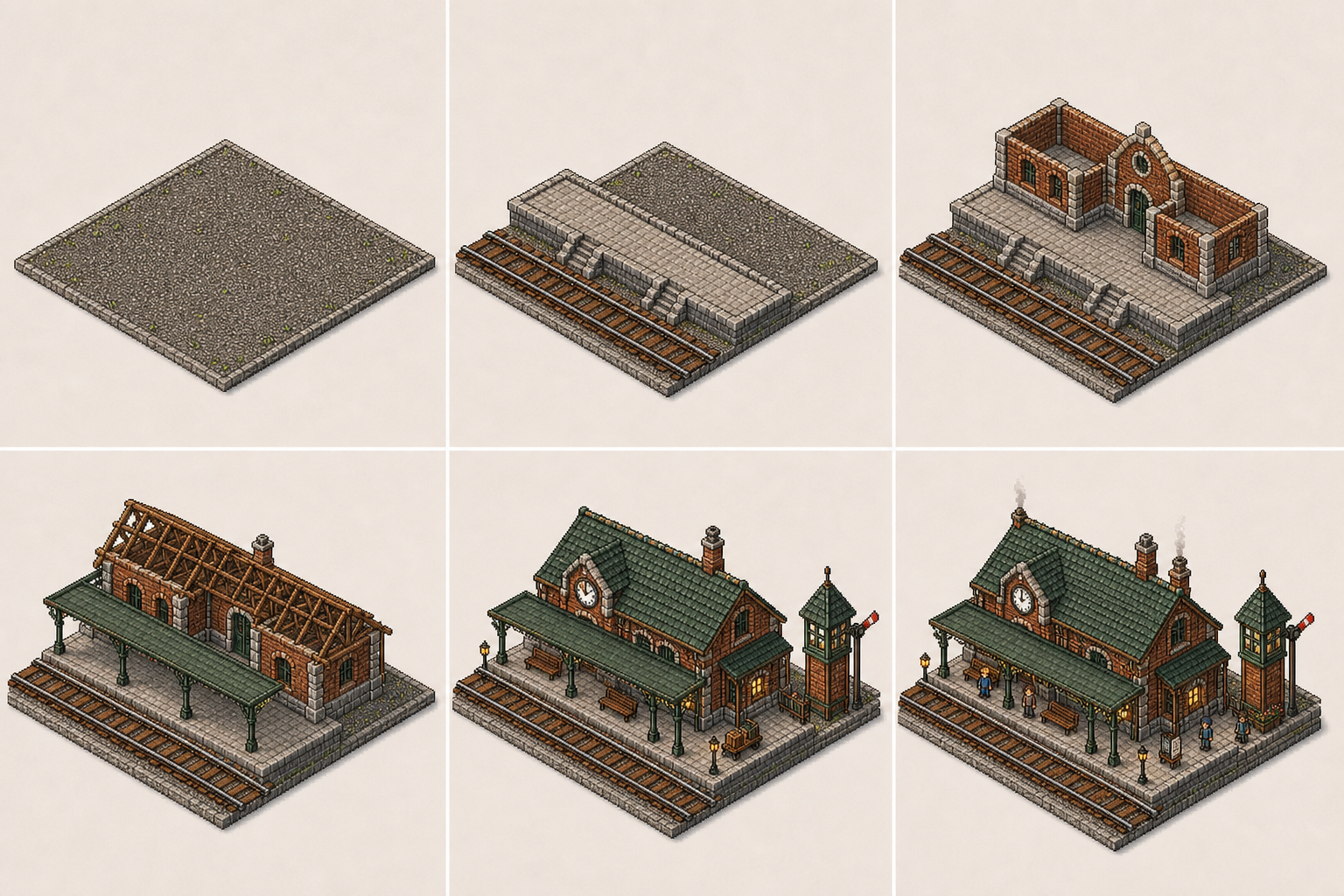
OpenImg reusable frame animation motion templates

Motion Templates

Generate reusable frame animation styles

Start from motion-like prompts with smooth, energetic, dramatic, or gentle animation directions. Save the strongest sequence output as a repeatable video brief before adding final frame details.

Motion templateAnimation styleReusable
OpenImg multi-frame input for sequence animation

Multi-Frame Input

Work with multiple input frames

Upload up to 4 images as keyframes and let the ai frame to video workflow generate smooth transitions between each pair. The result is a complete animated sequence from a transparent multi-frame input.

Multi-frameKeyframe sequenceBatch input
How It Works

How to generate frame to video AI animations

Use a clear prompt structure so the frame animation has smooth motion direction and reusable sequence style in a frame to video AI workflow.

1

Select your frames

Choose 1-4 source images. Name the scene, transition, and whether the ai video generator start and end frame result should feel smooth, dramatic, or playful.

2

Set the motion style

Add the animation direction: smooth pan, gentle zoom, orbiting reveal, or dynamic camera movement for image to video ai start frame and end frame control.

3

Adjust scene parameters

Provide pacing preference, aspect ratio, and any mood or lighting direction for the sequence.

4

Generate and export

Preview the frame animation, adjust the prompt if needed, then download the video for social media or creative projects.

Use frame animations across creative workflows

Generate frame to video AI sequences for social avatars, product showcases, scene transitions, animated banners, and reusable motion sets.

Social media content

Create animated frame sequences for Instagram, TikTok, Twitter, and Facebook posts.

Product showcases

Generate smooth product reveals from multiple angles using an ai frame to video generator for transparent transitions.

Scene transitions

Animate between different scenes, locations, or moods for storytelling and presentations.

Animated banners

Build looping banner animations from static design frames for web and ad placements.

Frame animation prompt ideas for better results

Try these frame prompt directions when you want a transparent frame to video AI workflow for different animation styles.

Built for frame animation exploration

1-4

frames per sequence to define the starting, intermediate, and ending visual anchors

16:9

widescreen ratio ideal for campaign videos, product demos, and widescreen content

5s+

sequence durations supported for short-form video and social media export

Frame to Video AI FAQ

Get answers about how OpenImg's transparent frame to video AI generator works, prompt tips, and platform support.


See the frame-to-video process

Write an open prompt for your frame pair, set the motion direction, and generate a visible-prompt frame sequence with the transparent frame to video AI workflow.

Try OpenImg Frame Animation