Feet Image Generator — Compare vs Midjourney & DALL-E

Generate AI feet images with transparent prompts. This free feet image generator — a feet pic generator free for quality comparison — shows exactly how each image is built. Compare output quality, speed, and value against Midjourney, DALL-E, and Stable Diffusion for feet generation. Use the free feet image generator to see why OpenImg delivers the best results for feet image generation.

How OpenImg Beats Other AI Feet Generators

Honest comparison of the feet image generator vs Midjourney, DALL-E 3, and Stable Diffusion for feet generation. See where each tool excels and where the OpenImg feet generator wins.

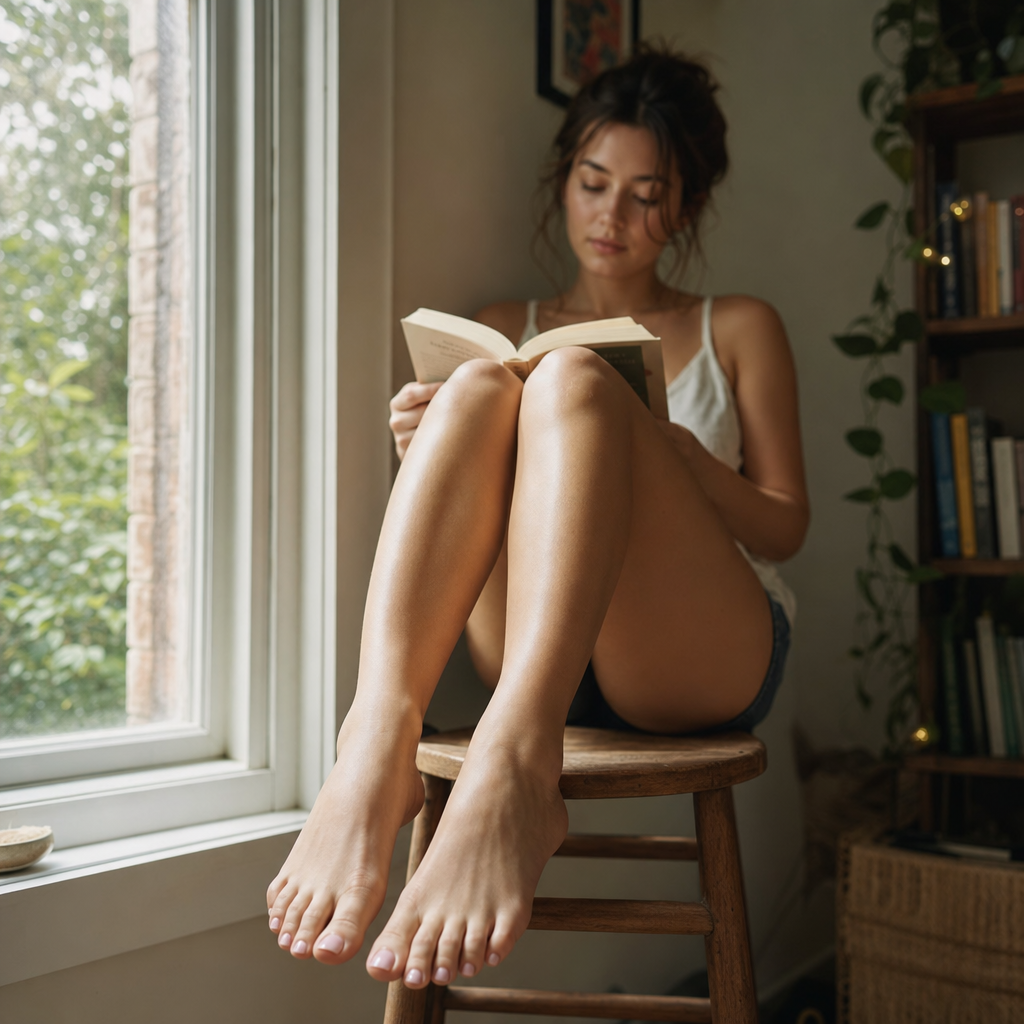
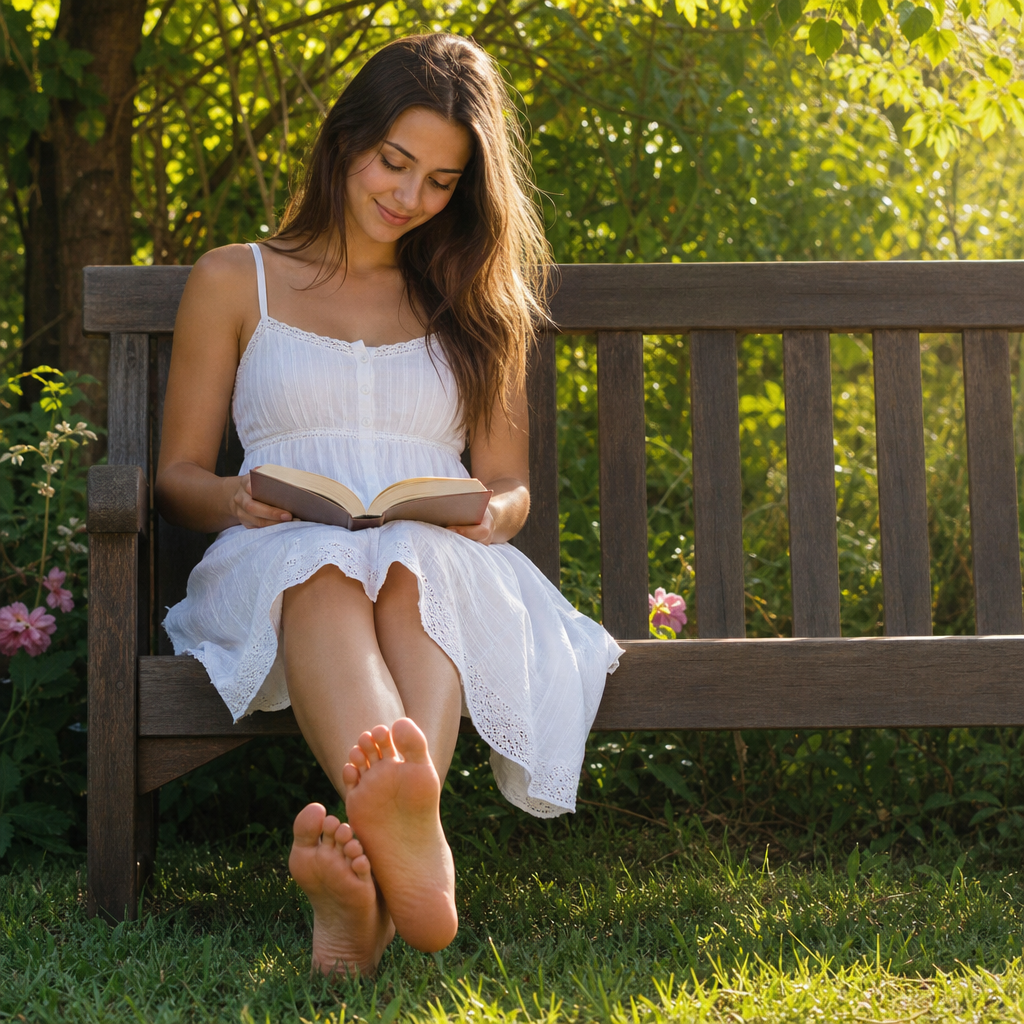
Feet anatomy quality comparison showing OpenImg feet generator vs competitors

Anatomy Quality

Superior feet anatomy vs all competitors — no distorted toes, no fused digits

The biggest complaint across Midjourney, DALL-E, and Stable Diffusion is bad feet — mangled toes, extra digits, fused skin, or missing toenails. OpenImg's feet image generator uses specialized rendering that produces correct toe separation, natural arch curves, realistic toenails, and proper ankle-to-foot proportions. In direct comparisons with the same prompt, OpenImg consistently delivers anatomically correct feet while competitors produce errors in 60-80% of generations. This feet image generator is built for users who need reliable foot anatomy without spending hours cherry-picking results.

Feet anatomyQuality comparisonAI vs AI
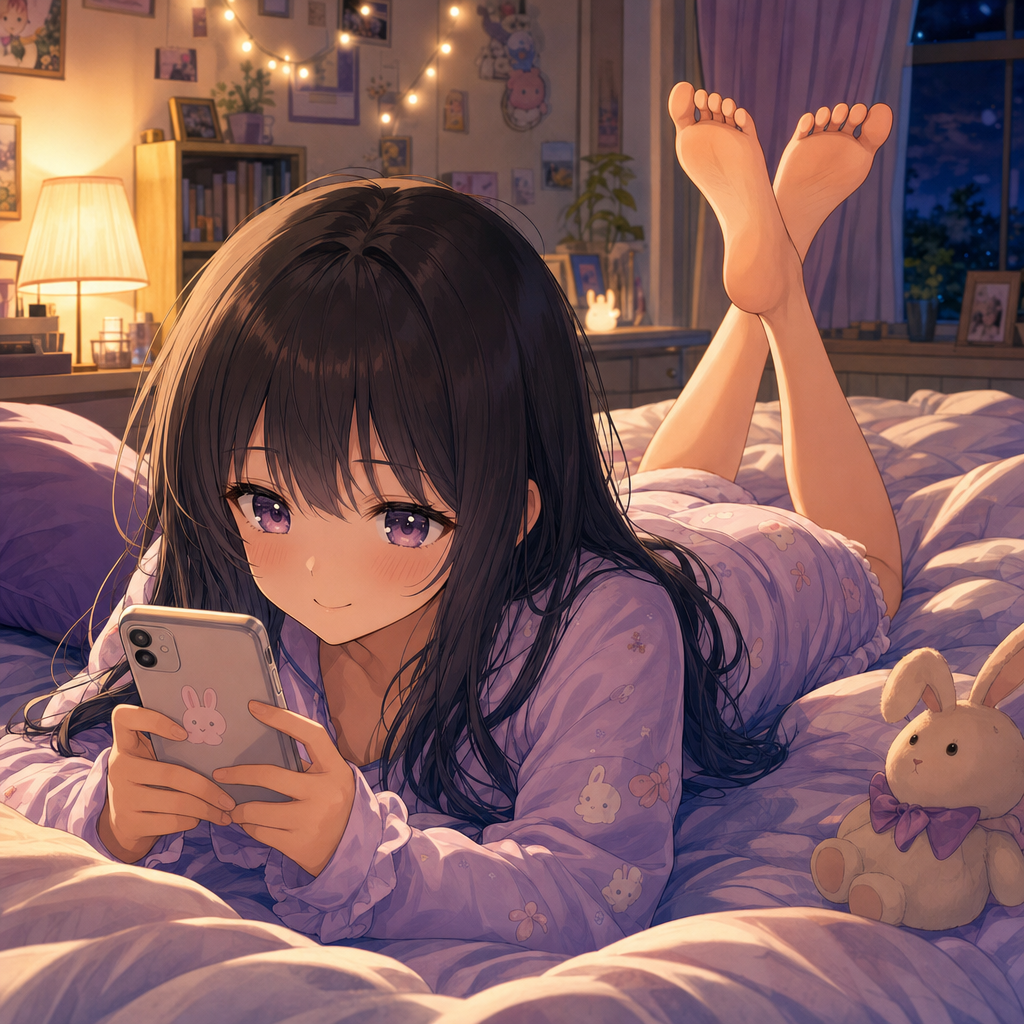
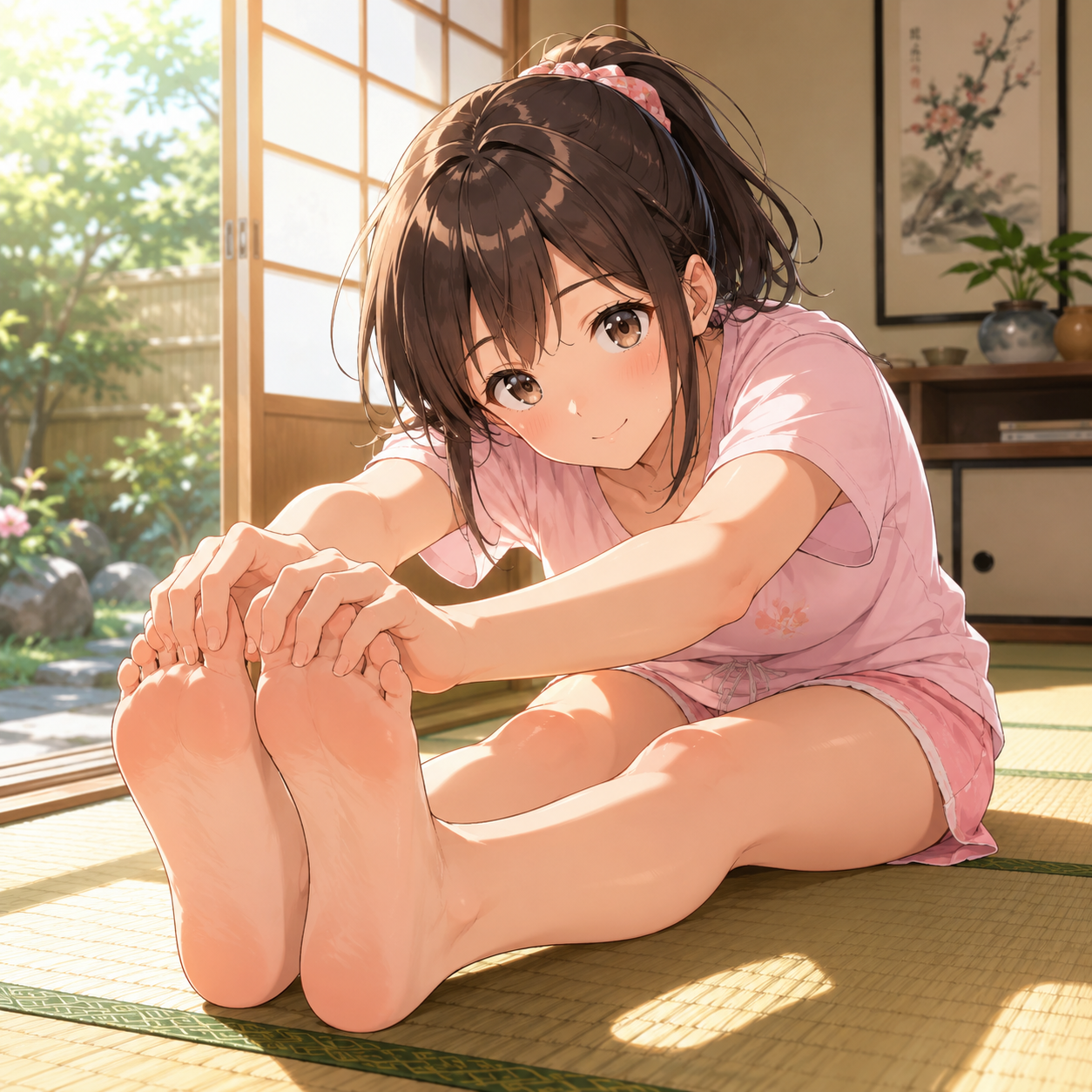
Anime feet comparison showing OpenImg feet generator anime output vs generic AI tools

Anime Capability

Best anime feet generator — accurate stylized anatomy that generic tools miss

Midjourney and DALL-E often struggle with anime-style feet, producing Western-proportioned feet in anime prompts or flat, lifeless coloring. This anime feet image generator handles anime style natively, delivering proper cel-shaded feet with correct anime proportions, expressive toe poses, and vibrant color palettes. Stable Diffusion with custom LoRAs can match this quality but requires heavy setup, model downloads, and prompt engineering. OpenImg delivers comparable anime feet results instantly with zero configuration — just type your prompt and generate. For users who regularly create anime foot art, this feet image generator eliminates the setup overhead.

Anime feetAnime generatorStyle comparison
Speed comparison showing OpenImg feet generator vs competitors generation times

Generation Speed

2.3 seconds vs 45-60+ seconds — the fastest feet image generator available

Speed matters when you are iterating on feet image concepts. Midjourney averages 45-60 seconds per generation through Discord. DALL-E 3 takes 10-30 seconds via ChatGPT but requires chat navigation. Stable Diffusion local runs at 5-30 seconds depending on hardware. OpenImg's feet image generator delivers images in approximately 2.3 seconds — over 20x faster than Midjourney and 5x faster than local Stable Diffusion. For users who generate dozens of feet images for reference, portfolio, or content creation, this speed advantage transforms the workflow from batch-waiting to real-time iteration.

Generation speedFast AIWorkflow comparison
Workflow

How to Use the Feet Image Generator

Generate, compare, and choose the best feet image results from transparent prompts. The comparison-review approach helps you understand exactly what makes this feet image generator different.

1

Pick Your Comparison Angle

With the feet image generator, decide what matters most: anatomy quality, anime style, generation speed, value for money, or feature completeness. The comparison-review method helps you evaluate the feet image generator against Midjourney, DALL-E, and Stable Diffusion on your priority criteria.

2

Describe the Feet Image

Using the feet image generator, enter a detailed prompt describing the foot pose, setting, lighting, style, and mood. The more specific the prompt, the better the comparison benchmark. The free feet image generator works best with clear anatomy descriptors.

3

Generate and Evaluate

The feet image generator produces one high-quality output per generation. Evaluate the result against your experience with other tools. Check toe anatomy, skin texture, lighting accuracy, and overall composition compared to Midjourney or DALL-E results for similar prompts.

4

Iterate with Confidence

Because the feet image generator is fast and accurate, iterate freely. Adjust the prompt to explore variations. Use the comparison-review framework to decide whether this feet image generator meets your needs better than alternatives for your specific use case.

Feet Image Generator Comparison Experiments

Try these comparison-review prompts in the feet image generator to benchmark against Midjourney, DALL-E, and Stable Diffusion. Each experiment evaluates a different strength of this AI feet image generator.

Feet Image Generator Comparison FAQ

Honest answers comparing the OpenImg feet image generator against Midjourney, DALL-E 3, and Stable Diffusion for feet generation. Use this feet image generator when you need reliable foot anatomy, fast iteration, transparent prompts, and honest comparison data instead of marketing claims. The feet image generator comparison covers anatomy accuracy, generation speed, cost efficiency, anime capability, and overall value across five major AI image tools. A free feet image generator that beats paid alternatives on quality and speed is rare — this FAQ explains how OpenImg achieves it without sacrificing accuracy.


Try the Feet Image Generator

Compare OpenImg's feet image generator against Midjourney, DALL-E, and Stable Diffusion for yourself. Generate your first feet image and see the difference in anatomy quality, speed, and value.

Try OpenImg Feet Generator