Face Symmetry Test Online

Run a face symmetry test online on your own terms. Upload a front-facing portrait and the AI analyzes your facial balance - eye symmetry, nose alignment, lip evenness, jawline proportion - then returns a transparent breakdown of how each score is calculated. No accounts, no data retention, just honest analysis.

Open AI facial symmetry analysis with full transparency

OpenImg believes you deserve to know how your face symmetry analyzer works under the hood. Every face symmetry test online measurement, score, and classification is presented alongside a plain-English explanation of how the AI reached its conclusion.

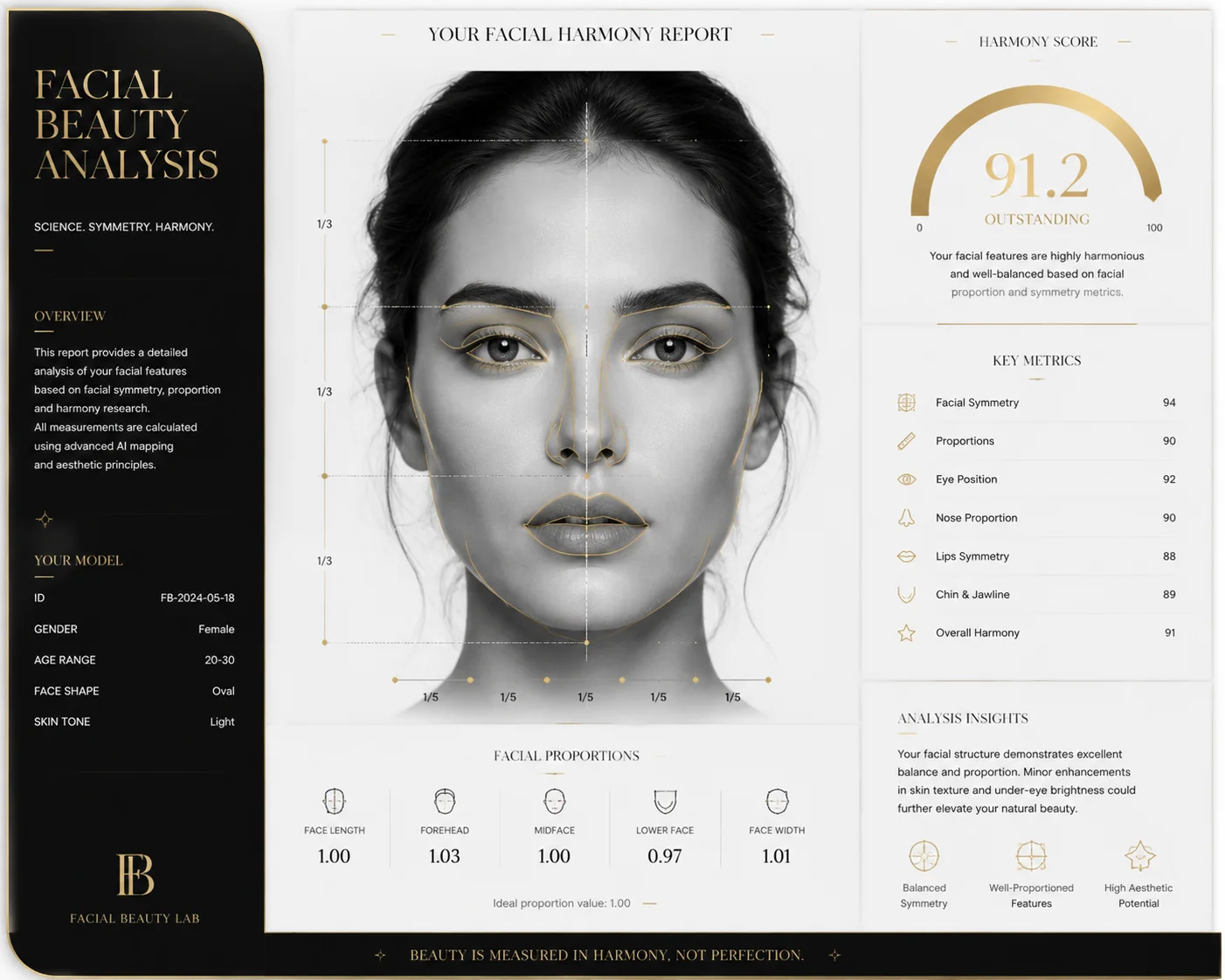
OpenImg transparent face symmetry test showing detailed scoring methodology breakdown

Open Scoring

See exactly how your symmetry score is calculated

Unlike closed-source face symmetry tests that give you a number and nothing else, OpenImg reveals the methodology behind each metric. You'll see which facial landmarks were detected, how left-right comparisons are computed in your face symmetry test online, and what the industry-standard reference ranges are.

Open scoringTransparent AIMethodology
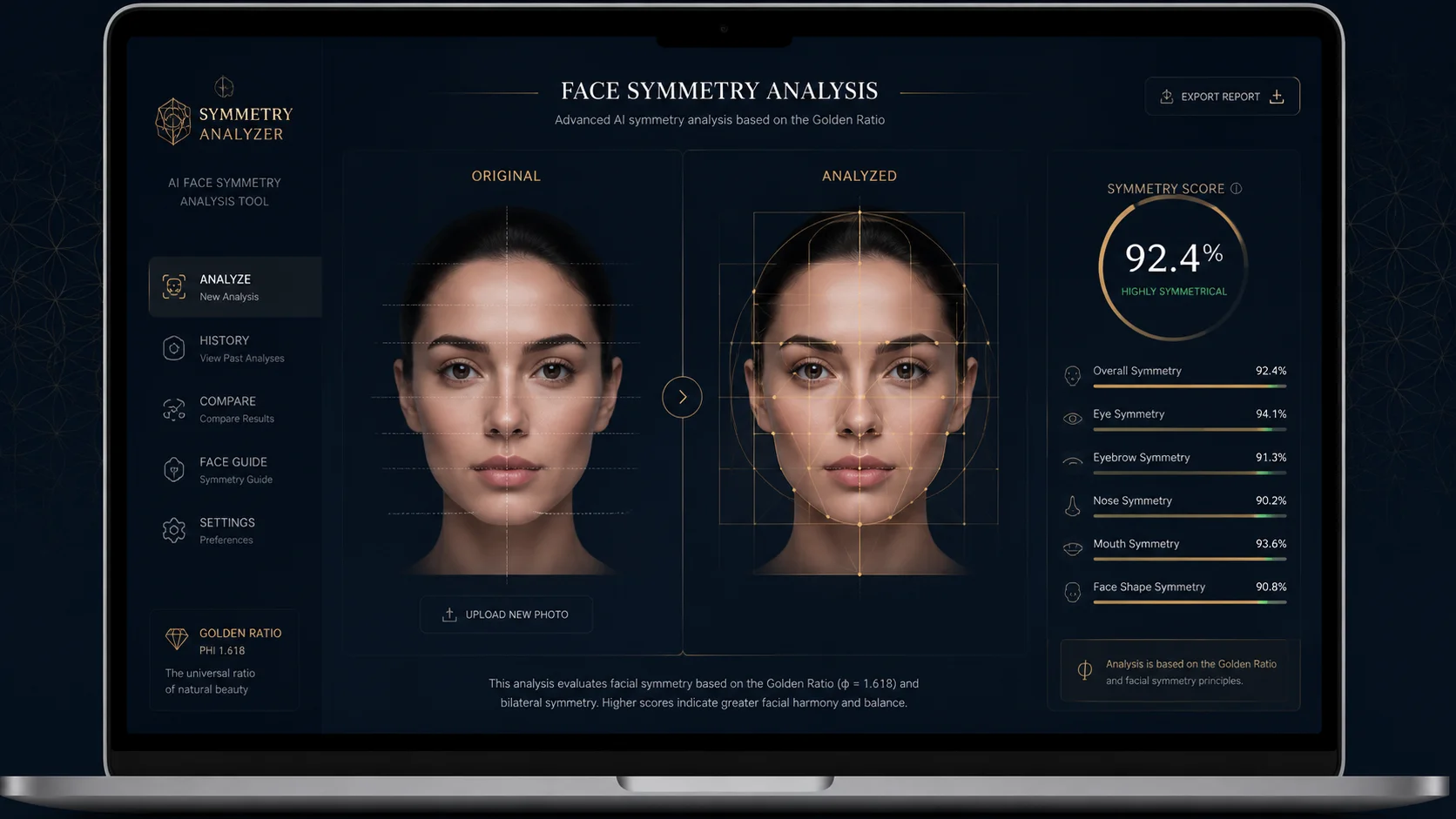
OpenImg symmetrical face check data export interface showing raw analysis metrics

Raw Data

Export and reuse your facial analysis data

Your face symmetry test online results are yours to keep. Download the raw analysis data, reuse the measurements in your own projects, or compare multiple scans over time. OpenImg treats your data as your property, not a product to monetize.

Data exportOpen dataReusable insights
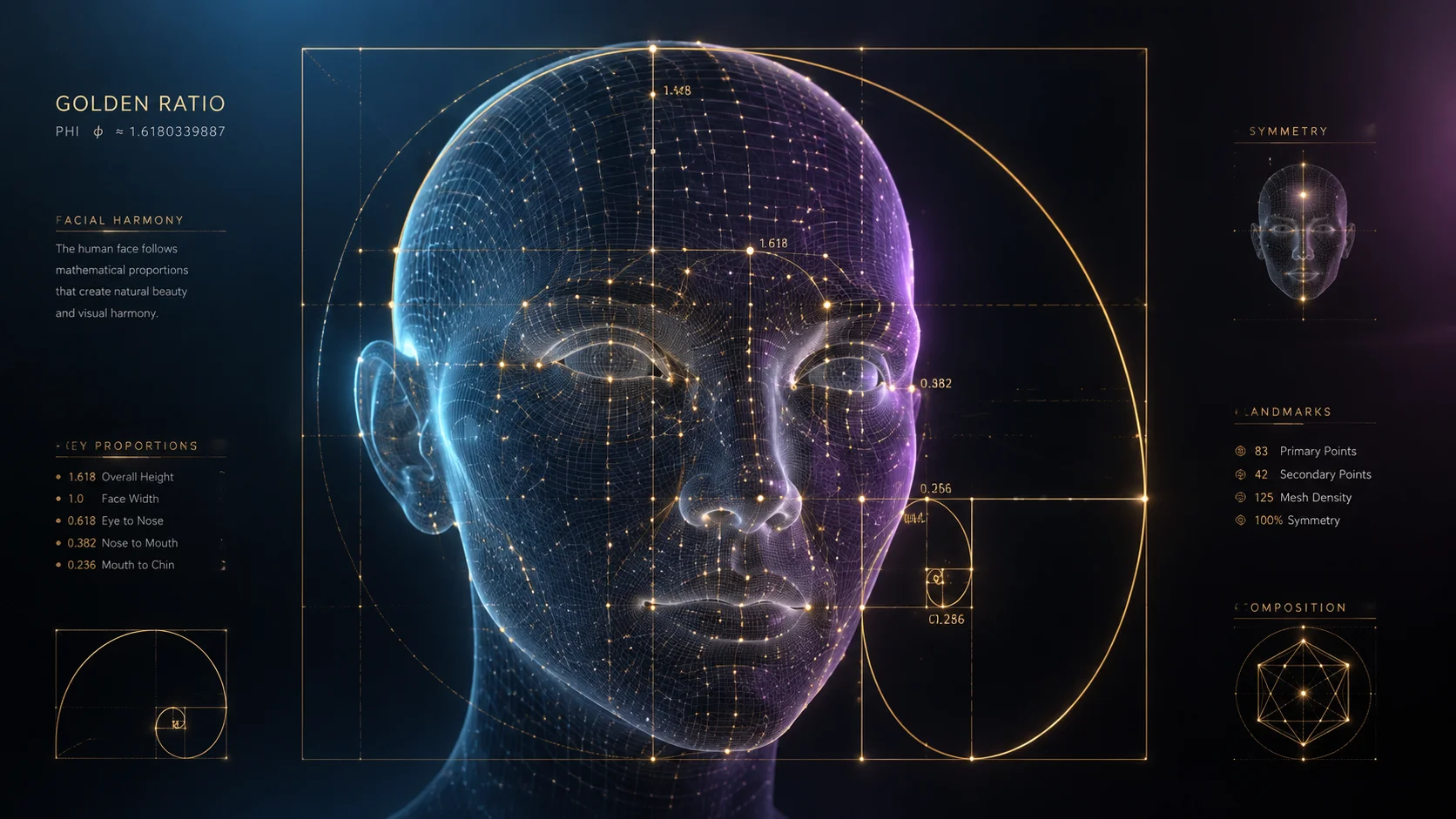
OpenImg facial classification explanation showing AI landmarks and threshold documentation

No Black Box

Understand every facial classification the AI makes

When the analysis identifies your face shape or rates your jawline symmetry, OpenImg tells you why. The specific landmarks and proportional thresholds used for each classification are documented, reviewed, and open for community feedback.

ClassificationOpen documentationCommunity review
Workflow

How to run an open face symmetry test online

OpenImg keeps the process straightforward and transparent. Here is how to get useful face symmetry online test results:

1

Select your source photo

Pick a frontal portrait with even exposure. The AI needs to detect your facial landmarks clearly - eyes, nose tip, mouth corners, jawline edges. Photos with harsh side lighting or extreme angles reduce the accuracy of your face symmetry test online.

2

Upload and authorize analysis

Upload your photo for a face symmetry upload photo analysis using the tool above. OpenImg processes the photo temporarily to extract facial measurements, then deletes the original image. Your raw data remains available for you to export.

3

Inspect the methodology behind your scores

The open face symmetry test online shows you how each measurement is derived. You can see which facial landmarks were detected, how bilateral comparisons are calculated, and where your facial proportions fall relative to population averages.

4

Export your open data

Download your complete facial analysis as structured data. Reuse it in your own projects, compare future scans, or share the transparent results - OpenImg gives you full control over your facial symmetry information.

Maximize accuracy in your open face symmetry test online

OpenImg wants your face symmetry check online and symmetrical face check to be as precise as possible. Follow these guidelines for the most reliable measurements.

Face Symmetry Test Online & Symmetrical Face Calculator - FAQ

Common questions about open AI face symmetry analysis.


Run your transparent face symmetry test online

Everything visible, nothing hidden. Upload your photo above for an open, honest face symmetry test that puts you in control of your data.

Start Open Analysis