Create Video From Photos With AI

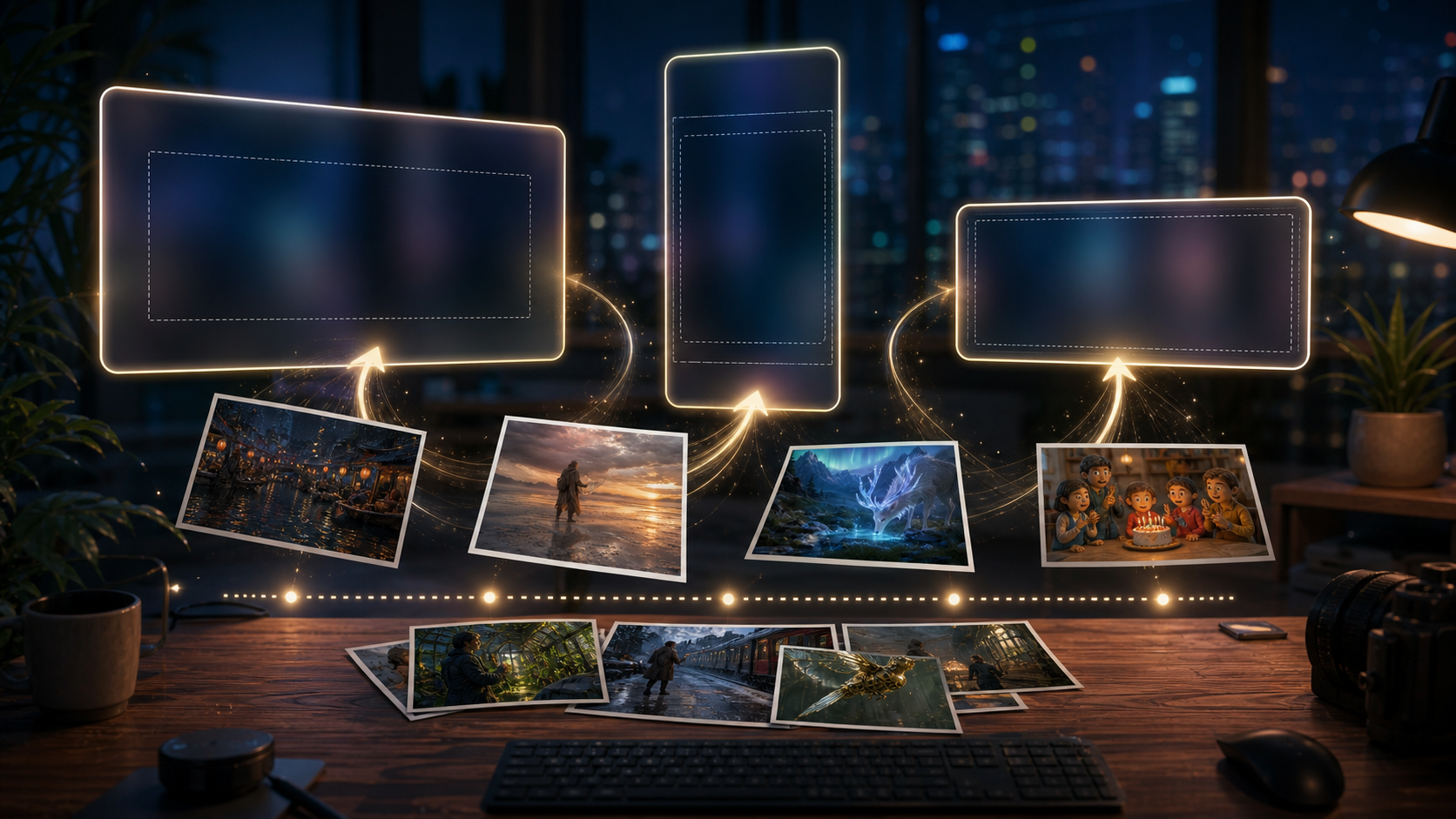
Create video from photos in OpenImg by starting with one strong image, then describing camera movement, atmosphere, subject stability, caption space, and where the clip will be used. Instead of offering a timeline editor, this page focuses on an open browser workflow for prompt-led image-to-video generation: create video clip from photos, create facebook cover video from photos, prepare reels, birthday scenes, product reveals, and MP4-ready social assets.

Create polished motion clips with a photo video maker

OpenImg is built for creators who want to create a video from photos without assembling every frame by hand. Use it as a photo video maker with music online free trials when available: write the intended mood, movement, transitions, caption area, and export context, then generate a short AI clip from the still image. The output is strongest when the prompt respects the source photo and treats OpenImg as a fast online MP4 maker rather than a heavy desktop slideshow suite.

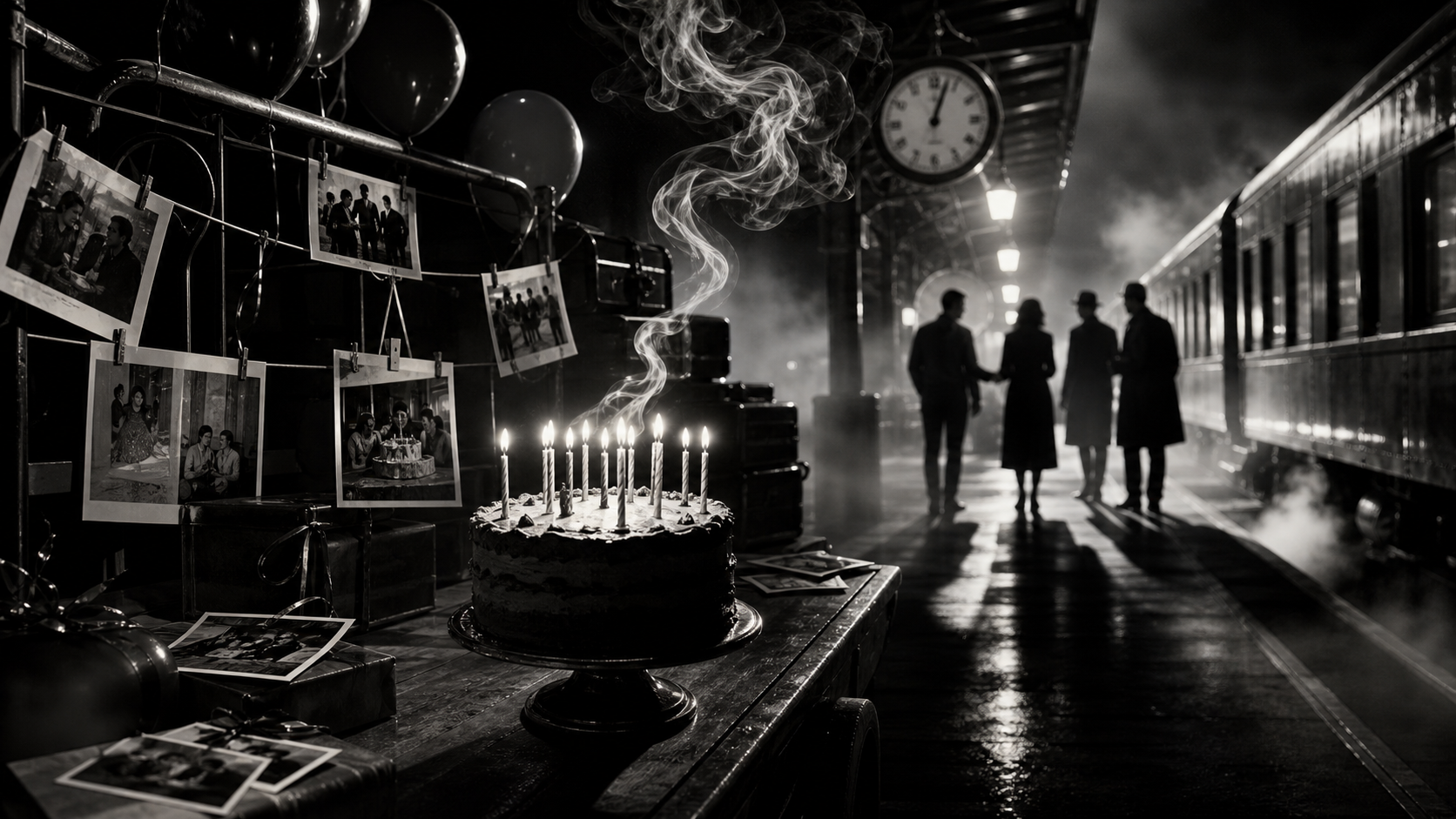
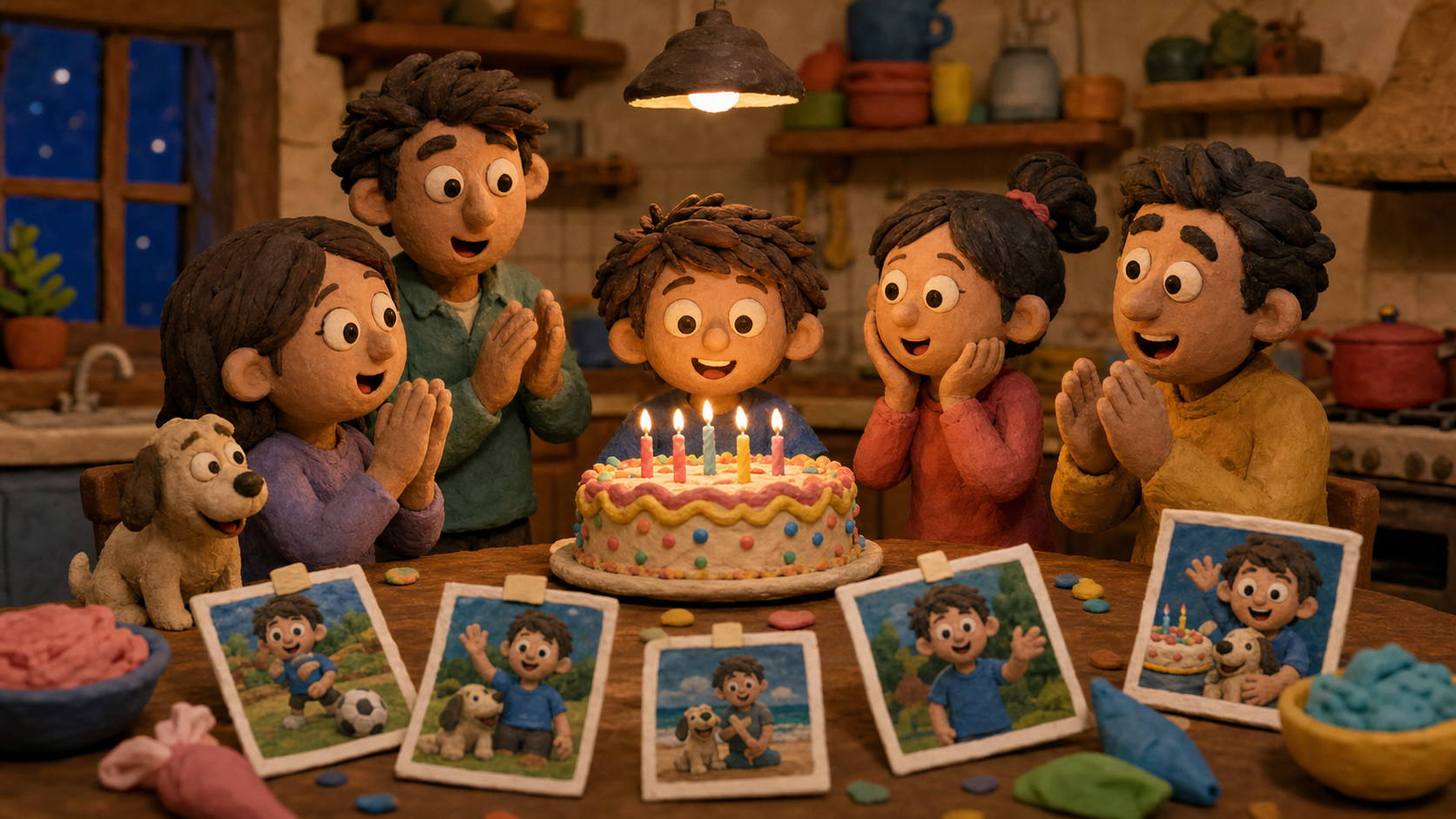
Create birthday video from photos with a warm studio montage

Birthday Stories

Create birthday video from photos

Create birthday video from photos by giving OpenImg a clear celebration frame and a prompt that names candle movement, soft camera drift, family warmth, ribbon motion, and room for names or dates. Free trials or credits can help you create video from photos free online, compare the mood, and then create video from photos for free again with calmer timing or stronger transitions before exporting a shareable clip.

BirthdayMusic-readyCaptions
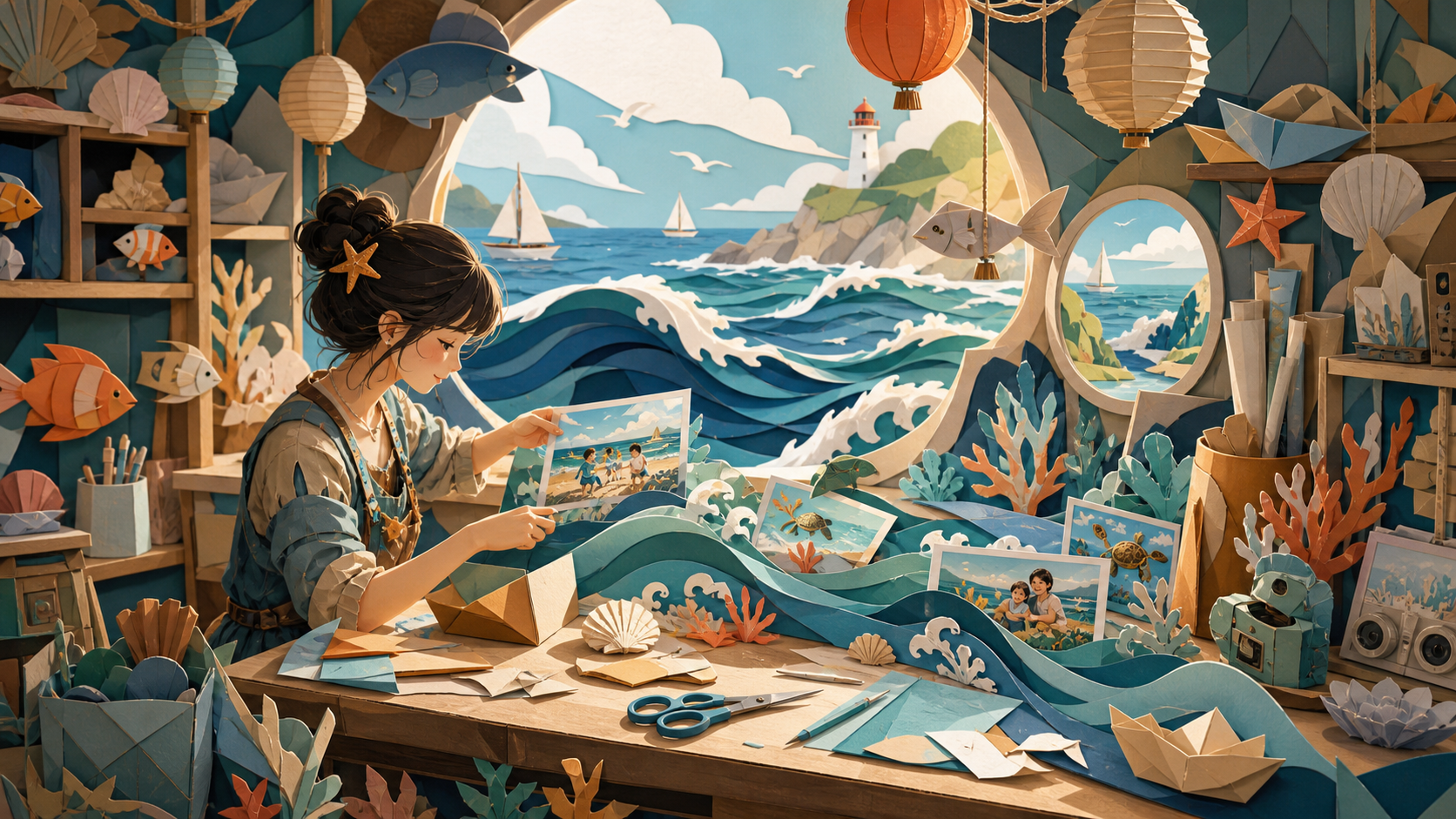
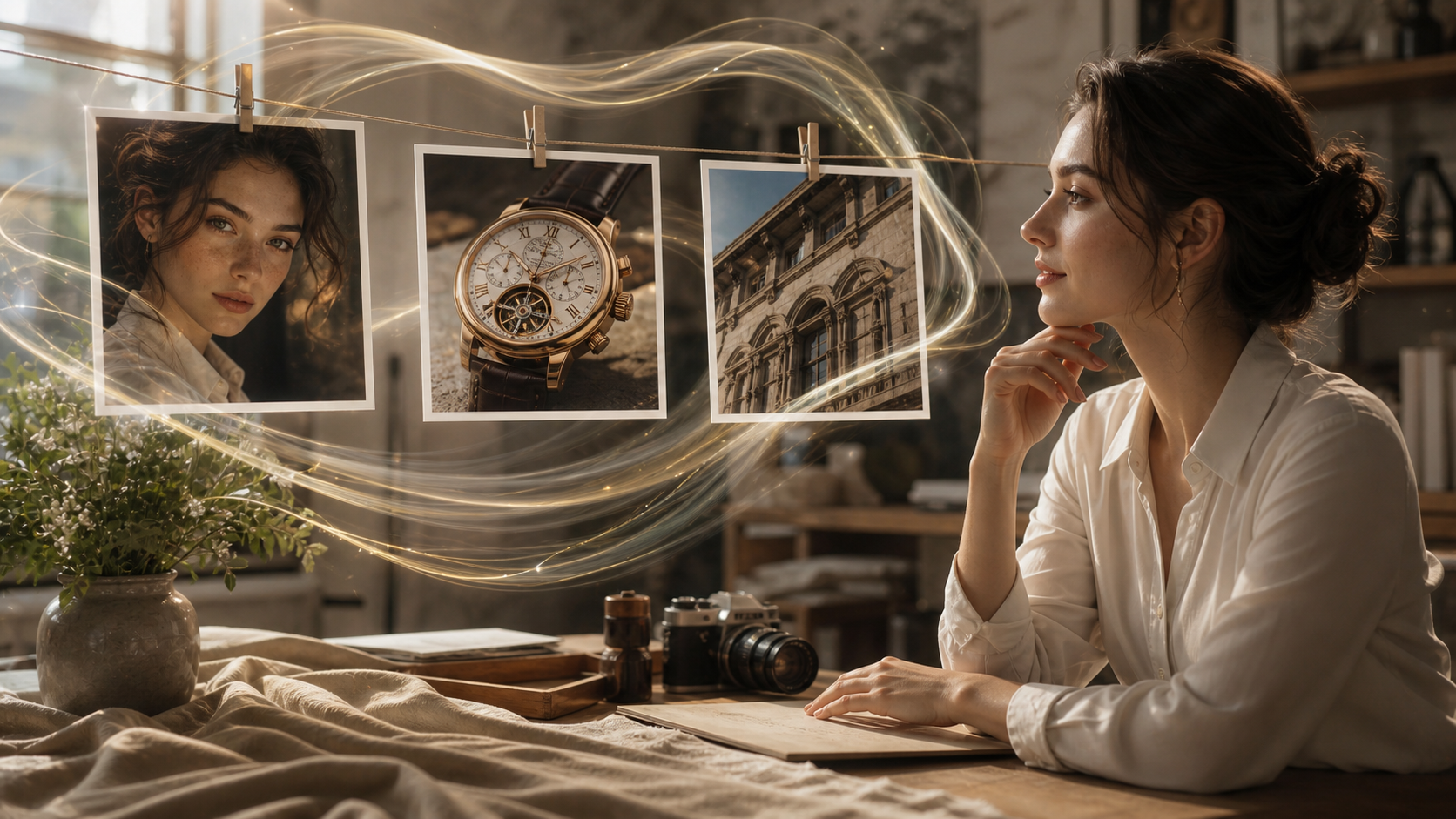
Create video from photos with a ukiyo-e wave collage style

Art Collage

Create video from photos with effects

Create video from photos with effects when a still image needs a stronger art direction than a plain transition. OpenImg can turn travel photos, portraits, or artwork references into a stylized clip with paper texture, wave motion, brush-like transitions, collage layers, and controlled camera drift. This is useful when you create video from photos using AI for a channel intro, music visual, editorial post, or when you create video from photos with collage so the clip feels designed rather than templated.

StylizedCollageTransitions
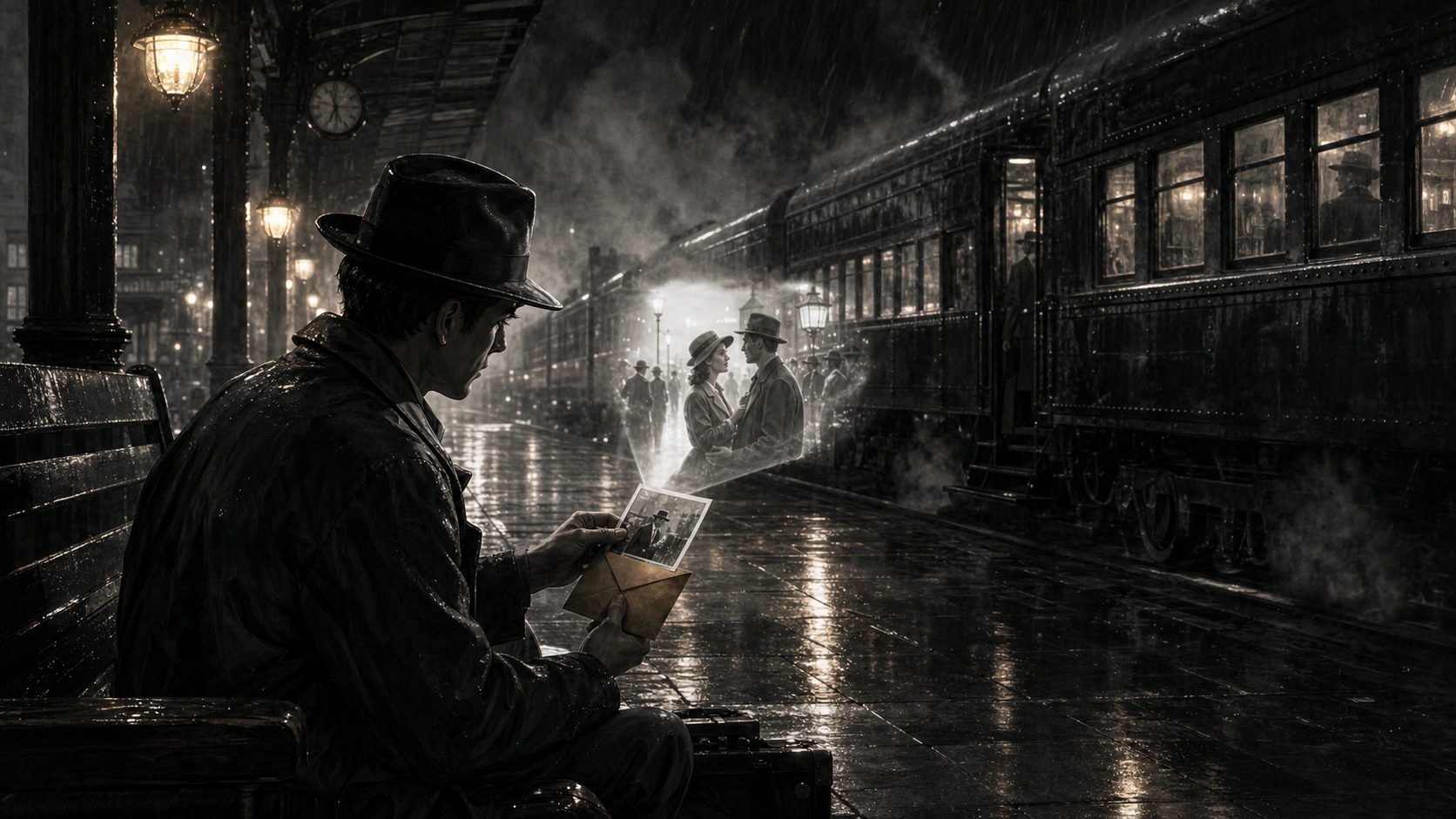
Create video slideshow from photos with Bauhaus travel design

Travel Albums

Create video slideshow from photos

Create video slideshow from photos by prompting the still image as part of a journey, not just a stack of slides. A Bauhaus travel layout gives the model geometry, motion paths, and visual rhythm for city, beach, mountain, or train-window photos. Use this approach to create online video from photos, create video from timelapse photos, or create video from photos with slideshow maker intent when you want movement cues without building every transition manually.

TravelSlideshowTimelapse
How It Works

How to create video from photos online

Create video from photos online free when credits are available, then refine the prompt for the destination: YouTube, Instagram, Facebook cover video, a birthday message, or a product reveal. The workflow is intentionally narrow: upload a source image, describe motion, choose settings, generate, and revise inside an online tool built for quick MP4-ready drafts.

1

Upload your strongest photos

Start with clear portraits, event images, product shots, artwork, travel photos, or representative timelapse frames. OpenImg works best when the photo has a readable subject and enough detail to preserve during motion.

2

Write the finished scene

Tell OpenImg how the finished clip should move. To create video from photos with animation, describe push-ins, pans, parallax, light movement, transitions, and caption-safe space.

3

Choose video settings

Use widescreen to create a YouTube video from photos or web embeds, then adjust the prompt when you create video from photos for Instagram, Facebook covers, or short social posts. Name crop, duration, title-safe space, and export context before you generate.

4

Generate, compare, and refine

Create video from photos AI clips, review the result, then refine the prompt with stronger timing, calmer motion, clearer subject preservation, or a different visual direction. If free capacity is available, use the create video from photos AI free pass for comparison rather than final high-volume production.

Create video from photos prompt ideas

Use these prompt directions when you need to create video from photos with online tool speed instead of a desktop editor. Each idea starts with the uploaded photo, then adds motion, atmosphere, framing, limitations, and publishing intent.

Create Video From Photos FAQ

Common answers about using OpenImg to create video from photos online, create MP4 video from photos, and make caption-ready AI video clips without assuming a full timeline editor.


Create video from photos with OpenImg

Upload a photo, describe the motion, and create video from photos with AI camera movement, caption-safe space, transitions, effects, and music-ready pacing.

Create Video From Photos