AI Rain Effect on Photo Online — Compare AI vs Traditional Rain Methods

Compare ai rain effect on photo online against rain overlays and manual editing. See why depth-aware AI rain creates more realistic results in seconds instead of the hours or compromises of other methods.

AI Rain Effect vs. Alternatives — Side-by-Side Comparison

Compare ai rain effect on photo online with overlays and Photoshop. See why depth-aware AI rain beats every traditional method for realistic results.

AI rain effect comparison vs rain overlay apps showing depth-aware wet pavement and building reflections on a city street

vs. Rain Overlay Apps

AI rain effect beats overlays with depth-aware rain that matches the scene

Overlay apps add a transparent rain layer that ignores scene depth. Rain falls behind buildings, dry ground reveals the trick, and lighting mismatches the original photo. The ai rain effect on photo online reads the entire image, places raindrops at correct depths, wets surfaces proportionally, and adjusts lighting to match overcast conditions. The result is rain that looks like it belongs in the original photograph instead of a sticker pasted on top.

vs overlaysDepth-awareRealistic rain
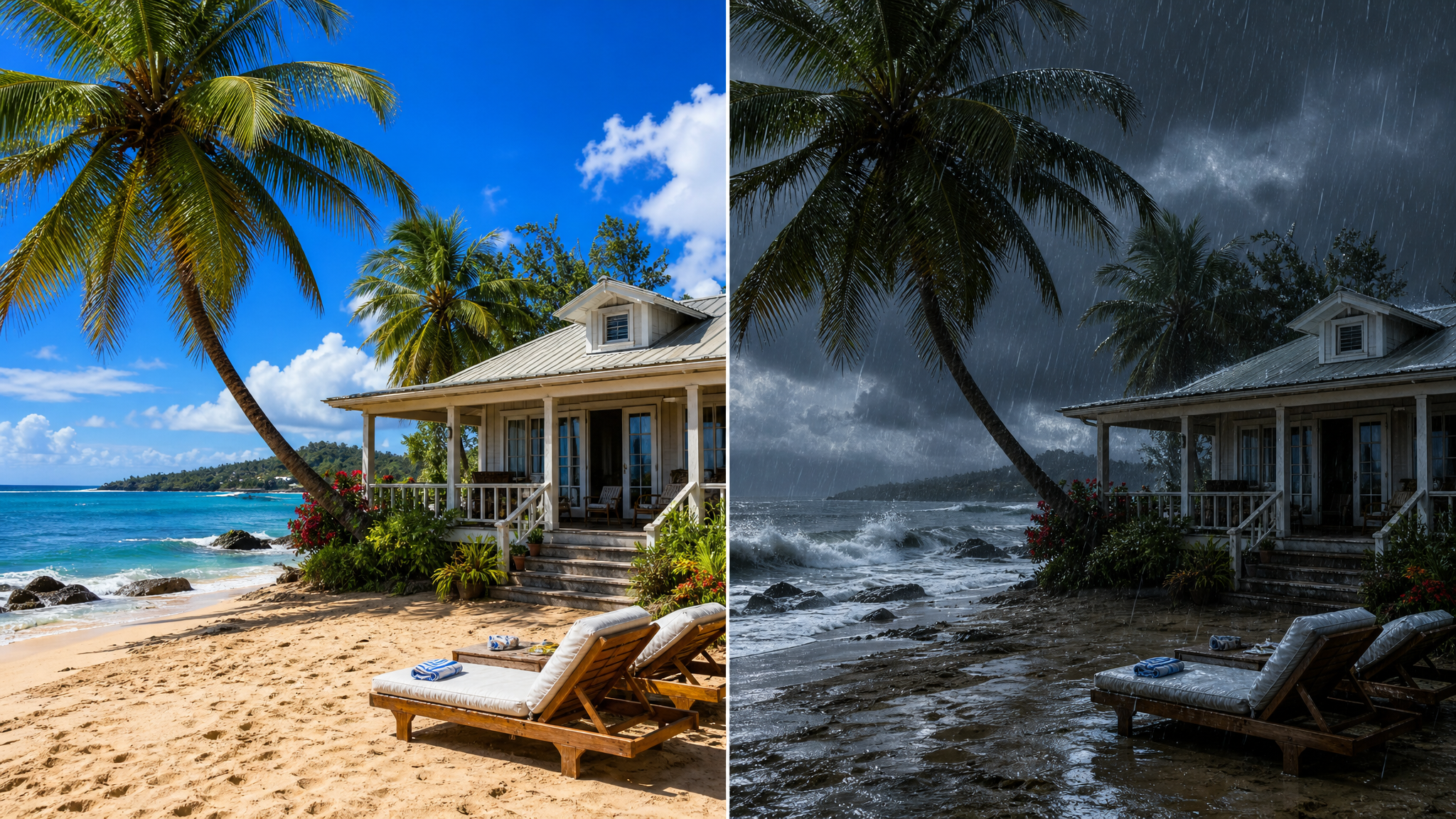
Free ai rain effect comparison vs Photoshop editing showing faster workflow on a beach house scene with ocean rain

vs. Photoshop Rain Editing

Free ai rain effect replaces hours of Photoshop masking with one prompt

Adding rain in Photoshop takes an hour or more per image. You need layer masks, cloud filters, motion blur, gradient maps, and careful blending for each depth zone. A single mistake in masking creates floating rain that breaks the illusion. The free ai rain effect on photo online generates everything simultaneously: falling rain, wet surfaces, reflections, sky adjustment, and atmospheric depth. What takes Photoshop experts 60 minutes takes the AI rain generator one prompt with better consistency.

vs PhotoshopLayer maskingTime saving
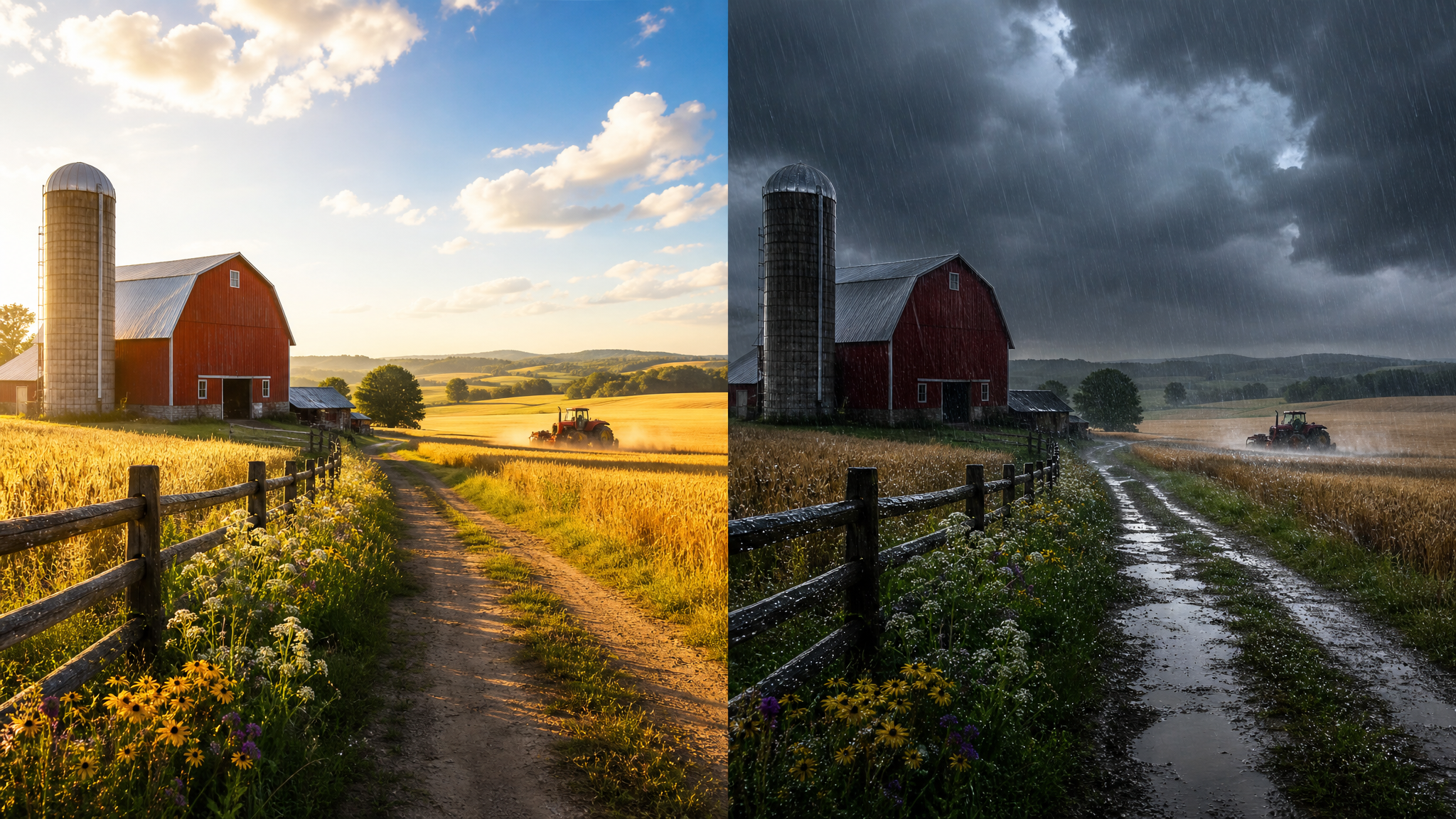
AI rain generator comparison vs other AI photo editing tools showing farm fields with realistic rain

vs. Other AI Weather Tools

Compare the ai rain generator with other AI photo editing and weather apps

Generic AI editors change the entire image style—they convert photos to illustrations, add heavy filters, or require extensive prompt engineering to isolate the rain effect. The ai rain generator is specialized for weather effects: it adds real rain without altering the original subject, composition, or color palette. Other AI weather tools may only offer simple overlays or preset effects. This ai rain effect tool gives you full control over rain intensity, atmospheric conditions, and scene preservation with results that look like real photography.

vs AI toolsSpecializedConsistent results
Comparison Workflow

How to use ai rain effect on photo online free — comparison guide

Try the tool in four steps. Each step shows how AI rain compares to overlay apps, Photoshop, and other weather effect methods so you can see the difference yourself.

1

Tell us about the photo you want to transform

Describe what your photo shows and the existing lighting and weather conditions. Unlike overlay apps that work with any photo but ignore its content, the AI rain effect analyzes scene depth, surfaces, and lighting to place rain correctly in every zone.

2

Choose your rain intensity and compare approaches

Choose drizzle, steady rain, or downpour. With overlays you would be stuck with one generic rain pattern that never matches your scene. With Photoshop you would need separate masks for each intensity zone. The AI rain generator creates any intensity automatically while preserving the original scene integrity and lighting.

3

Generate and compare the rain effect output

Generate the rainy version in seconds. Compare the result with hours of Photoshop manual masking or flat overlay layers. The AI rain effect maintains wet reflections, proper raindrop scale, and realistic atmospheric haze that other methods cannot achieve consistently across different photo types.

4

Save and share your comparison results

Download the image for social media or projects. Professional weather effect photography that would cost hundreds for stock images or take hours of Photoshop work is now free and instant with the ai rain effect on photo online tool.

AI Rain Effect Prompt Comparisons — Three Scene Types Tested

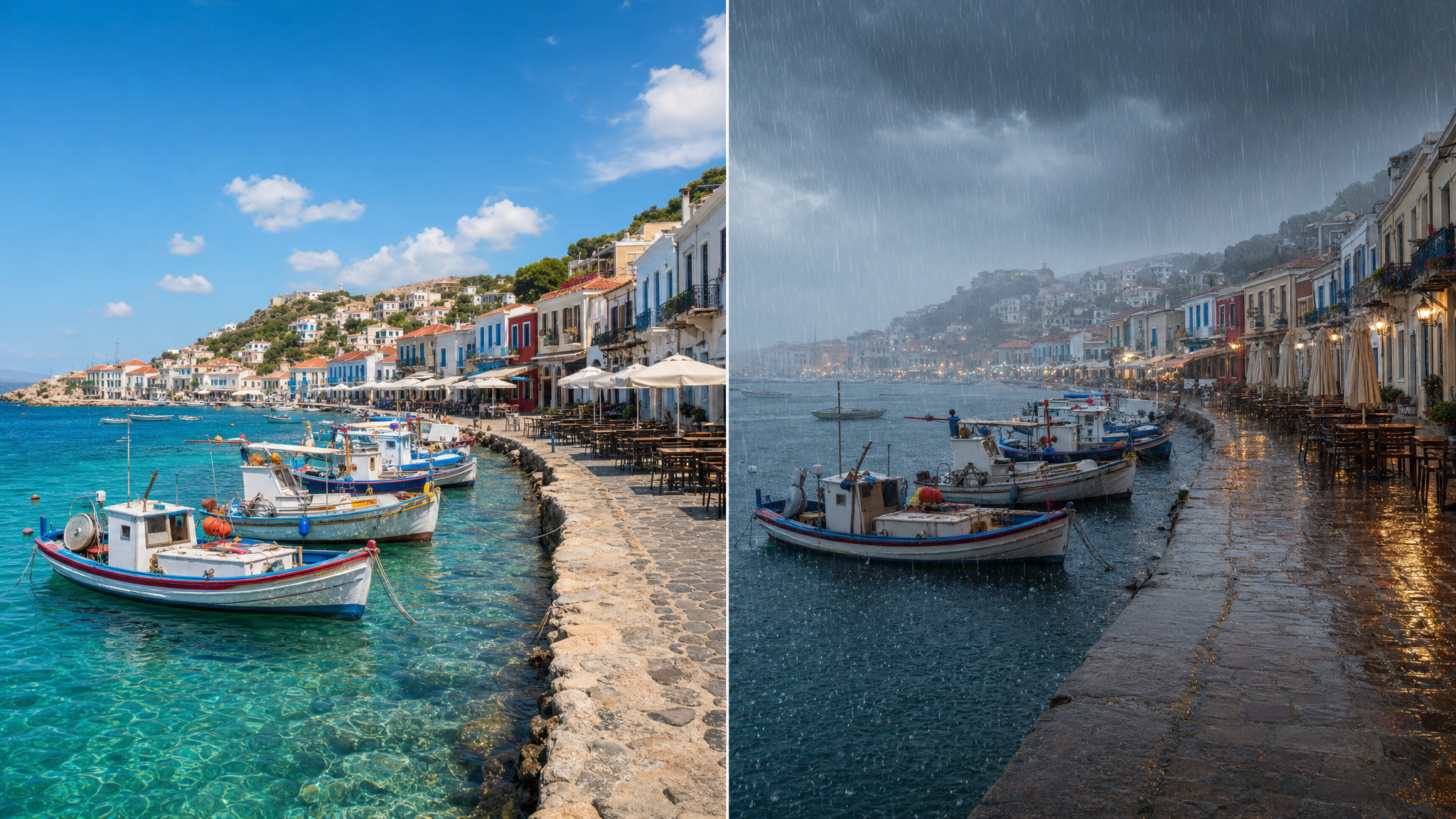
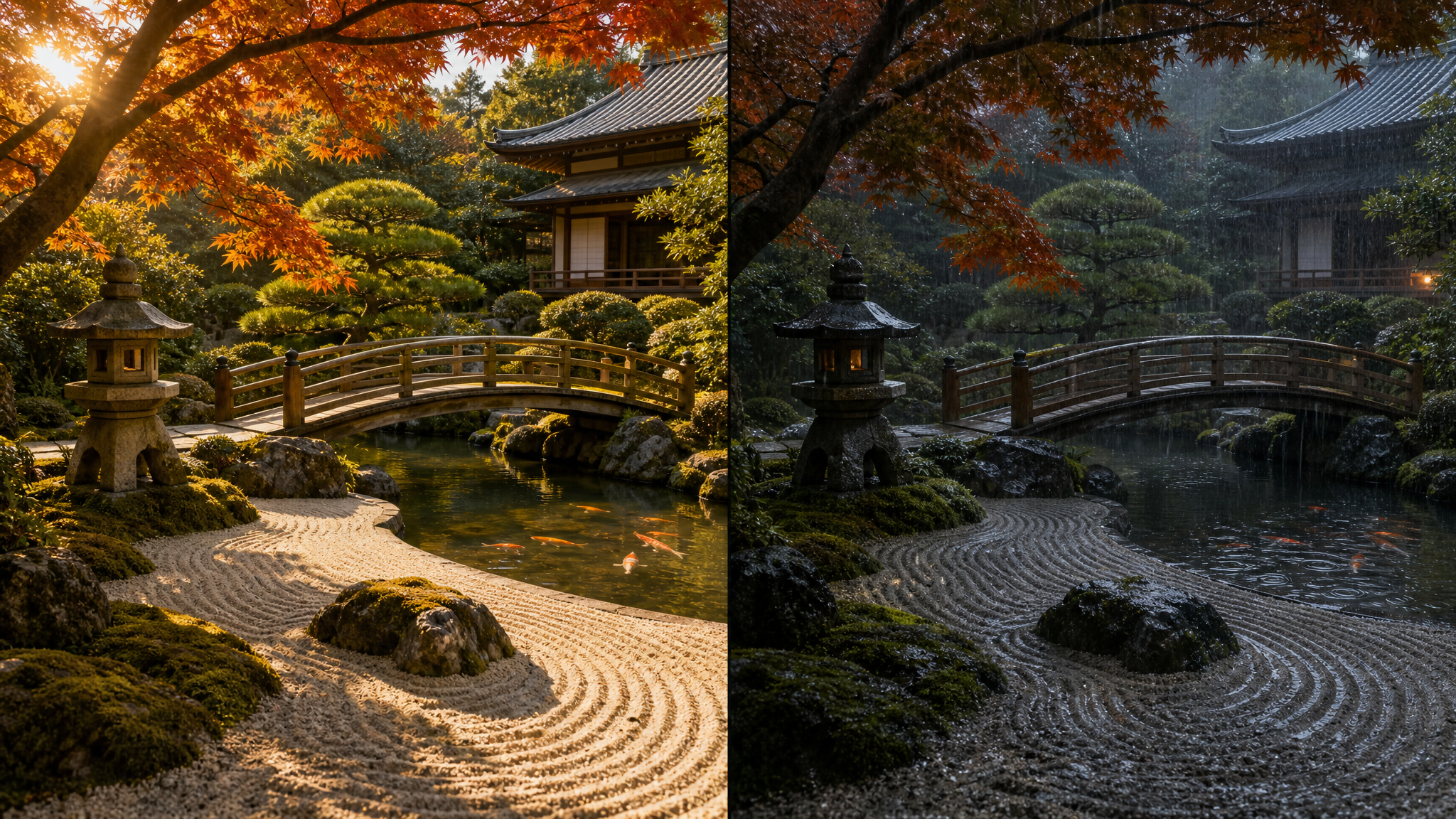
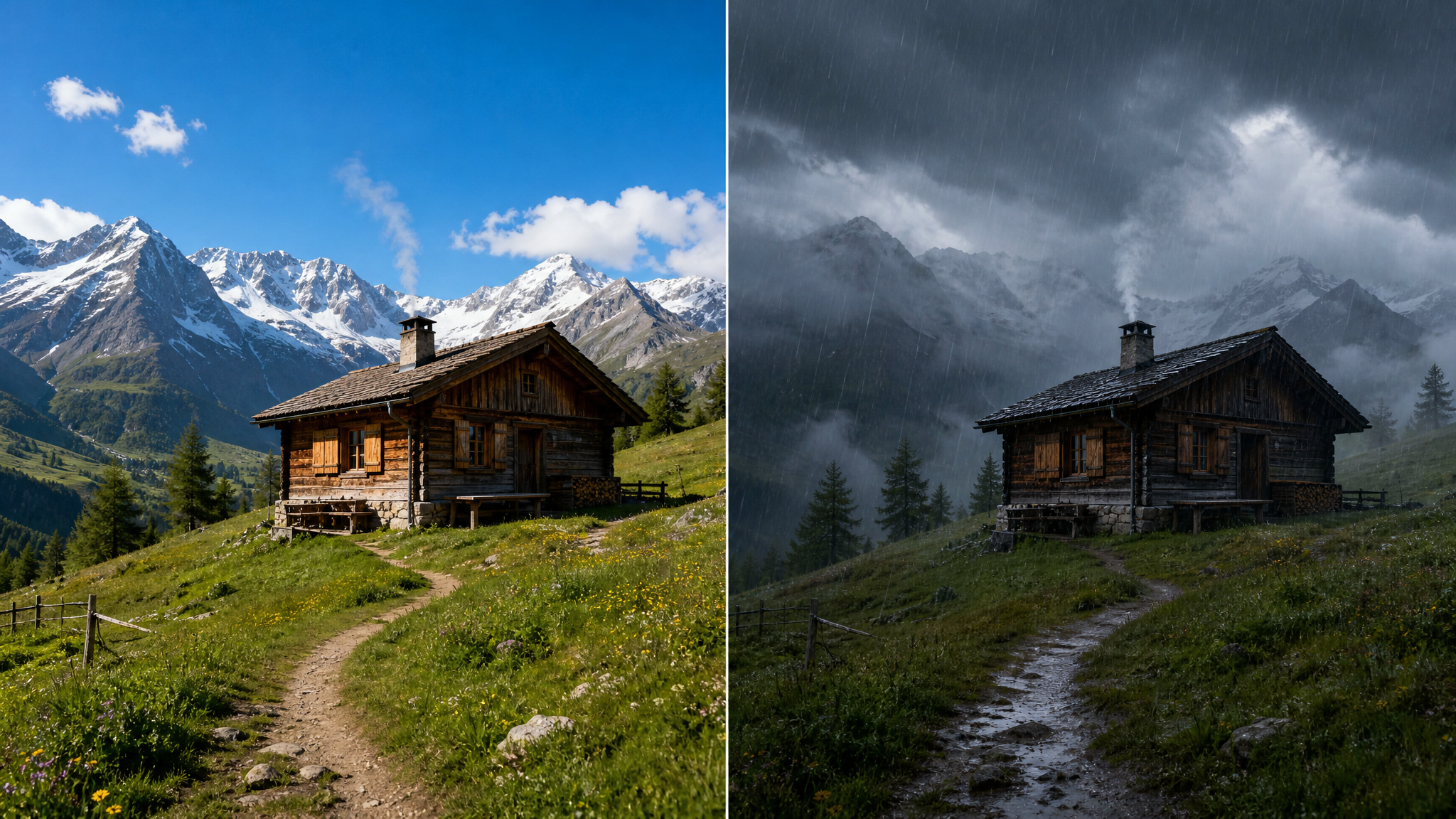
Each showcase compares ai rain effect performance on different scenes versus overlay apps, Photoshop, and other tools. See the difference in realism across street, beach, and plaza environments.

AI Rain Effect on Photo Online — Comparison FAQ

Common questions comparing ai rain effect on photo online against overlay apps, Photoshop, and other methods for adding rain to photos.


Try AI Rain Effect on Photo Online — Compare the Results Yourself

Use ai rain effect on photo online and compare results with overlays, Photoshop, and other weather tools. See why depth-aware AI rain creates the most realistic results in seconds instead of hours, and why it beats every traditional method for natural-looking rain effects.

Compare AI Rain Effect Now