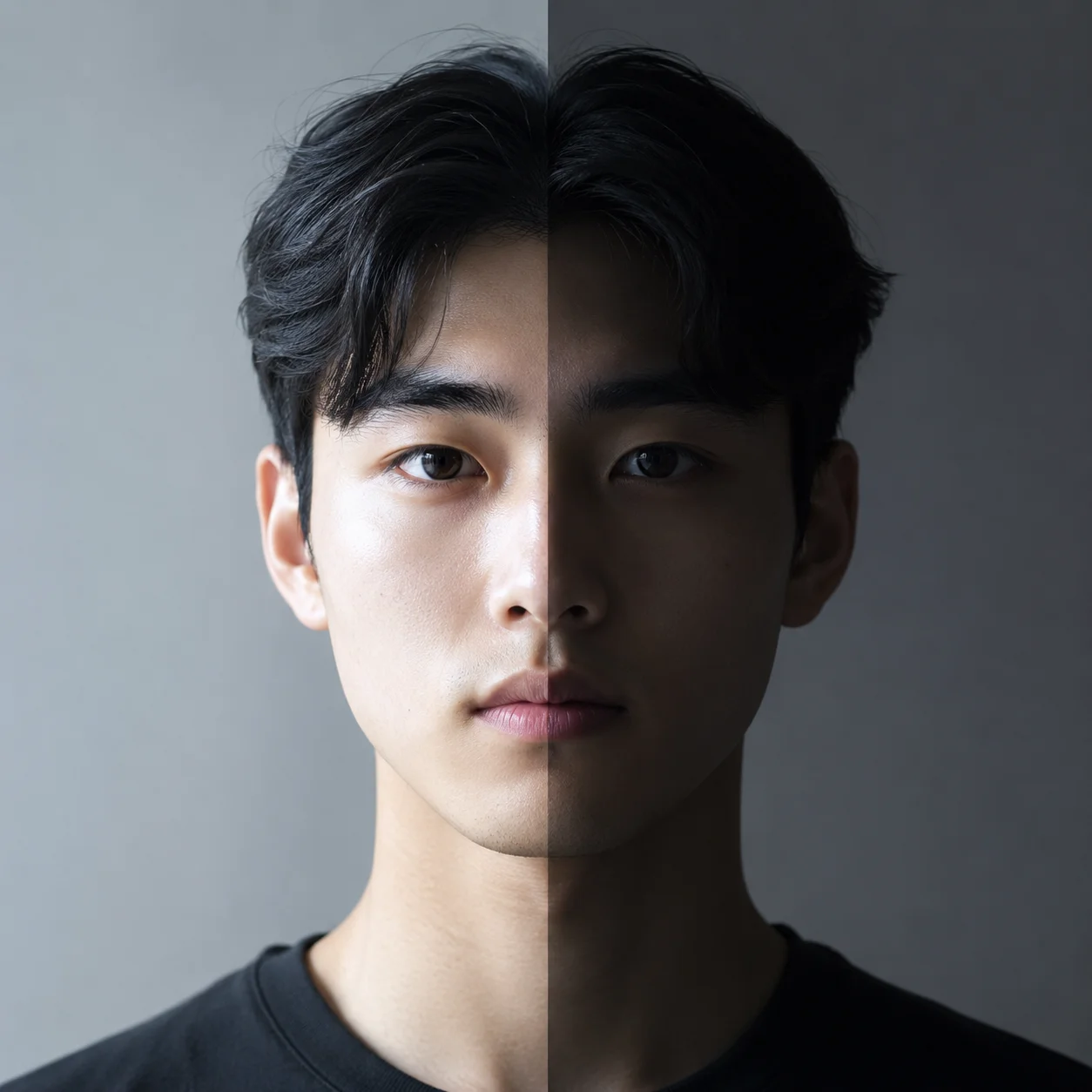
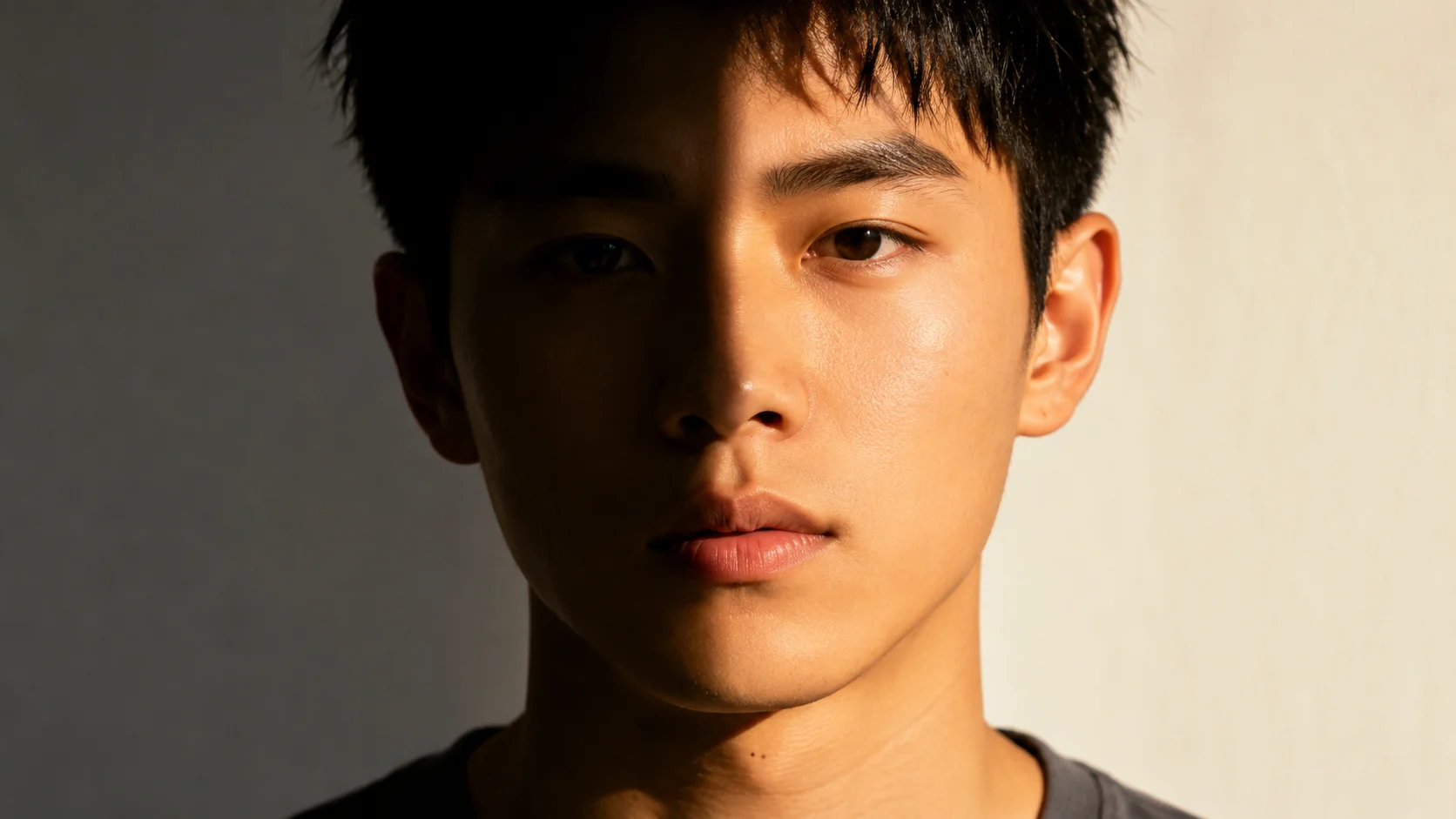
AI Photo Relight — Compare Lighting Methods

Compare ai photo relight results against traditional methods. Describe your lighting scenario — window light, studio softbox, candle glow, golden hour sun — and the ai photo relight tool renders the scene in seconds. No masking layers, no studio equipment.

AI Photo Relight vs. Traditional Methods — Side-by-Side Comparison

Compare ai photo relight with alternatives: manual masking in Photoshop, physical studio gear, and traditional editing. Each approach has trade-offs in time, cost, skill level, and output quality. This comparison helps you decide which workflow fits your project.

AI photo relight comparison vs Photoshop masking showing faster lighting workflow

vs. Photoshop Masking

AI photo relight achieves in seconds what manual layer masking takes hours to produce

Manual relighting in Photoshop requires layer masks, gradient overlays, blend modes, dodge-and-burn layers, and careful feathering around hair edges. A single portrait can take an hour of masking. With ai photo relight, you describe the light source and the model applies the effect in one generation, handling shadow direction, color temperature, and falloff automatically. The trade-off is control — for pixel-level precision in commercial retouching, Photoshop still wins. For editorial concepts, social content, client proofs, or creative exploration, ai photo relight produces usable results in a fraction of the time.

vs PhotoshopLayer maskingTime saving
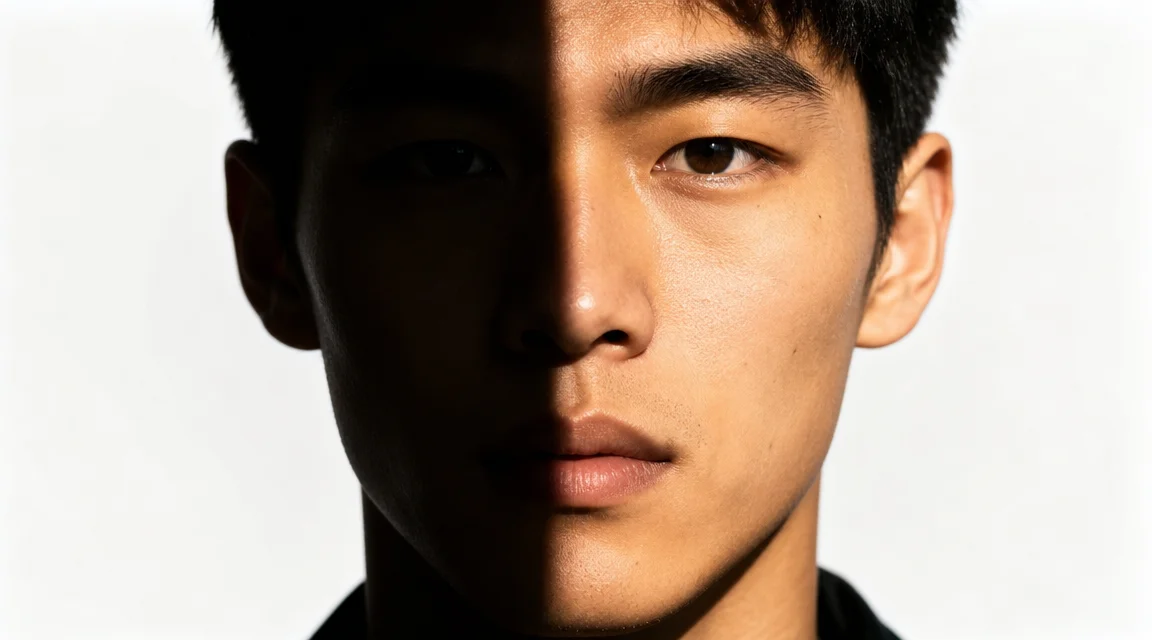
Relight photo ai free online comparison versus expensive studio lighting equipment

vs. Studio Equipment

Use relight photo ai free online without softboxes, strobes, gels, or stands

Traditional studio relighting requires softboxes, strobes, LEDs, reflectors, and light stands. A basic three-point lighting kit costs hundreds of dollars and needs technical knowledge. With ai photo relight you can relight photo ai free in the browser. The ai relight free photo online workflow eliminates all hardware: type a lighting description and the ai photo relight tool renders the scene. The advantage is zero equipment cost, infinite configs, and instant iteration. Studio gear still provides authentic light interaction that AI approximates rather than perfectly reproduces. For concept validation and social content, ai relight free photo online is the practical choice. For high-end fashion, physical gear still holds the edge.

vs studio gearNo equipmentFree online tool
AI photo relight vs manual retouching comparison showing batch workflow for faster results

vs. Manual Editing

Compare the ai relight free photo online batch workflow with one-by-one retouching

Traditional editing requires opening each image, duplicating layers, adjustment curves, and masking the subject one at a time. For twenty portraits this can take an entire day. With ai photo relight, every image gets the same prompt-level brief and the ai photo relight tool applies consistent lighting across the batch. The ai relight free photo online approach removes the need to learn complex interfaces — anyone who can describe a lighting scene can produce professional-looking results. The comparison comes down to control versus speed. Use ai photo relight for fast iteration and batch results. Use manual editing for per-pixel retouching. Ai photo relight wins the speed comparison every time.

vs manual editingBatch workflowConsistency
Comparison Workflow

How to Use AI Photo Relight — Compare the Process Yourself

Try ai photo relight in four simple steps. Each step shows how the AI workflow replaces a traditional manual task, saving time while you compare results.

1

Upload your portrait or scene

Start the ai photo relight workflow by uploading a photo or writing a text description. This replaces importing images into Photoshop or setting up a physical camera with studio lights. The ai photo relight tool accepts both approaches so you can compare outcomes.

2

Describe the desired lighting

Tell the ai photo relight tool what light source you want: window light, softbox, candle glow, golden hour sun, spotlight, or neon. Mention direction, color temperature, shadow depth, and mood. This step replaces adjusting physical light positions or creating gradient map layers.

3

Let AI process the relighting

The ai photo relight model reads your text and applies the lighting to the scene. Unlike manual editing where you paint masks and tweak curves, the ai photo relight output appears in seconds with consistent shadow behavior, highlight placement, and natural falloff.

4

Download and compare alternatives

Save your ai photo relight result and compare it side by side with your original image or alternative lighting versions. You can also use the ai photo relight generator to explore different lighting options on the same subject and pick the best one, replacing multiple studio setups or hours of manual editing.

AI Photo Relight Comparisons — Three Lighting Scenarios Tested

Each showcase compares ai photo relight performance with a different light source. Notice how the AI handles shadow quality, color temperature, and highlight falloff differently from natural or studio light. Use these comparisons to guide your prompts.

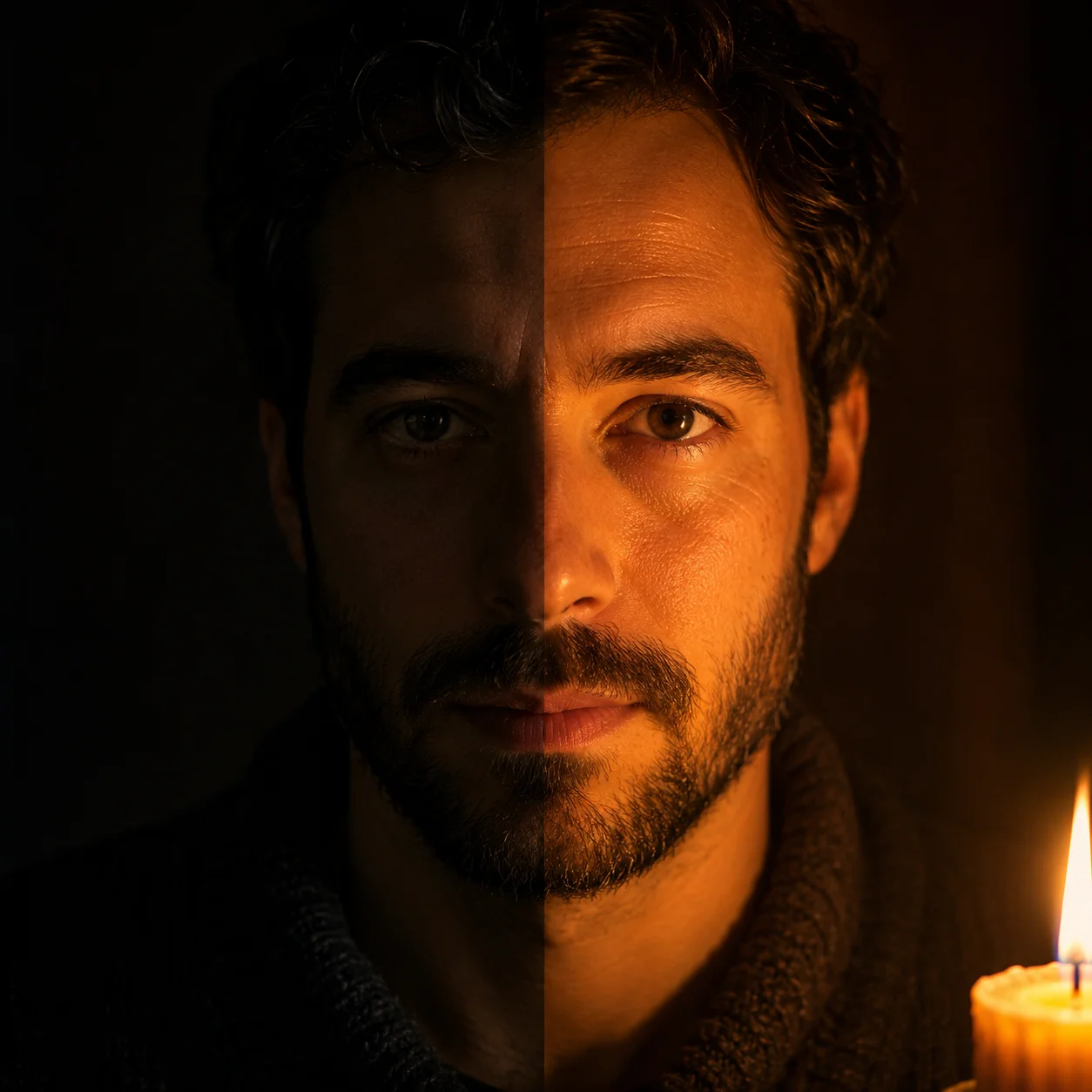
AI photo relight comparison between warm candle glow and dramatic studio spotlight

Candle Light vs. Studio Spotlight — Warm Intimacy vs. Hard Drama

Compare how ai photo relight renders candle light versus a studio spotlight. The candle version produces warm orange tones and soft shadows. The spotlight creates sharp shadow lines, high contrast, and dramatic depth. Use ai photo relight to test both extremes without relighting a physical scene. The AI handles both styles best when the prompt specifies shadow softness and color temperature. This comparison helps you decide which mood fits your project.

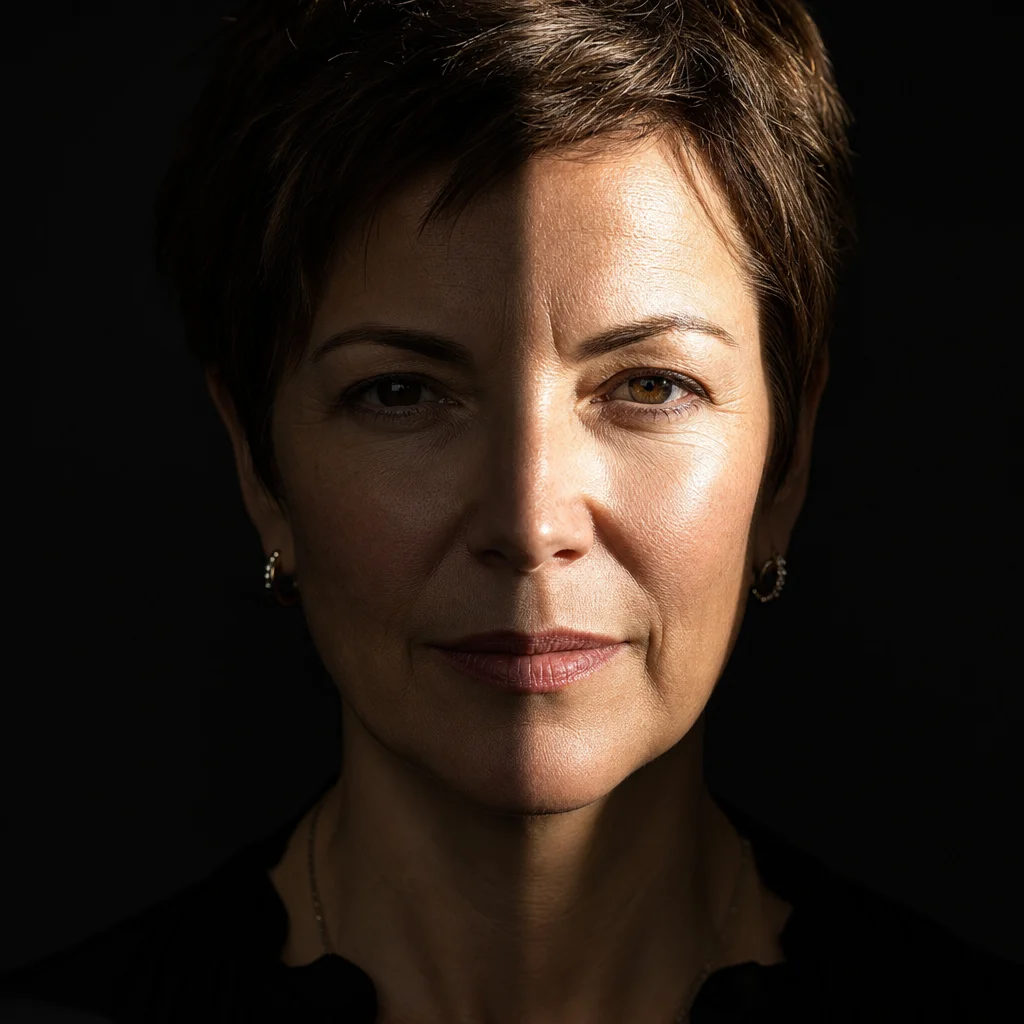
AI photo relight comparison between soft window light and hard camera flash

Window Natural Light vs. Flash — Soft Diffusion vs. Sharp Pop

Natural window light and camera flash produce fundamentally different lighting. With ai photo relight you can compare both on the same subject without moving a single piece of gear. The window light simulation produces soft wraparound illumination with gradual shadow transitions. The flash simulation produces a sharper, more contrasty look with harder shadow edges. Prompt for bare bulb speedlight from camera left and then north-facing window to see how the AI distinguishes between a small hard source and a large soft source. This comparison helps photographers choose between natural and artificial light.

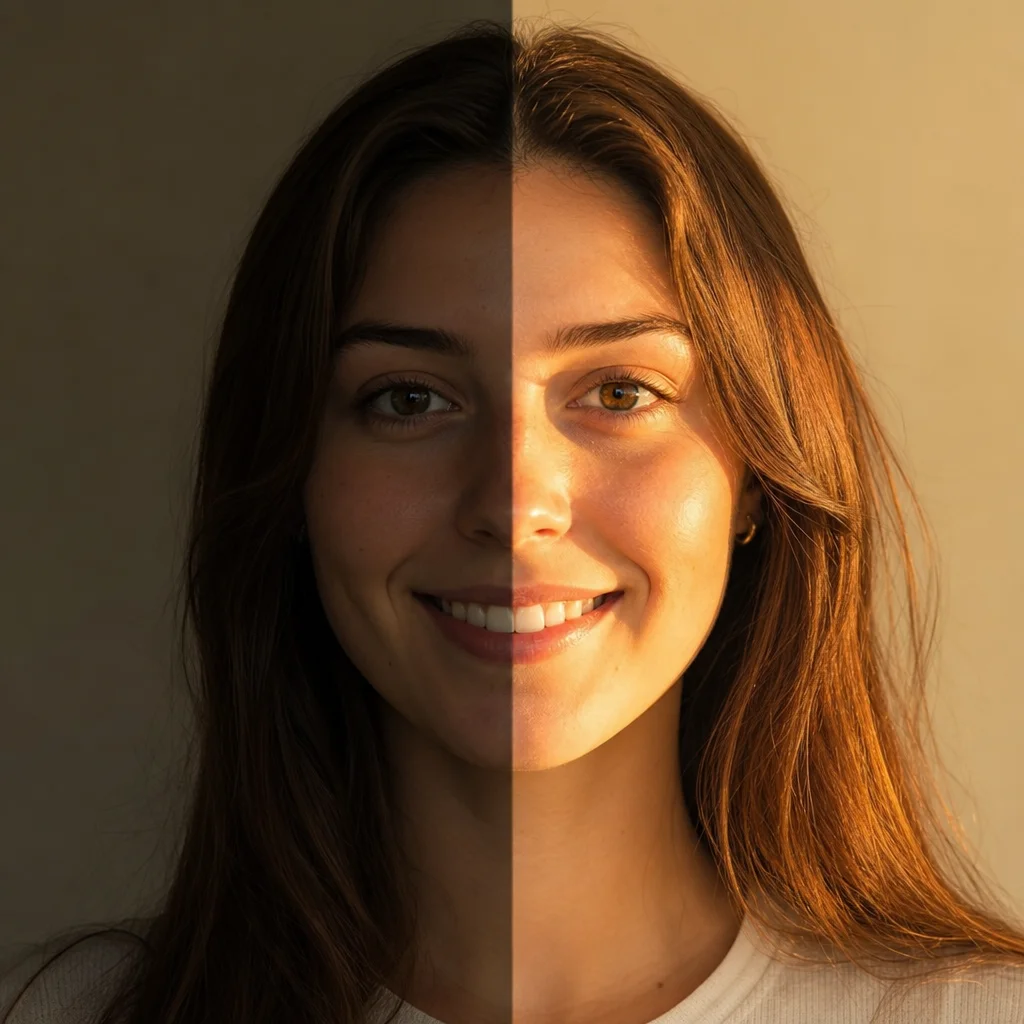
AI photo relight comparison between golden hour sun and overcast sky lighting

Golden Hour Sun vs. Overcast Sky — Warm Direction vs. Flat Evenness

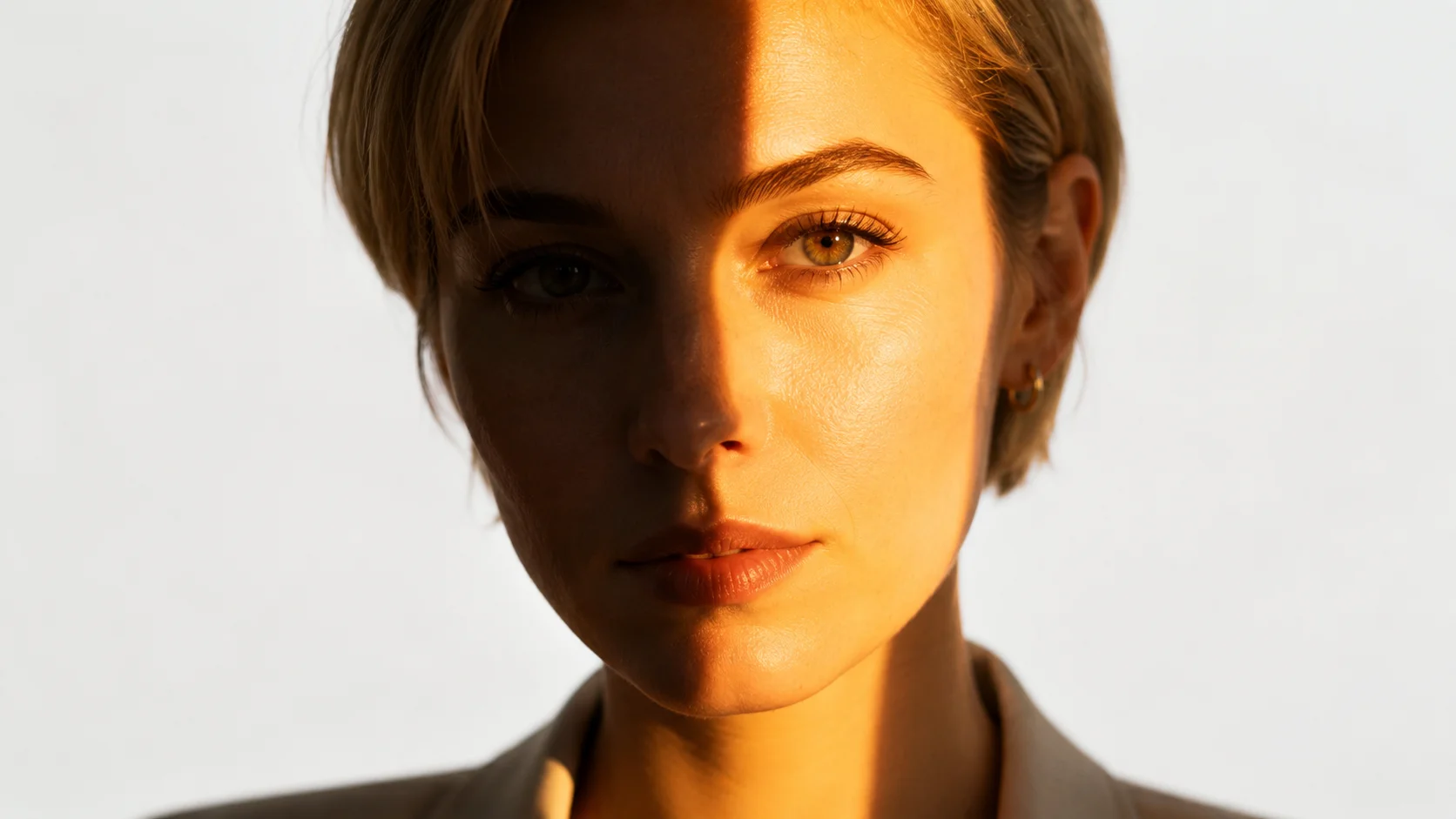
Outdoor photographers constantly compare golden hour sunlight with overcast sky. Ai photo relight lets you make this comparison from a single prompt without waiting for the weather. The golden hour version produces warm directional side light with long shadows and golden highlights. The overcast version produces soft even light with minimal shadow. Specify sun angle, shadow length, cloud cover, and whether you want rim light or fill light. The ai photo relight tool treats outdoor scenes as a lighting challenge rather than a location problem. Test both looks in seconds instead of waiting for different times of day.

AI Photo Relight — Comparison FAQ

Common questions about using ai photo relight compared to alternatives. This FAQ compares the ai photo relight workflow with Photoshop masking, studio equipment, and traditional retouching to help you decide which approach fits your project.


Try AI Photo Relight — Compare the Results Yourself

Use the ai photo relight tool on OpenImg to generate portraits with any lighting scenario you can describe. Compare ai photo relight with Photoshop masking, studio gear, or manual editing to see which workflow fits your project. Start with the default prompt, adjust the light source and mood, and get a relit photo in seconds.

Compare AI Photo Relight Now