AI Minecraft Skin Generator

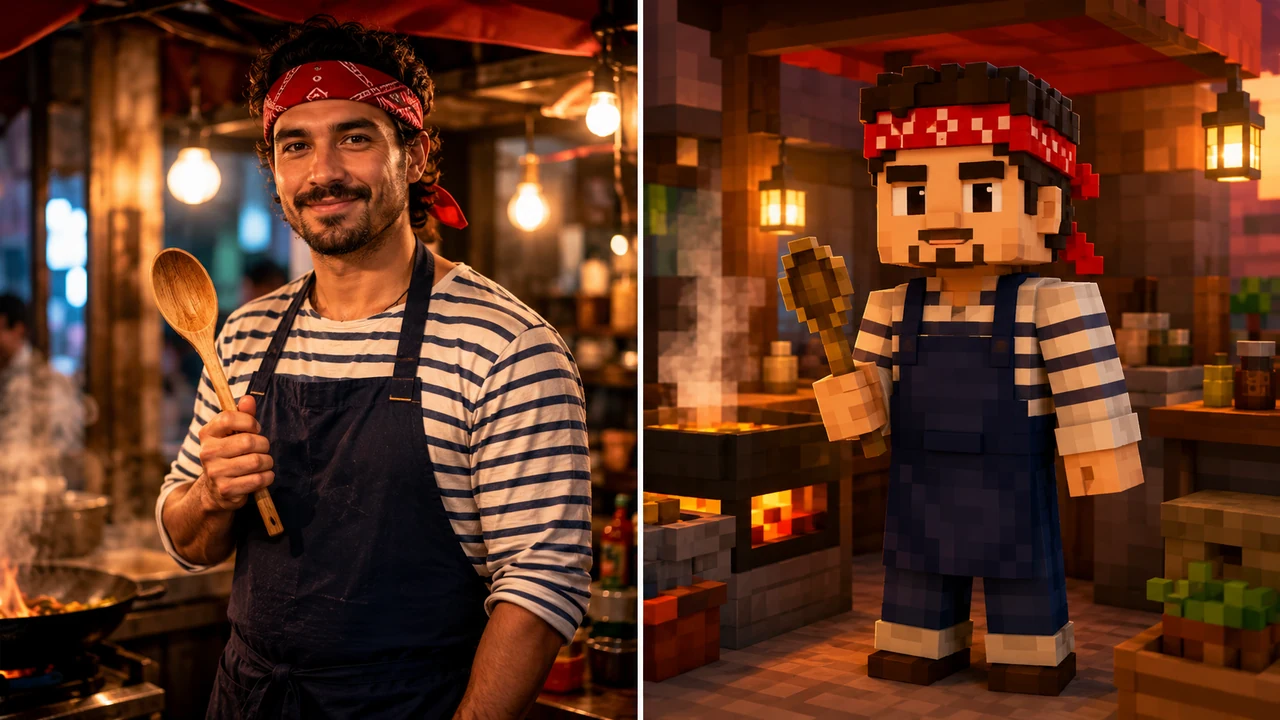
Upload a person photo, outfit reference, pet-inspired avatar idea, or original character sketch, then use the ai minecraft skin generator to convert the subject into a rights-safe blocky voxel sandbox-game skin preview.

Turn references into original skins with an ai minecraft skin generator

The ai minecraft skin generator is designed for users who want a clear visual bridge from a real reference to a blocky voxel avatar. Use it as a minecraft skin generator ai workflow for photos, outfits, pets, game personas, creator avatars, and original characters without relying on official logos or copied IP.

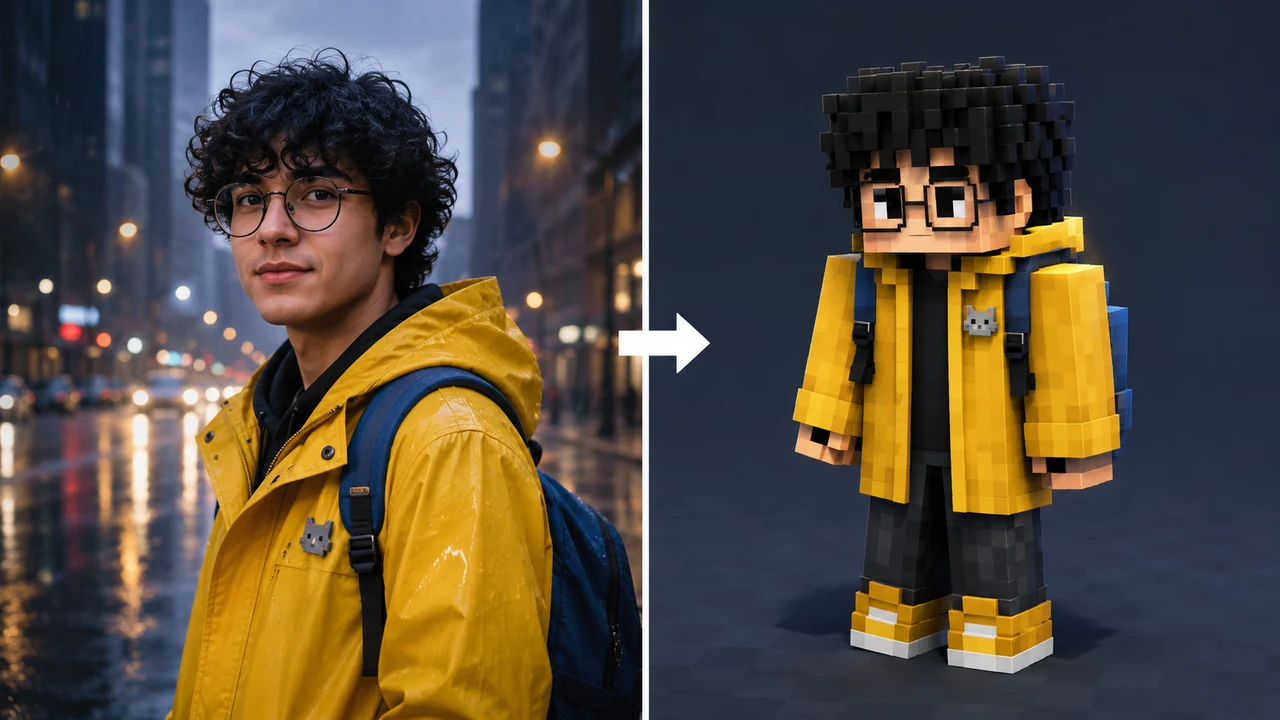
AI Minecraft skin generator from image example converting a realistic raincoat portrait into a voxel skin preview

From Image

Use an ai minecraft skin generator from image for identity cues

An ai minecraft skin generator from image works best when the prompt explains what must survive the transformation. Tell the ai minecraft skin generator to preserve hair shape, glasses, jacket color, backpack, scarf, shoes, pet pin, or other recognizable cues, then convert those details into pixel-color blocks. The goal is not a photo collage or a split-screen output from the generator. The goal is one clean voxel skin preview that feels like the same subject in a sandbox-game style. For rights safety, avoid official Minecraft logos, official UI, Steve, Alex, branded clothes, real celebrity likeness, copyrighted characters, and exact IP reproduction. That lets the minecraft skin generator ai result stay original while still being useful for avatar planning.
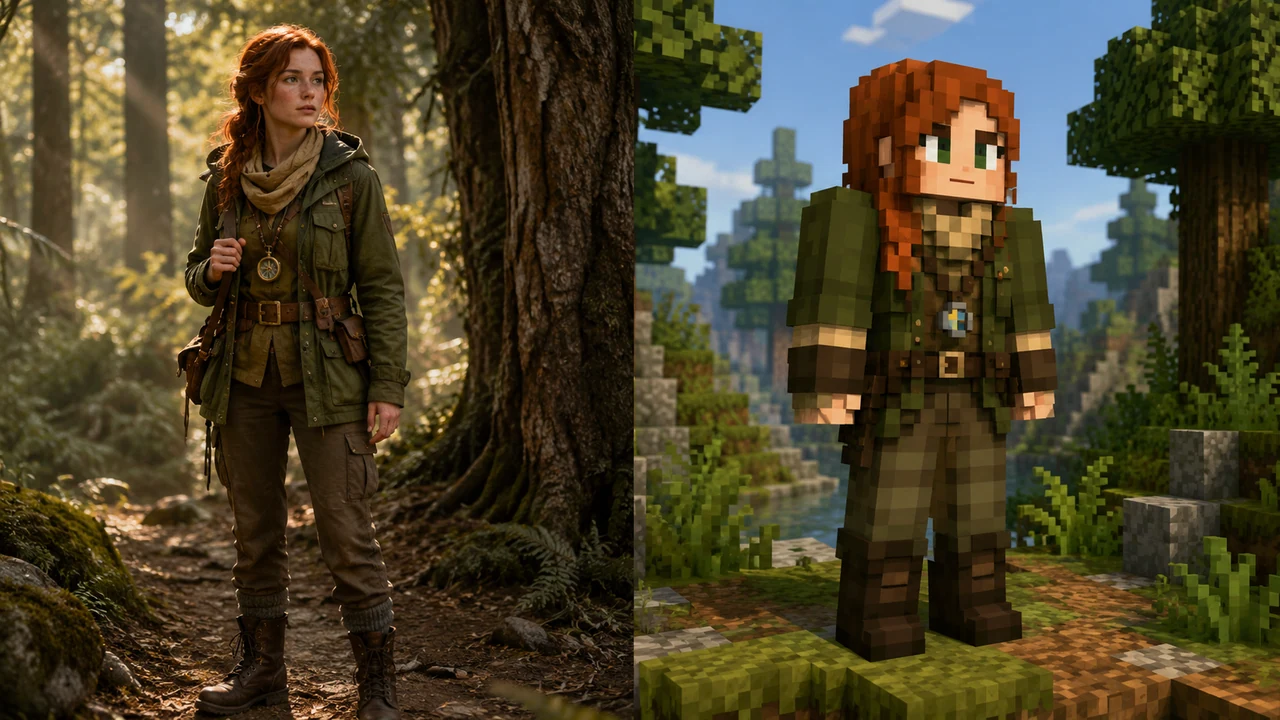
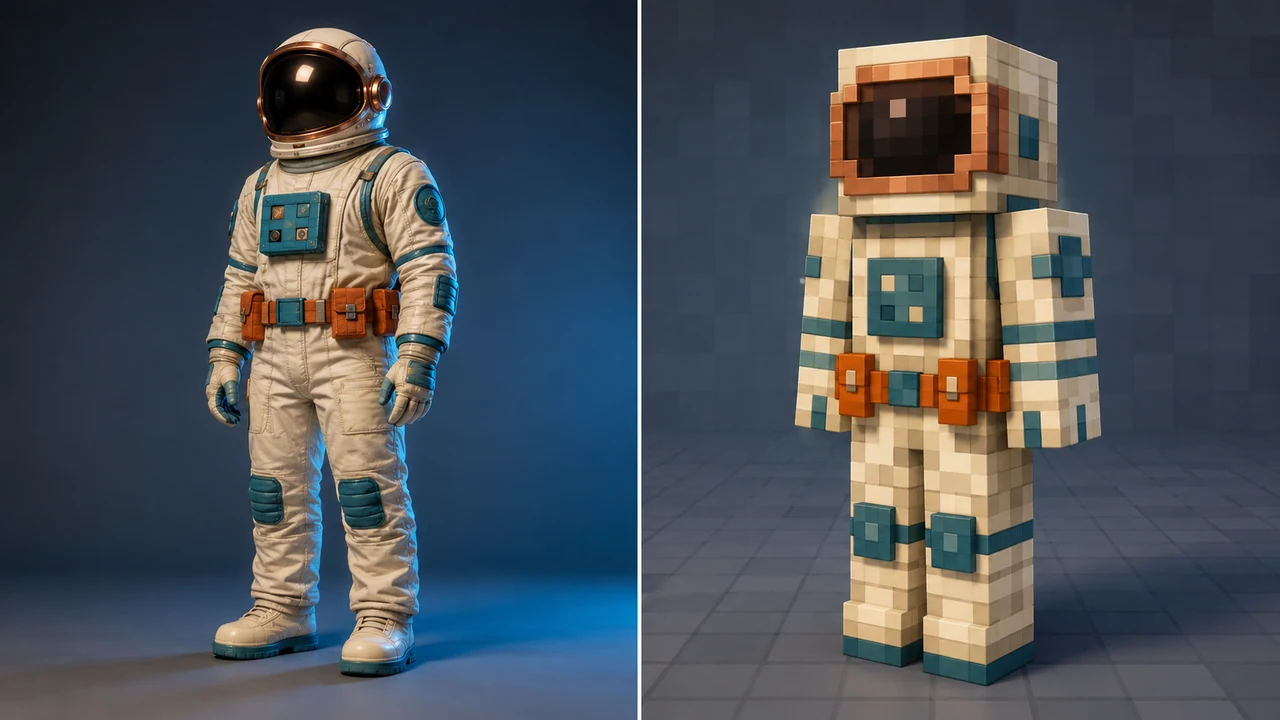
Image to skinIdentity cuesOriginal design
Minecraft skin generator AI example converting a realistic forest ranger reference into a blocky voxel skin

Outfit Control

Guide a minecraft skin generator ai with clothing details

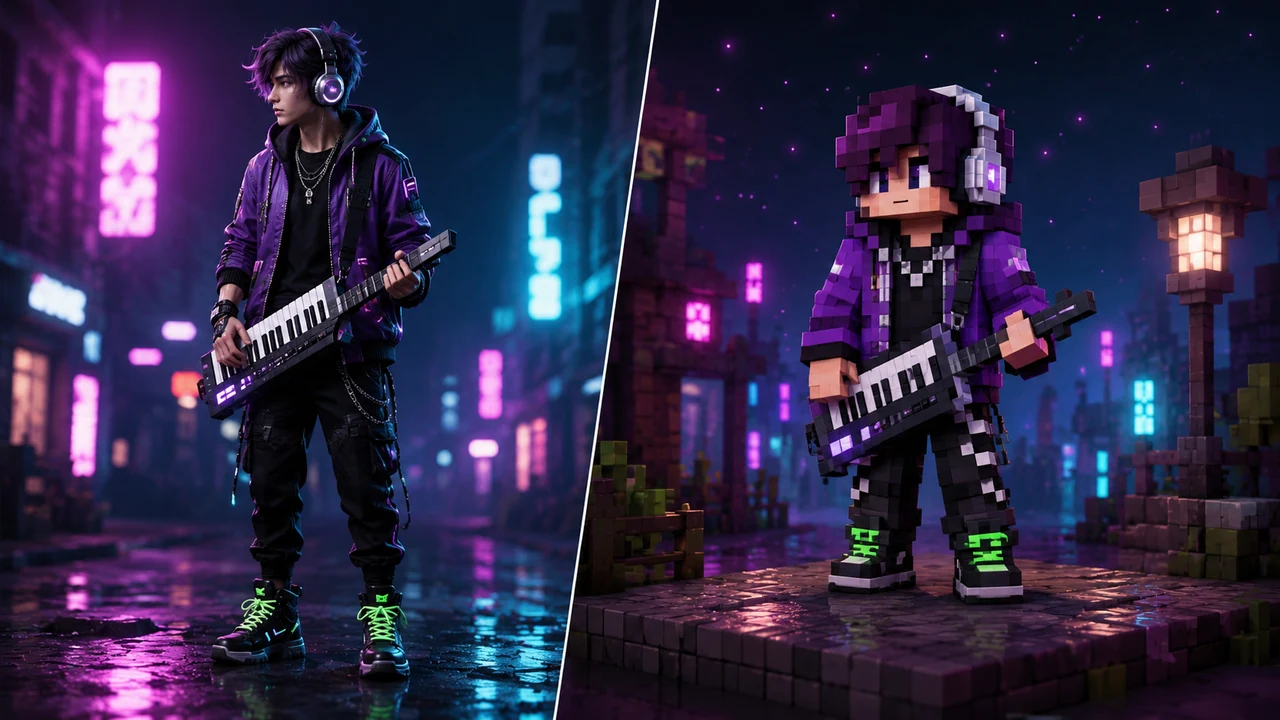
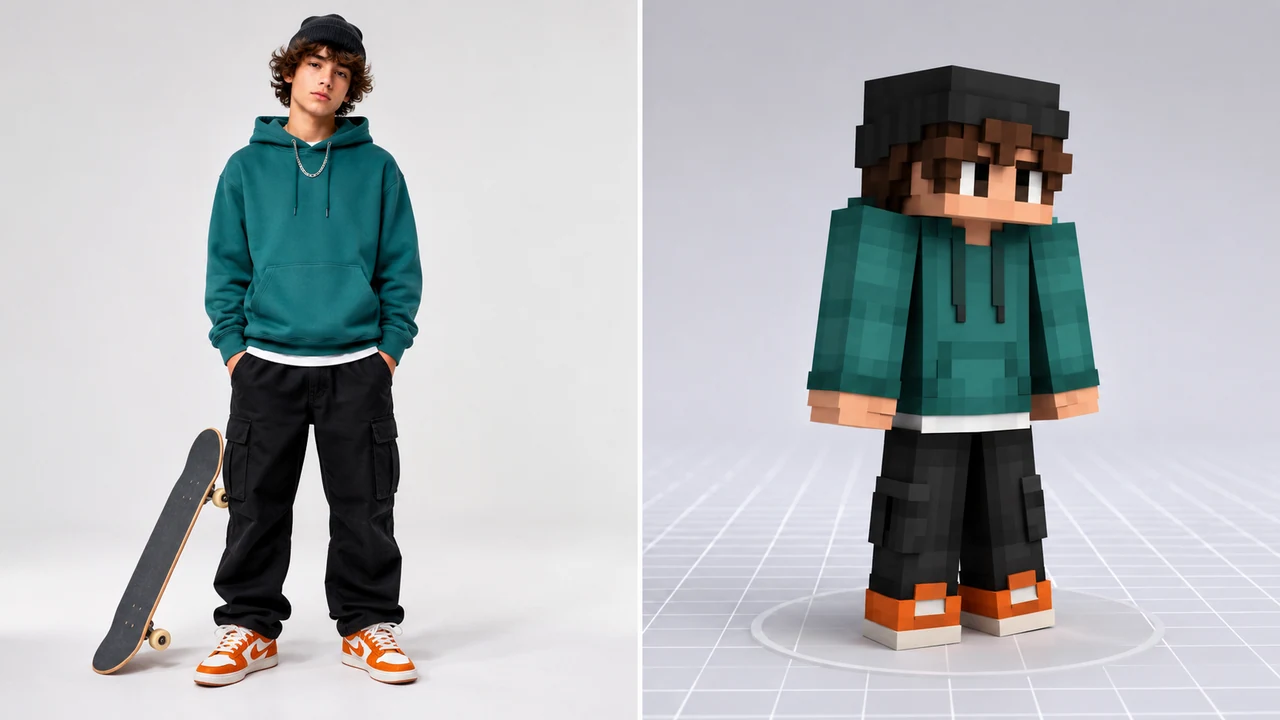
A minecraft skin generator ai prompt becomes stronger when clothing is treated as the design system. Instead of writing only a broad style request, list the hoodie color, jacket material, scarf, apron, boots, headphones, helmet trim, or accessory accents. The ai minecraft skin generator can then map those cues into a blocky head, torso, arms, legs, and readable pixel palette. If the source image has too many tiny details, ask the ai minecraft skin generator to simplify them into two or three strong color zones. This gives the output the recognizable silhouette people expect from an ai minecraft skin generator game preview while keeping it clean enough to adapt later.

Outfit mappingPixel paletteSkin preview
AI Minecraft skin generator free example converting a realistic astronaut reference into an original voxel skin

Free Ideation

Try an ai minecraft skin generator free prompt before refining

People searching for ai minecraft skin generator free usually want to test an avatar idea quickly before they polish it. Start with a simple source: one character, one outfit, one strong palette, and one clear personality. The ai minecraft skin generator can make a first voxel skin preview that shows whether the colors, pose, and blocky silhouette are working. Then refine with practical notes: make the visor copper, keep the teal patches, simplify the utility belt, or turn the jacket into clean square panels. This ai minecraft skin generator free workflow is useful for creator avatars, profile concepts, roleplay characters, server mascots, and original game-skin ideas.

Fast conceptAvatar draftFree workflow
Workflow

How to use the ai minecraft skin generator

A strong ai minecraft skin generator workflow starts with a source image or a concise character idea, then narrows the prompt to the cues that should become blocky voxel skin details.

1

Upload a clear reference

Use an image where the subject, outfit, colors, and accessories are easy to see. The ai minecraft skin generator from image works better with one person or one original character than with a crowded group photo.

2

Name the cues to preserve

Tell the ai minecraft skin generator which hairstyle, glasses, coat, scarf, shoes, backpack, helmet, or instrument should remain recognizable after the voxel conversion.

3

Ask for one transformed output

The generator prompt should request a single blocky voxel sandbox-game skin preview. Do not ask the ai minecraft skin generator to create before/after, split-screen, official UI, or branded game screenshots.

4

Keep the skin original

Avoid official Minecraft logos, Steve, Alex, copyrighted characters, brand marks, watermarks, celebrity copies, and exact IP reproduction. The minecraft skin generator ai result should be an original avatar concept.

AI minecraft skin generator game prompt ideas

Use these ai minecraft skin generator game ideas when you want a social-ready avatar preview, a roleplay character draft, or a creator skin concept that keeps the source subject recognizable without copying protected game assets.

AI Minecraft Skin Generator FAQ

Common questions about using an ai minecraft skin generator, minecraft skin generator ai workflow, ai minecraft skin generator free prompts, and ai minecraft skin generator from image references.


Create your original voxel skin preview

Use the ai minecraft skin generator on OpenImg to turn an uploaded image, outfit reference, or original character idea into a single blocky voxel sandbox-game skin preview. Start with the default prompt, preserve the cues that matter, and keep the ai minecraft skin generator output original, non-branded, and ready for avatar planning.

Try AI Minecraft Skin Generator