AI Flyer Generator

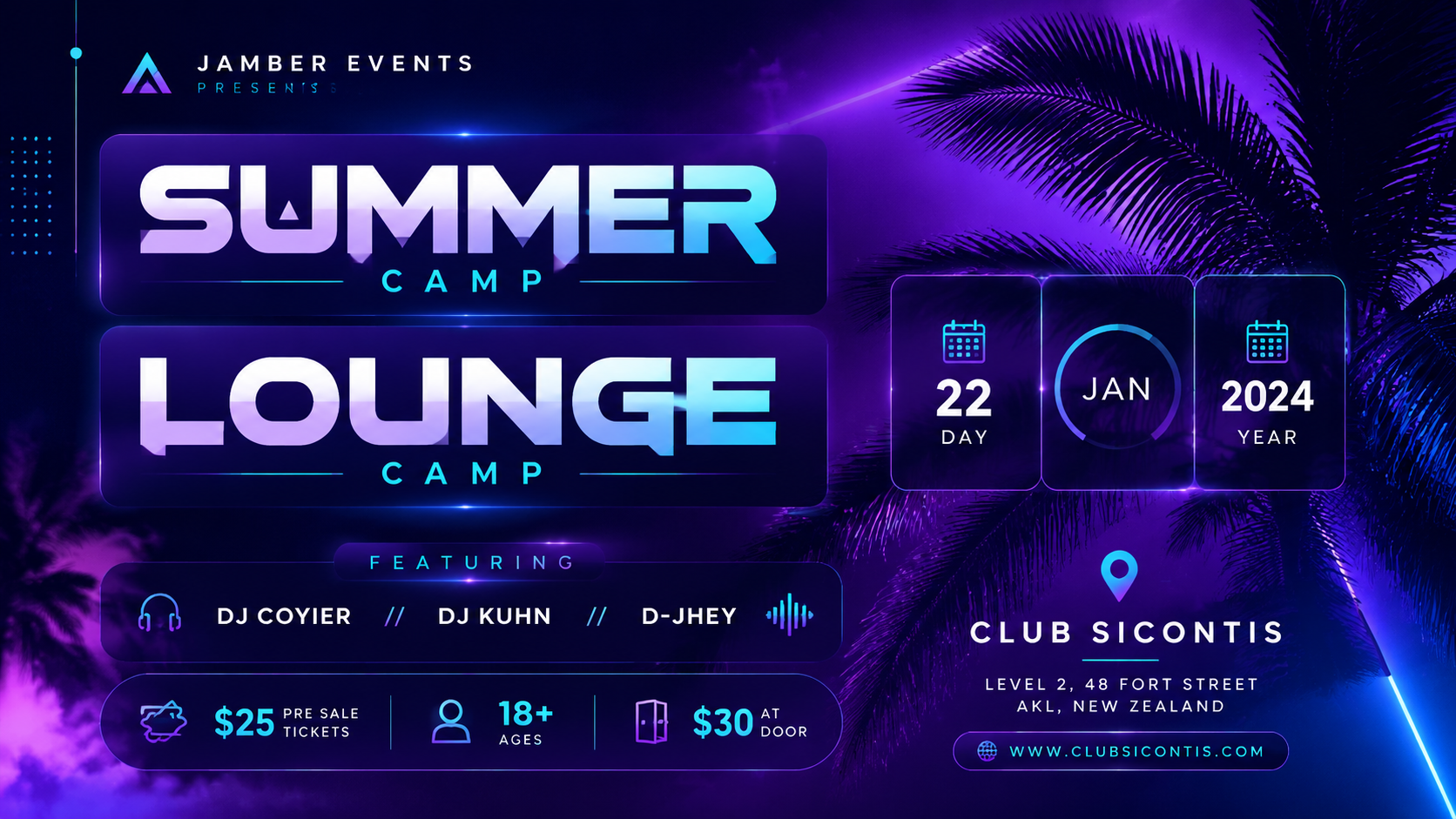
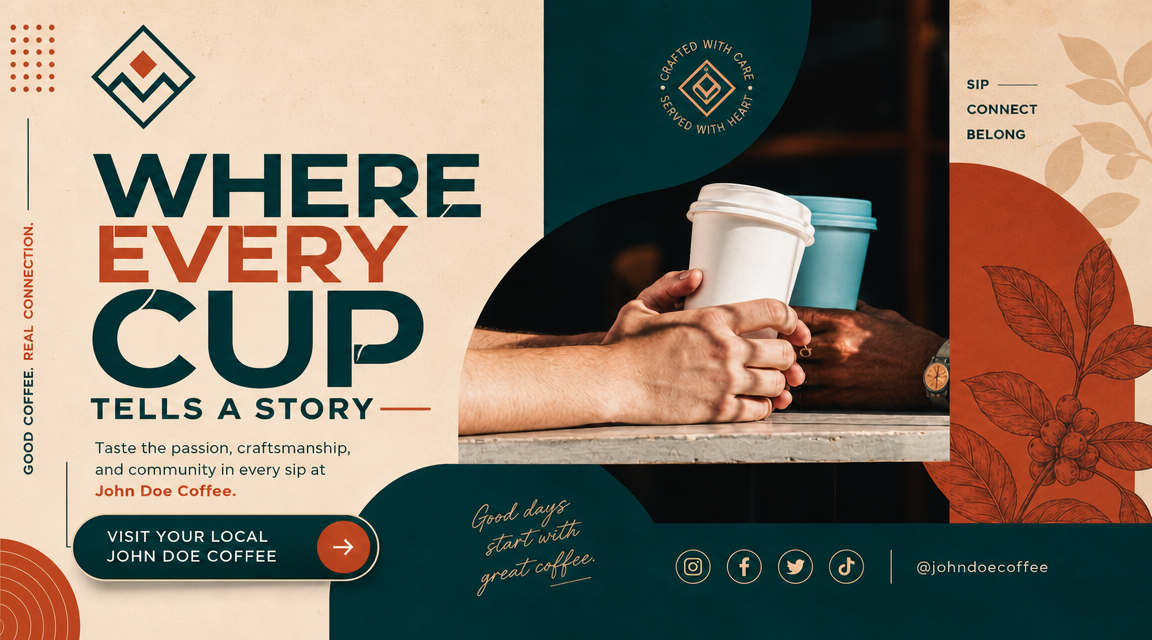
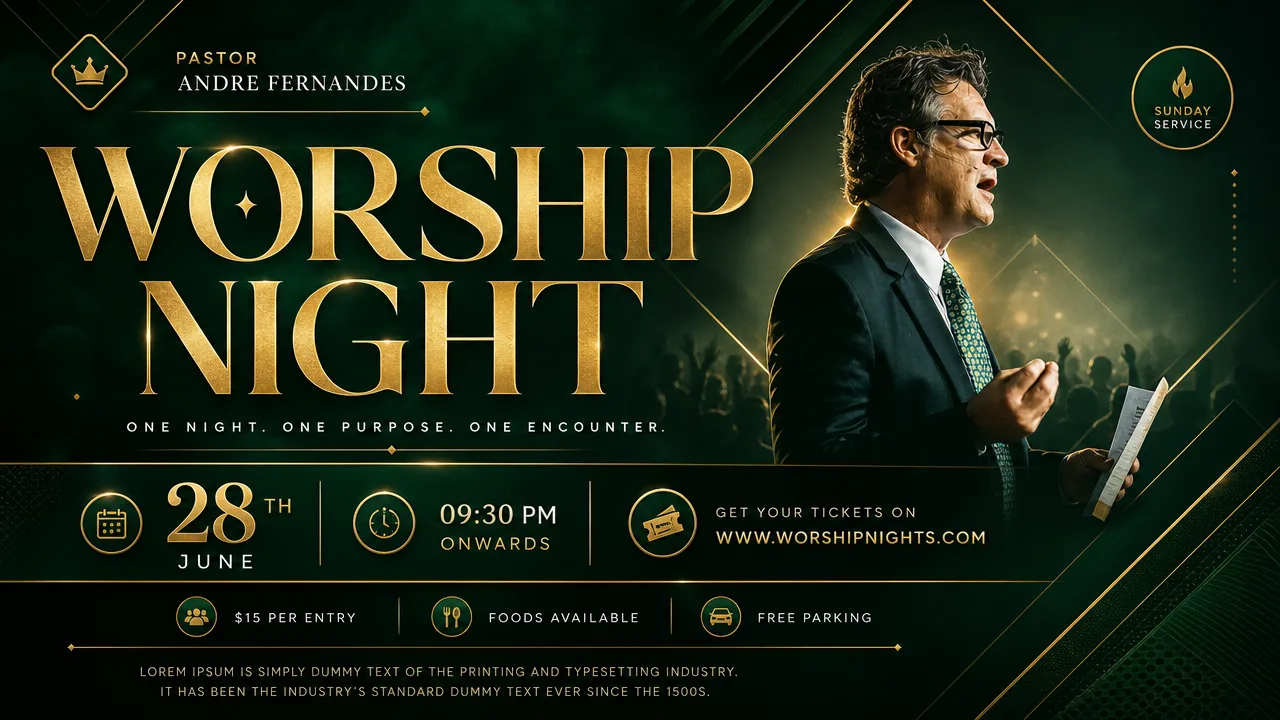
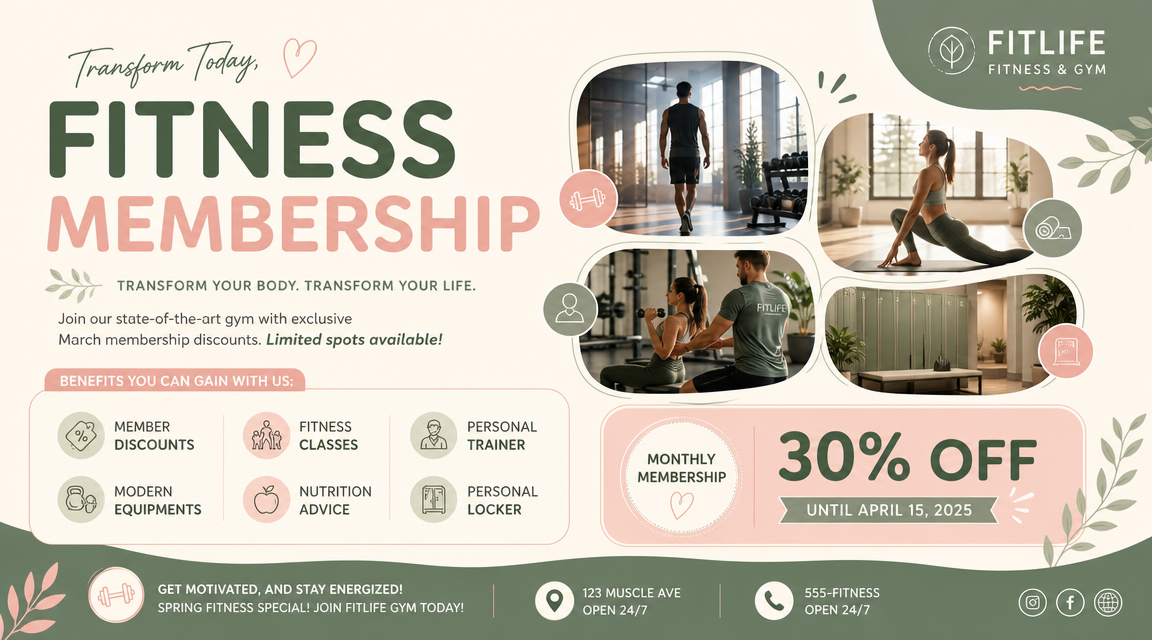
Create professional flyers and event posters from text with bold typography and vibrant color schemes. The ai flyer generator produces original compositions every time, adapting instantly to your needs.

AI flyer generator vs traditional design: a comparison review

Compare the ai flyer generator against traditional methods. Unlike Canva or Photoshop workflows, it produces complete designs from a single prompt with advantages in speed, originality, and cost.

AI flyer generator speed comparison with manual design tools

Speed vs Manual Design

Generate a complete flyer in seconds instead of hours

Compared to traditional tools, the ai flyer generator delivers a finished composition in seconds. It collapses the Canva or Photoshop workflow into one prompt, producing a print-ready 16:9 design instantly.

SpeedManual designEfficiency
AI flyer generator originality comparison with template-based tools

Originality vs Templates

Every flyer is original, not a template fill-in

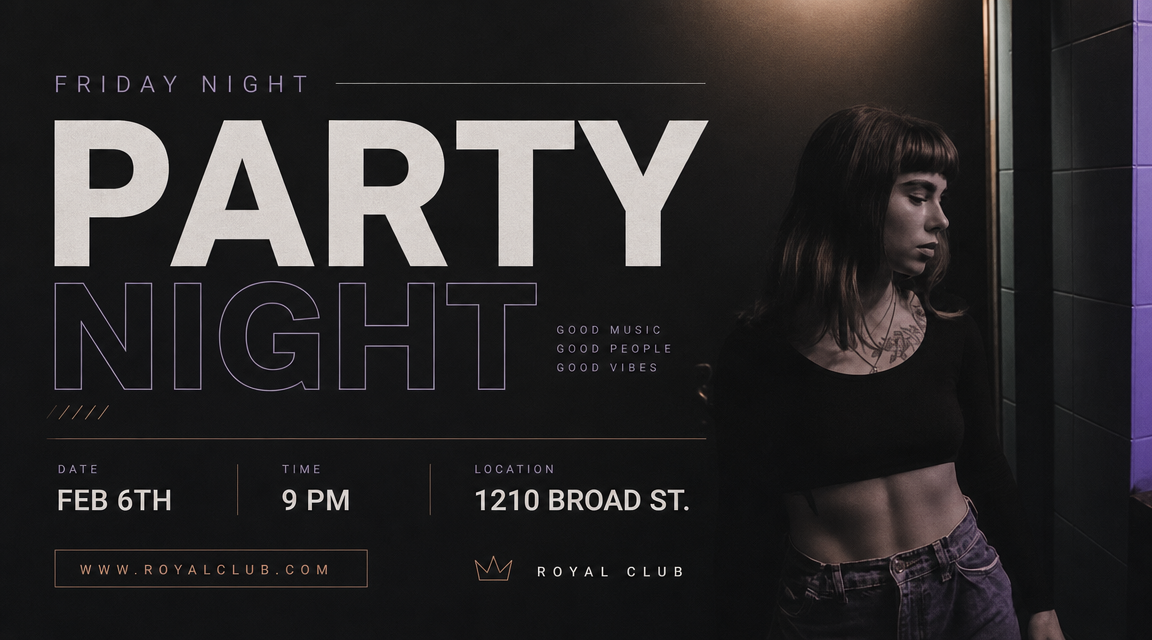
Traditional flyer makers suffer from template fatigue. The ai flyer generator produces original compositions each time, generating unique arrangements of typography, color gradients, and geometric patterns based on your description.

OriginalNo templatesUnique designs
AI flyer generator cost comparison with professional designer

Cost vs Professional Designers

Professional-quality flyers without the freelance budget

Hiring a professional designer costs $50 to $500 per flyer. The ai flyer generator provides a free alternative that makes professional-quality flyers accessible to everyone.

Cost savingsProfessionalNo freelancers
Comparison Guide

How to use the ai flyer generator from text

Unlike traditional tools, the ai flyer generator uses a single prompt workflow. Tell it what you need, and the design appears. This guide walks through the process in four simple steps.

1

Describe your flyer occasion

Name the event type: party, conference, grand opening, product launch, or festival. The ai flyer generator needs context to choose appropriate visual elements and requires no design training.

2

Choose your visual direction

Specify the color palette, mood, and layout structure. Examples: neon gradient for a night event or dark blue and gold for a corporate conference. The ai flyer generator free workflow adapts to any visual direction.

3

Generate and review the flyer

Run the ai flyer maker and examine the output. Check typography hierarchy, color balance, and composition strength. The review step takes seconds compared to aligning elements manually in a drag-and-drop editor.

4

Refine and reuse the approach

If the first result is close, adjust your prompt and regenerate. Unlike hiring a freelancer for each revision, the ai flyer generator lets you iterate freely until the design matches your vision.

Why choose an AI flyer generator

These showcase examples highlight scenarios where the ai flyer generator outperforms traditional design approaches. Each example demonstrates a distinct advantage: speed versus manual tools, originality versus templates, and professional quality versus costly freelance work.

AI Flyer Generator FAQ

Common questions about using an ai flyer generator free online, how it compares to traditional tools, and how to get the best results.


Create an AI flyer cover

Use the ai flyer generator to turn an event idea into a polished design. Customize the event type, color palette, and visual mood for your project. The free ai flyer generator delivers professional-quality results without traditional software costs.

Compare Free